Where do you want to start?
Getting started
5 articles
InstallationInstall FlowBotCommander in two minutes — download, setup, first start, updates.
The interfacePalette, canvas, properties, log and run controls — where everything is and what it is for.
The first botFrom an empty editor to a running bot in five minutes — place nodes, connect, start, watch the log.
Licence and plansWhat the free plan can do, what the subscription adds, and how you manage your account and devices.
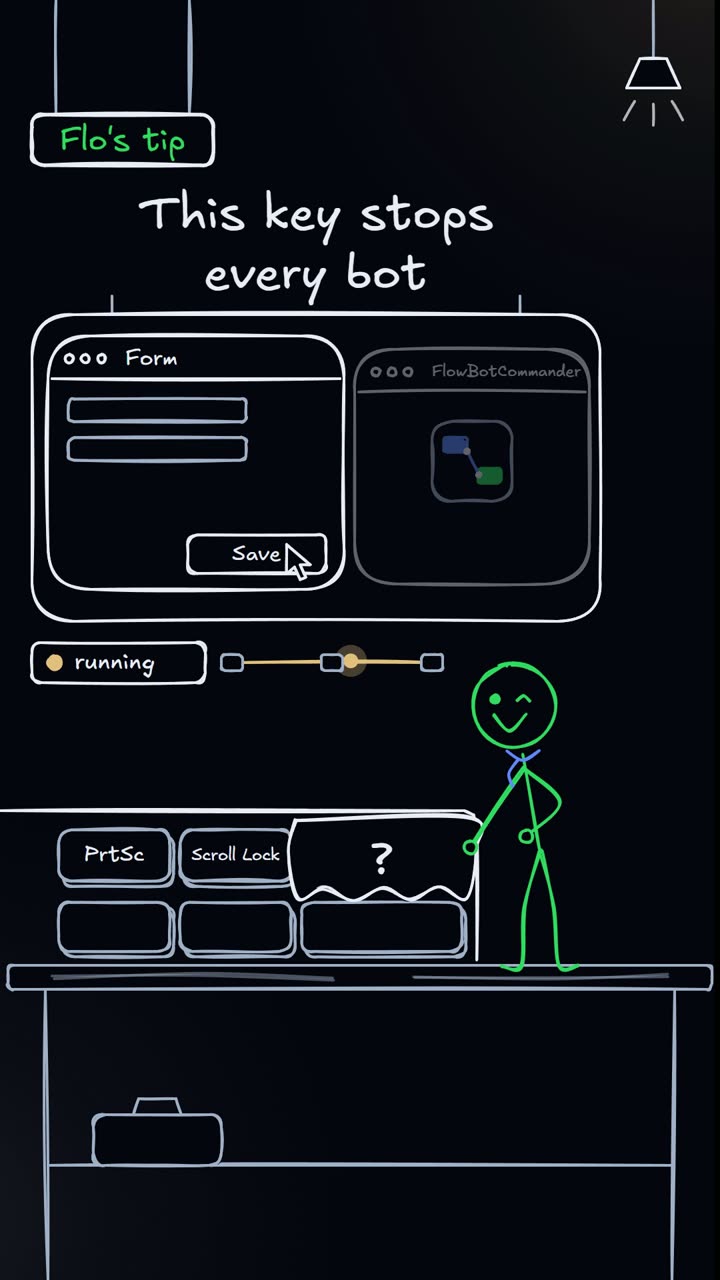
Safety and controlEmergency stop with one key, pause, automatic end, dry run — how you stay in control, and what you should know about game rules and privacy.
Basics
12 articles
Nodes and connectionsWhat a node is, how flow and data lines differ, what loops look like and how you name, copy and delete nodes.
Parameters and toolsThe field types in the properties panel and the tool buttons next to them — drag a region, pick a point, eyedropper, capture, choose a window, insert a reference.
Window and image sourceHow the bot knows which program to operate and watch — the target window in the Start node, match types, {bildschirm} and "Switch image source".
Variables and referencesRemember values and use them anywhere — {name}, {Node.output}, the variables panel, calculating in number fields and "Compose text".
Recognising imagesHow "Find image" works, how to capture good templates, what similarity, scale-tolerant and grayscale do — and when to use "Wait for image" or "For each match".
Read text (OCR)Read numbers and words off the screen — set the region, adjust upscaling and contrast, turn it into a usable number with "Number from text".
Anchors — regions that follow the gameAn anchor ties search regions and click targets to a fixed element of the interface instead of pixel coordinates — if the interface shifts inside the window, everything moves with it.
Loops and conditionsRepeat, Repeat while, Branch, Compare number, Case distinction — the building blocks with which a bot makes decisions and does things several times.
Regular expressions (RegEx) — made simpleWhat a regular expression is, where FlowBotCommander offers it (window title, Check text) and the ten characters you really need — with examples from games.
Profiles and templatesWhere your bots and their template images live, how you pass bots on, assemble them from sub-bots and run several at once.
Notifications and service credentialsHow to get messages from your bot on Discord, Telegram or via webhook — and store the credentials only once, safely encrypted.
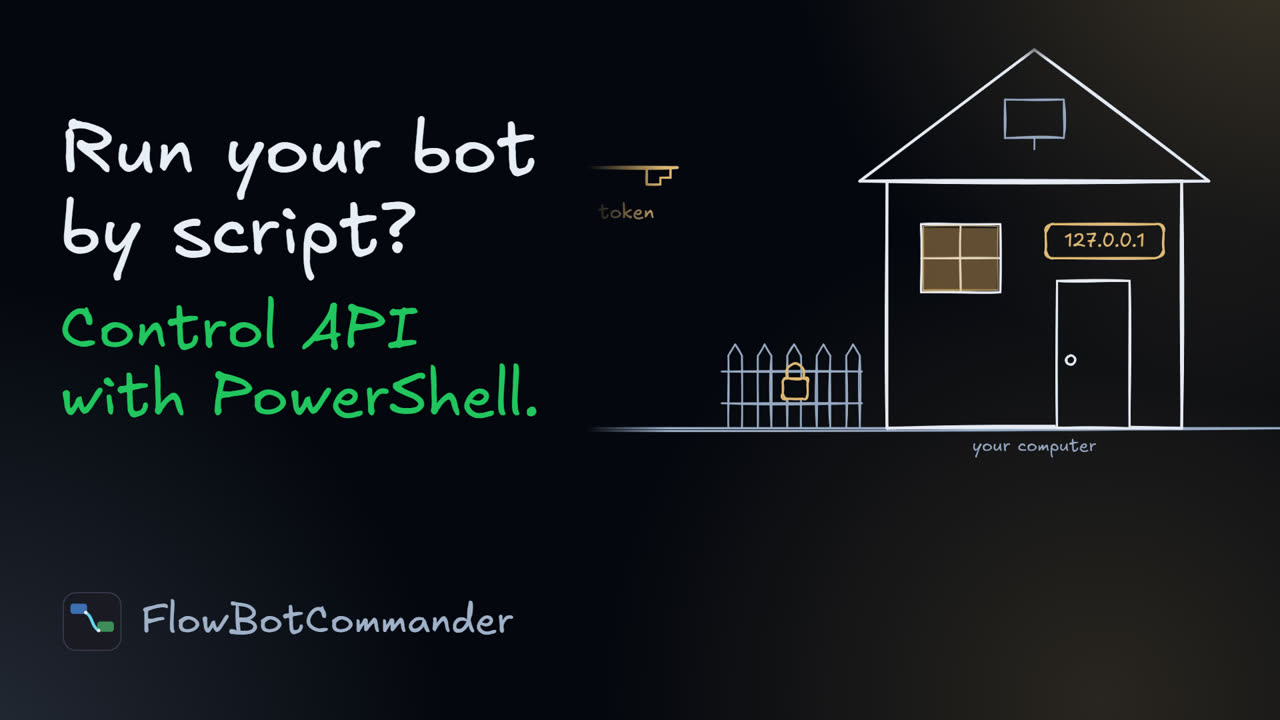
Control API: drive bots from outside (scripts and AI)The app's local HTTP interface — switch it on, copy the token, read status and log, and load, start, pause and stop bots from PowerShell, your own program or an AI assistant.
Module reference
13 articles
All modules at a glanceWhich module categories exist, what Free and Subscription mean and how to read the reference.
Flow modulesStart, wait, repeat, emergency stop: the modules that determine in which order and how often your bot does something.
Action modulesClick, type, drag, scroll: everything the bot uses to operate mouse and keyboard, with smooth, slightly curved mouse movements.
Perception modulesFind image, check colour, read text, measure bars: how the bot sees what happens on the screen.
Condition modulesIf-then, comparisons, case distinction: the modules the bot uses to make decisions.
Data modulesCalculate, counters, time, split and compose text: create and transform values.
Variable modulesRemember and reuse values — and how you use them anywhere via {name}.
Window modulesFind windows, bring them to front, move, close — and switch the image source.
File modulesRead and write files, save screenshots.
Program modulesStart a program, check whether it is running, and stop it again.
AI modulesSend an image or a question to a language model and use the answer in the flow.
Overlay modulesShow markers over the game — handy when setting up and for following along.
Audio modulesReact to sounds and raise an alarm yourself.
Guides
10 articles
Clicker Heroes: preparationThe practice game for all guides — start Clicker Heroes in the browser, enter the window as target and get to know the interface.
Clicker Heroes: auto-clickerA bot that finds the monster and clicks it as long as the game is visible — with Find image, offset, Repeat and a clean "not found" branch.
Clicker Heroes: buy a heroOnly click when it is worth it — the blue BUY button as template, the grey one as counter-check, and the same trick for LEVEL.
Clicker Heroes: read the levelRead the zone display via OCR, make it robust with an anchor and let the click count grow with 10*{level}.
Clicker Heroes: all togetherThe finished bot — read the level, click the monster, buy and upgrade heroes, with runtime limit and clean fallback branches. Let it play alone for half an hour.
Browser game: wait for a button and press itThe basic pattern for every browser game — capture your own template, wait for the button with "Wait for image", click, report. Practice ground jetztspielen.de.
Matrix workshop: reading a button bar and a game board as a matrixSet up a button bar (Clicker Heroes buy amount) and a Connect-Four board with the Matrix workshop: colours from cells, sample point next to the label, templates from cells, find cells, detect lines.
Sweeping even grids: button bars, inventories, game boardsClick or hover every field of an even grid with a single note — and let the app measure the grid instead of guessing rows and columns.
The AI sees the gameWhen template matching and text recognition fall short: use a local model to recognise states, branch on them and read several values in one call.
Triggers — start bots by themselvesA bot starts at a time, on a key combination, web call or Telegram command, when a window or program opens or closes, when a file changes, when you are away or when the app starts — set up in a minute with the wizard.
Troubleshooting
4 articles
Image is not foundStep by step from "not found" to a match — read the score, check the template, similarity, scaling, window, region.
Click doesn't arriveThe bot clicks, but nothing or the wrong thing happens in the game — check the target, bring the window to front, reference and anchors, click type, timing.
OCR reads wrongEmpty text, garbled characters, 11 instead of 1 — the knobs of "Read text (OCR)" and "Number from text" in the right order.
Frequently asked questionsShort answers to the questions that reach support most often — from updates to two monitors to "Why is the window called Document Viewer?".
Video tutorials
The series “Flo shows you”: short films that show one step at a time. Each video sits in the matching article, with subtitles you can switch on.
Getting started with Flo 3
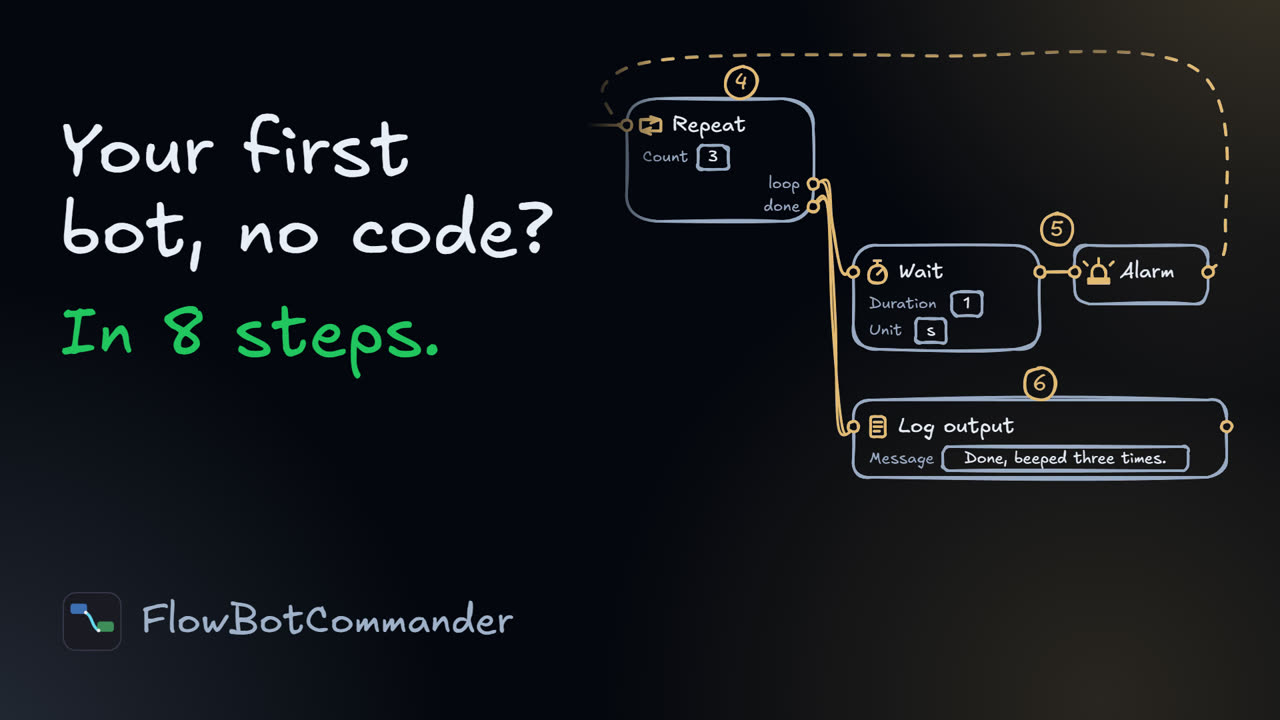 3:07
Build your first bot without code: step by step
In the article: The first bot
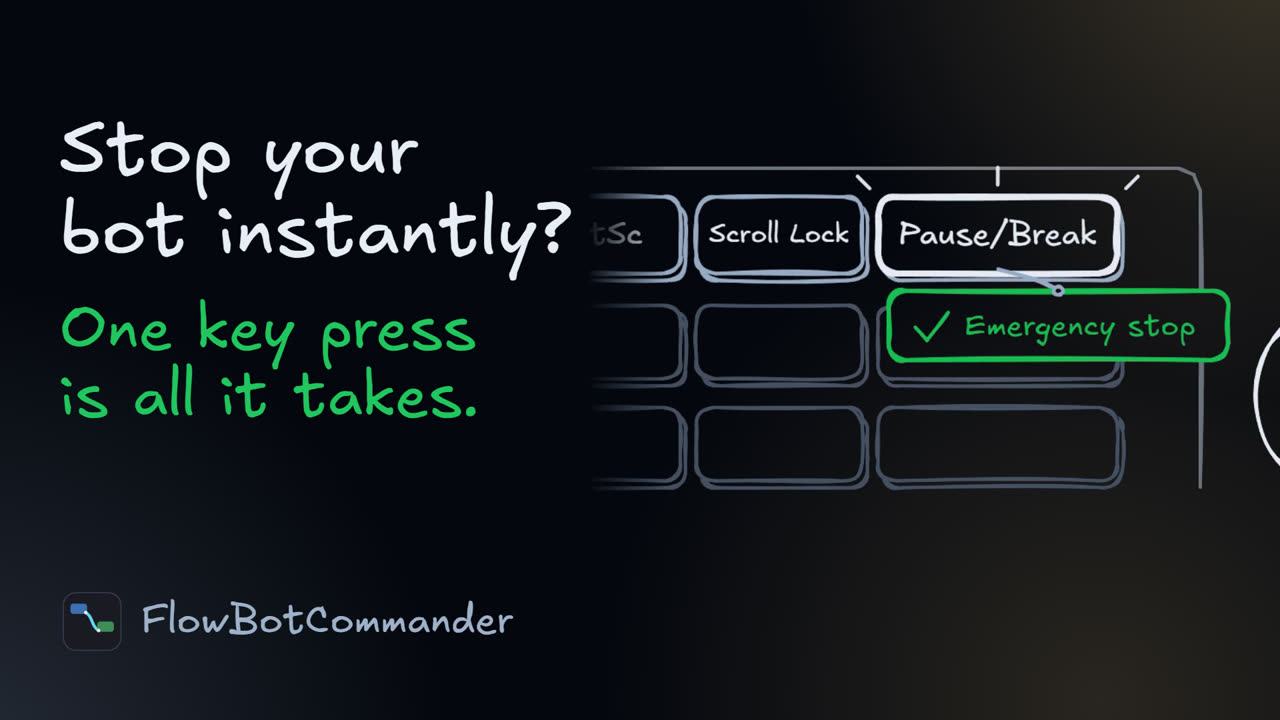 1:34
Stop your bot instantly? Pause key, runtime limit and dry run without code
In the article: Safety and control
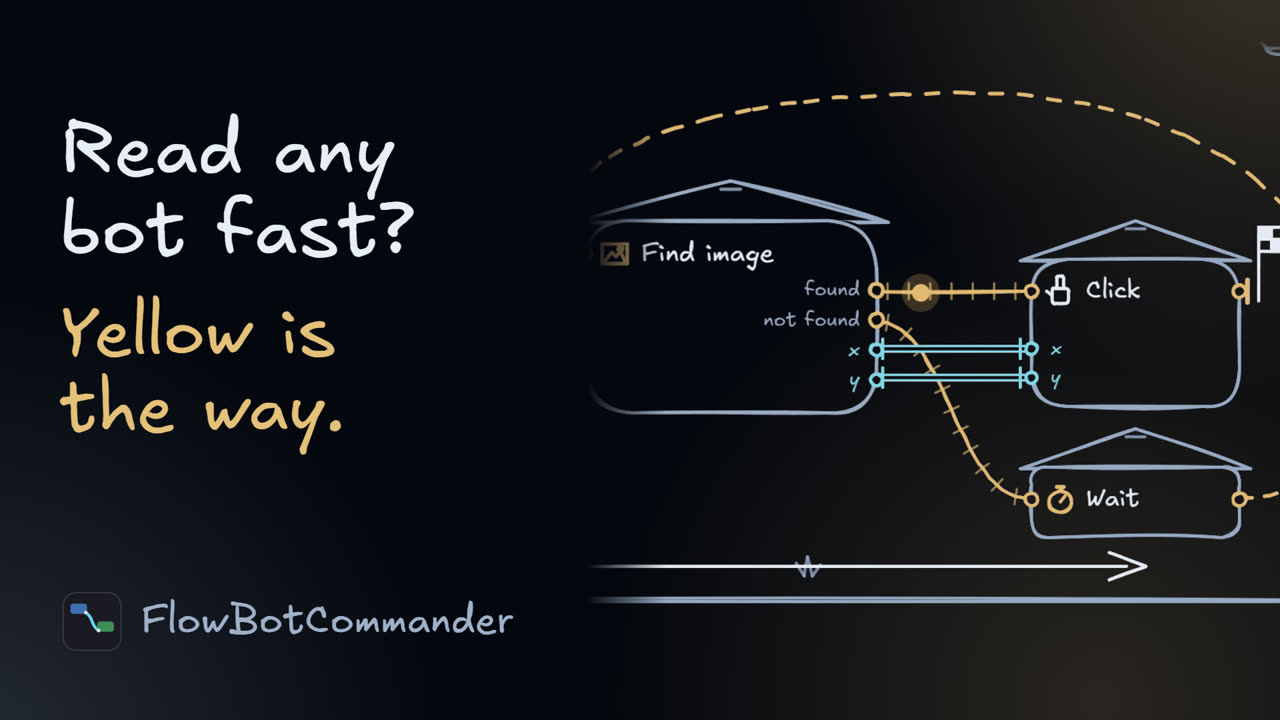 1:29
Read any bot at a glance: yellow is the path, blue is the value
In the article: Nodes and connections
How your bot thinks 8
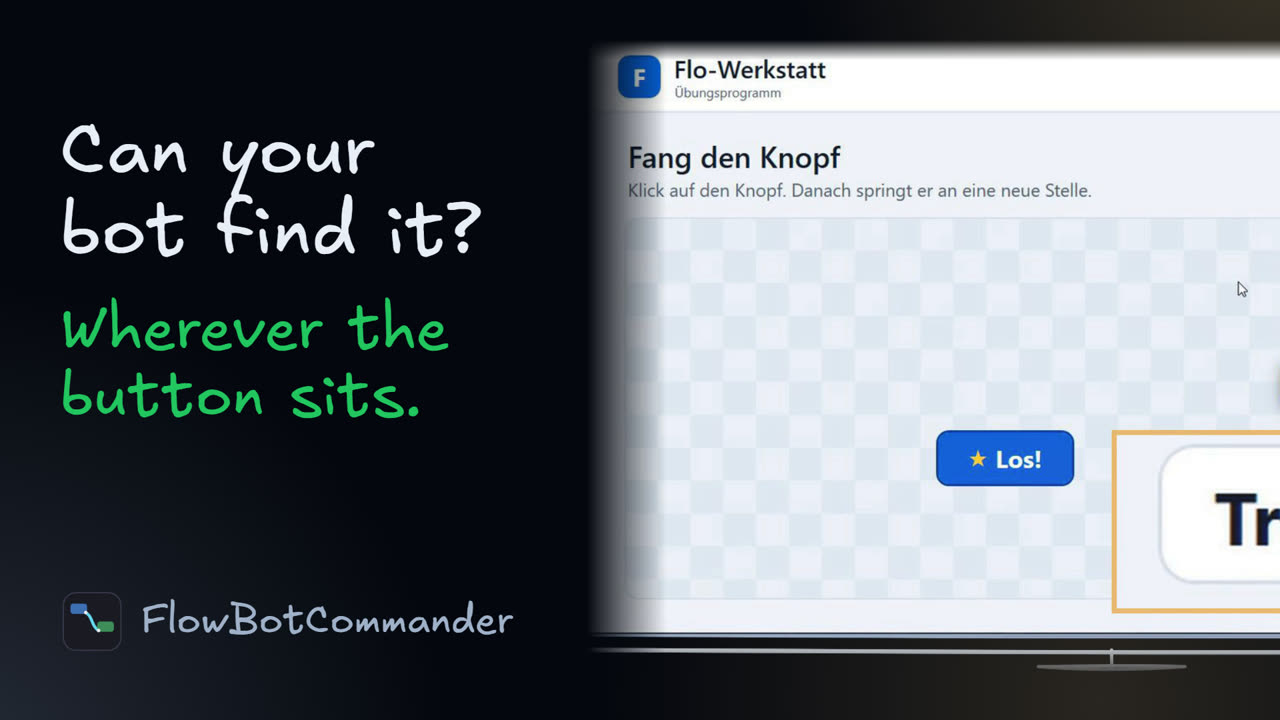 2:57
Wherever the button sits in the window: this is how your bot finds and clicks it
In the article: Recognising images
 1:32
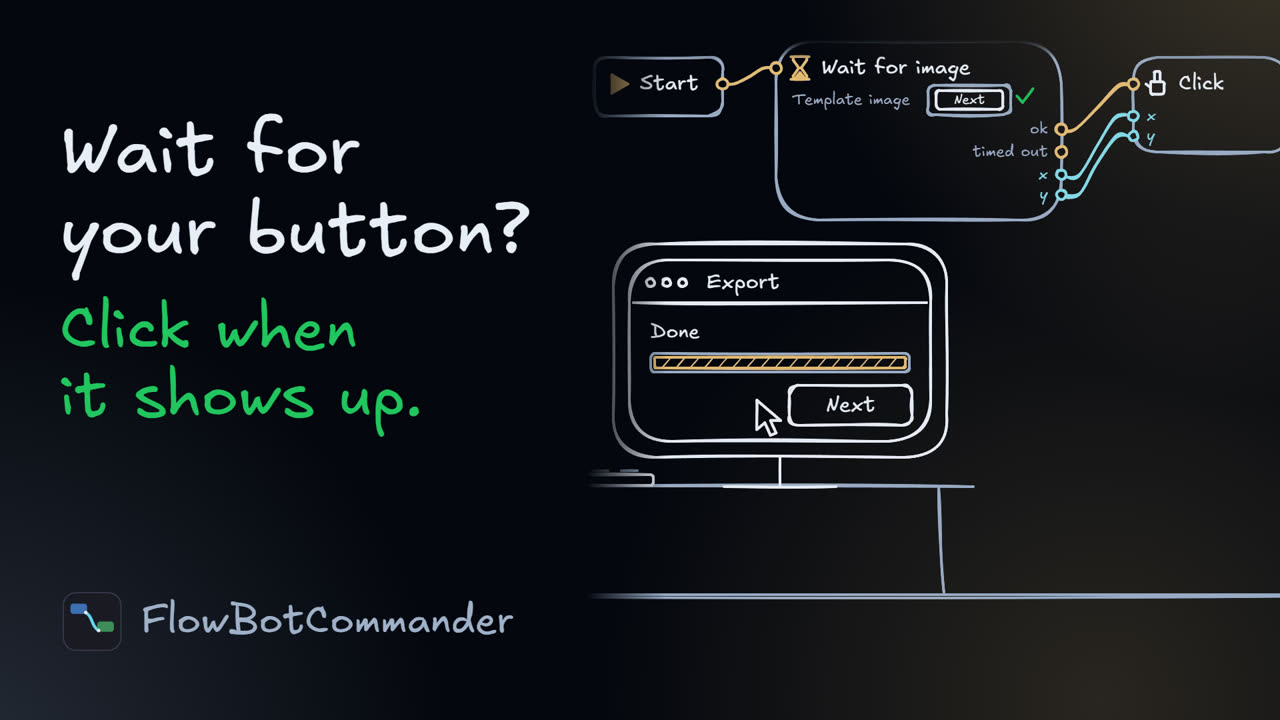
Your bot clicks as soon as the button is there
In the article: Perception modules
 1:31
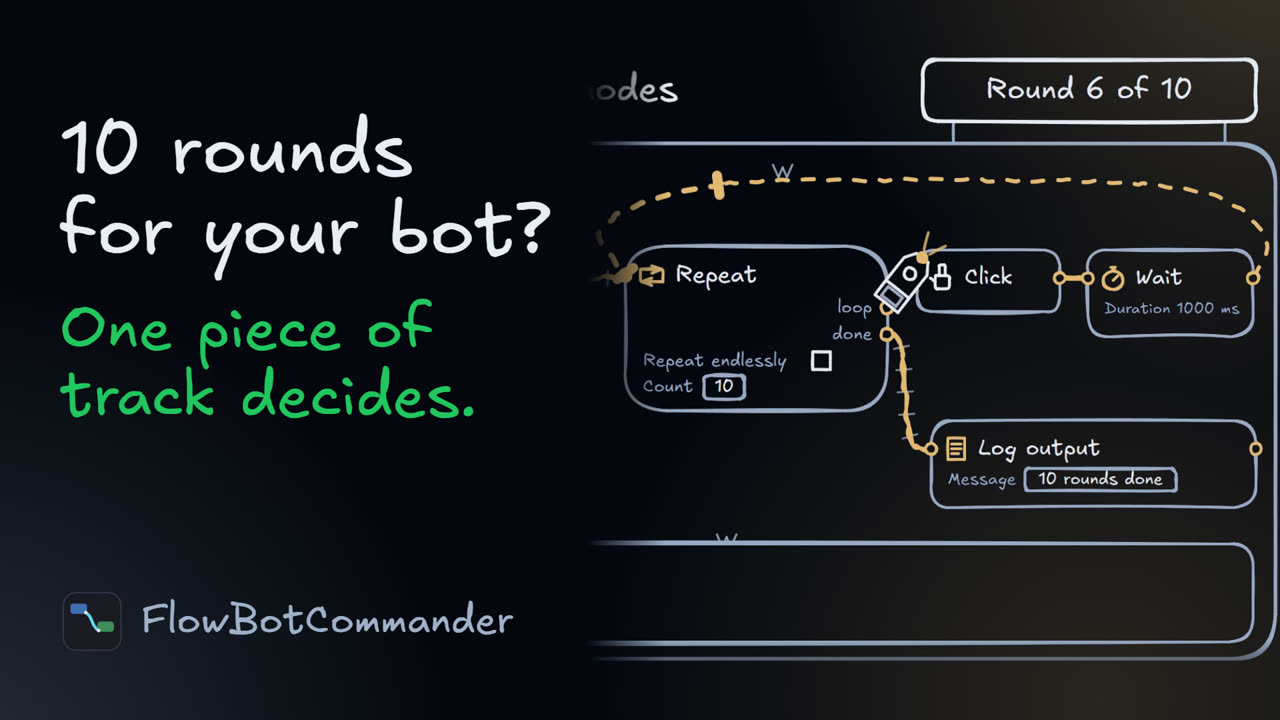
Your bot runs exactly as many rounds as you want
In the article: Loops and conditions
 1:24
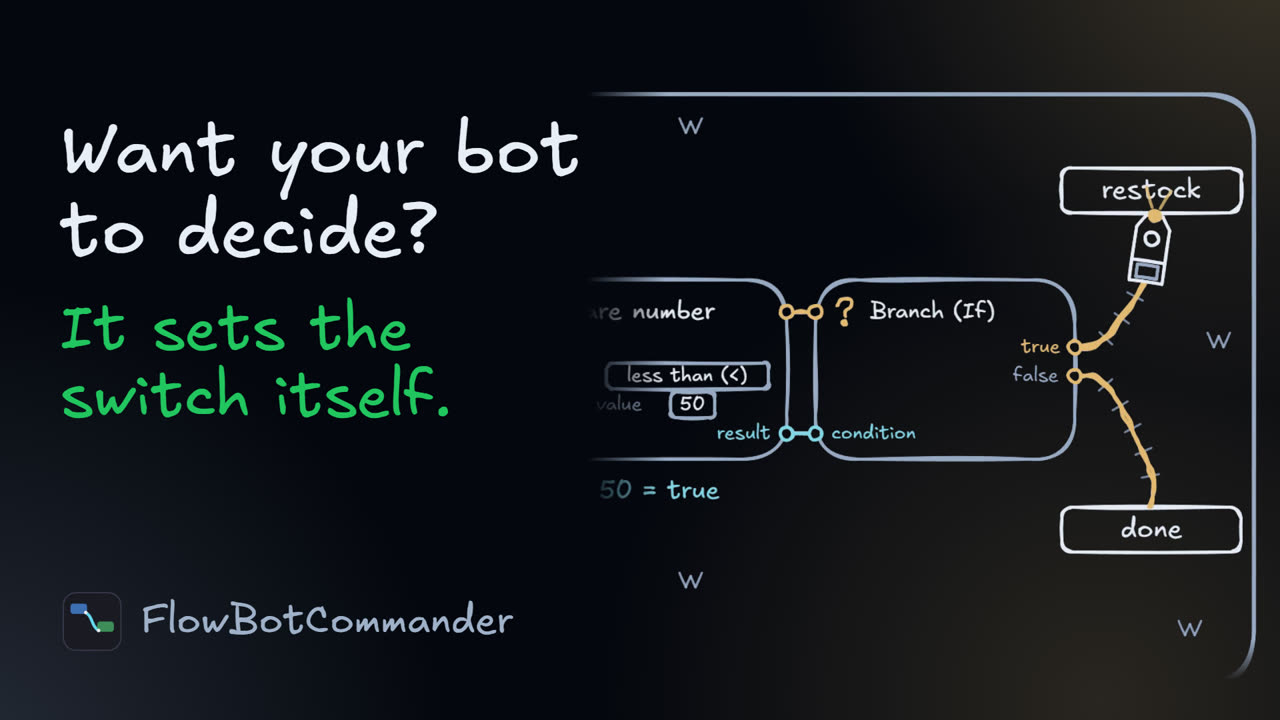
Want your bot to decide for itself? If-then without code
In the article: Condition modules
 1:30
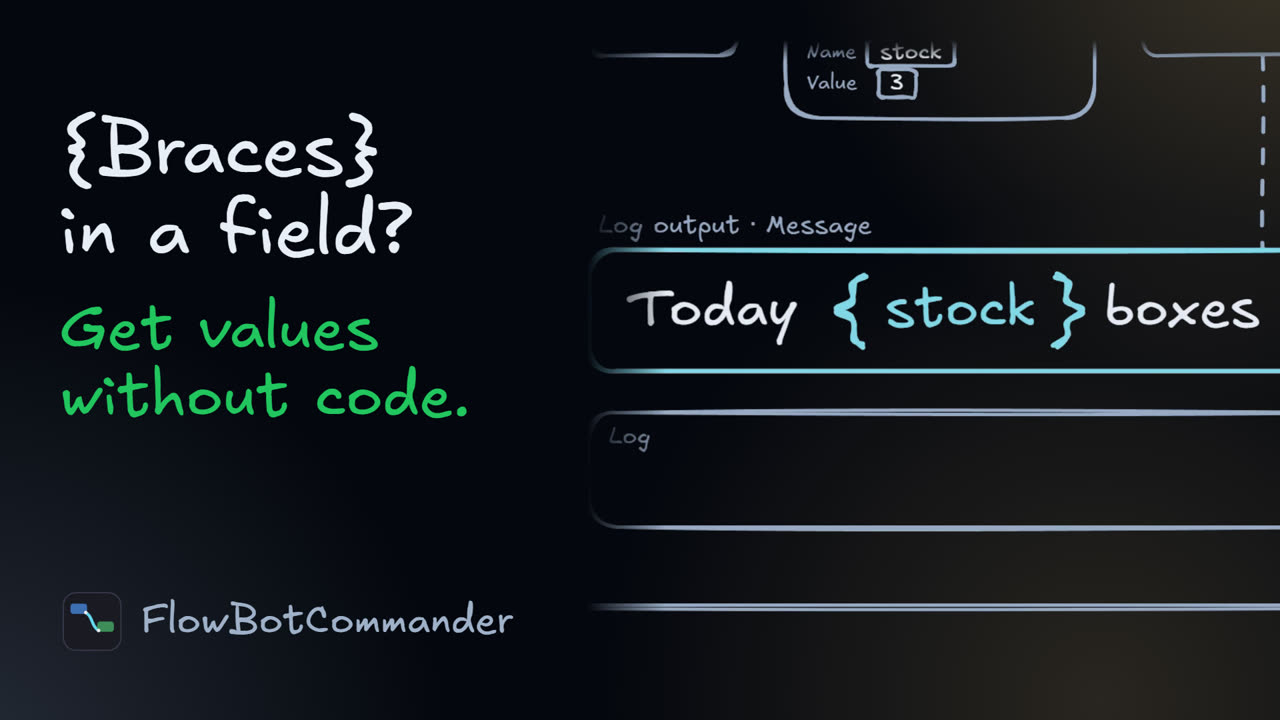
What do the {braces} mean? Remember values and calculate without code
In the article: Variables and references
 3:28
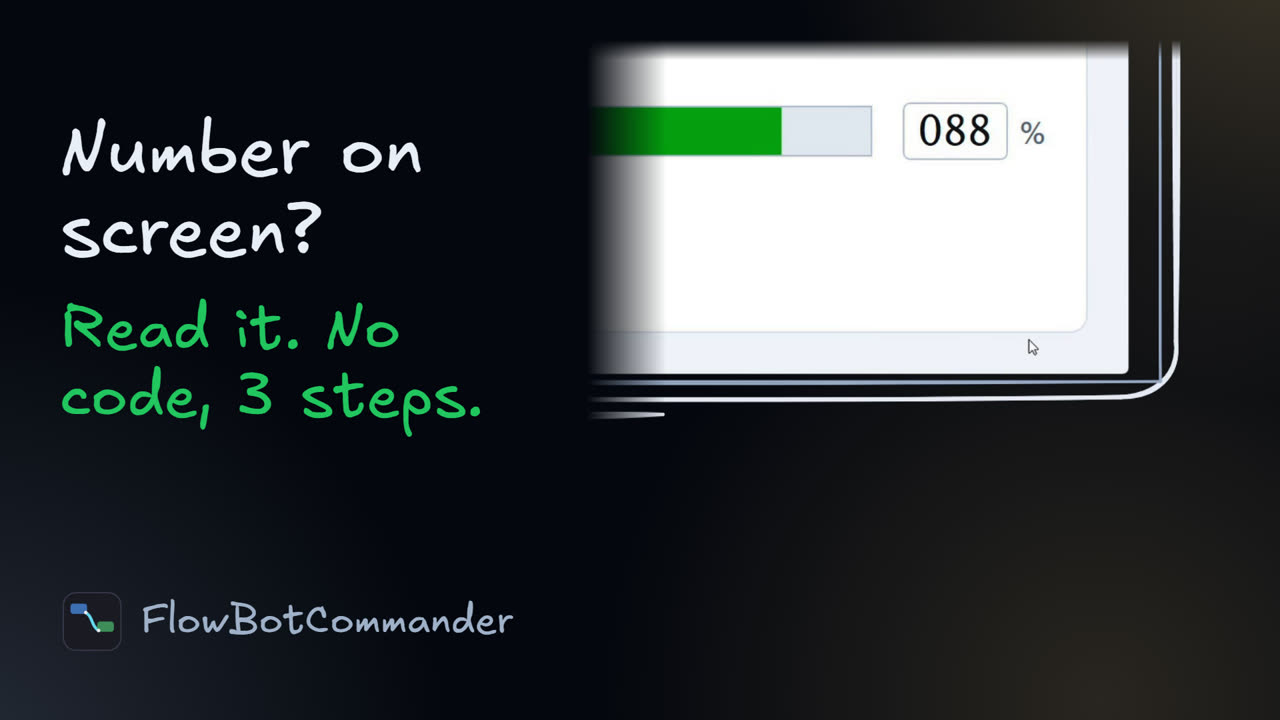
Read a number off the screen: text recognition in 3 steps
In the article: Read text (OCR)
 1:32
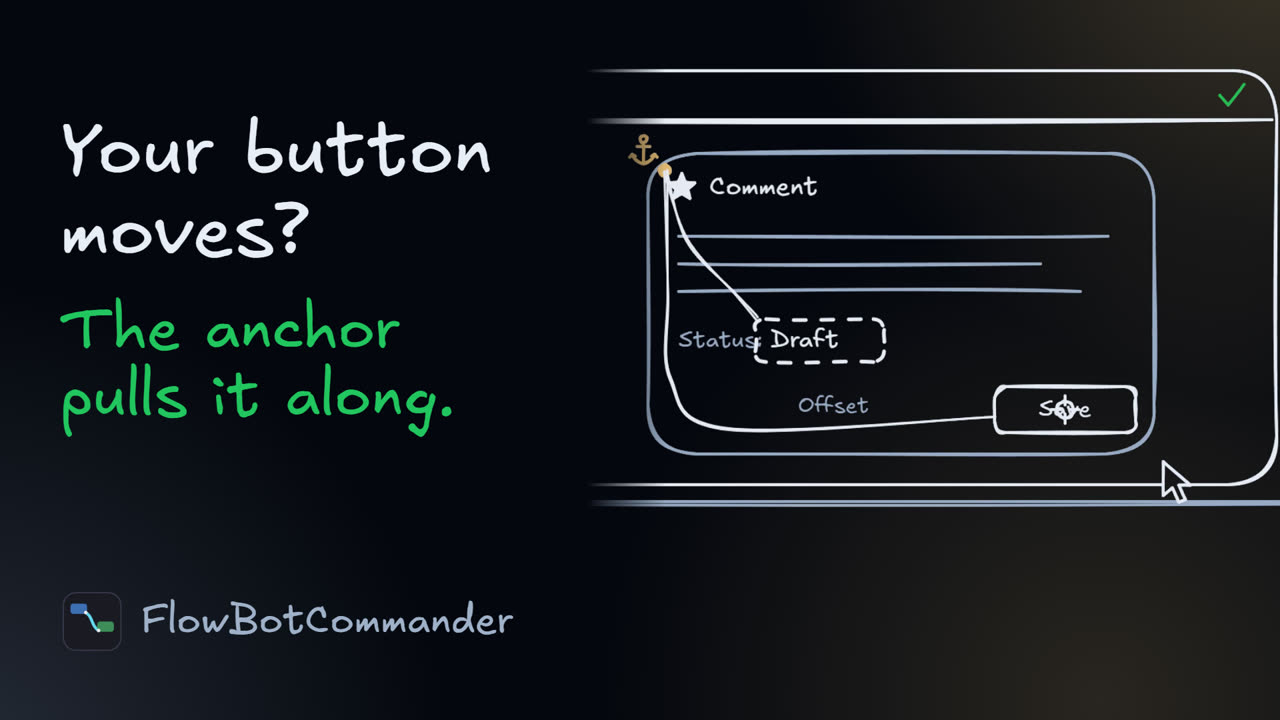
Your click lands, even when the button moves: with an anchor
In the article: Anchors — regions that follow the game
 1:27
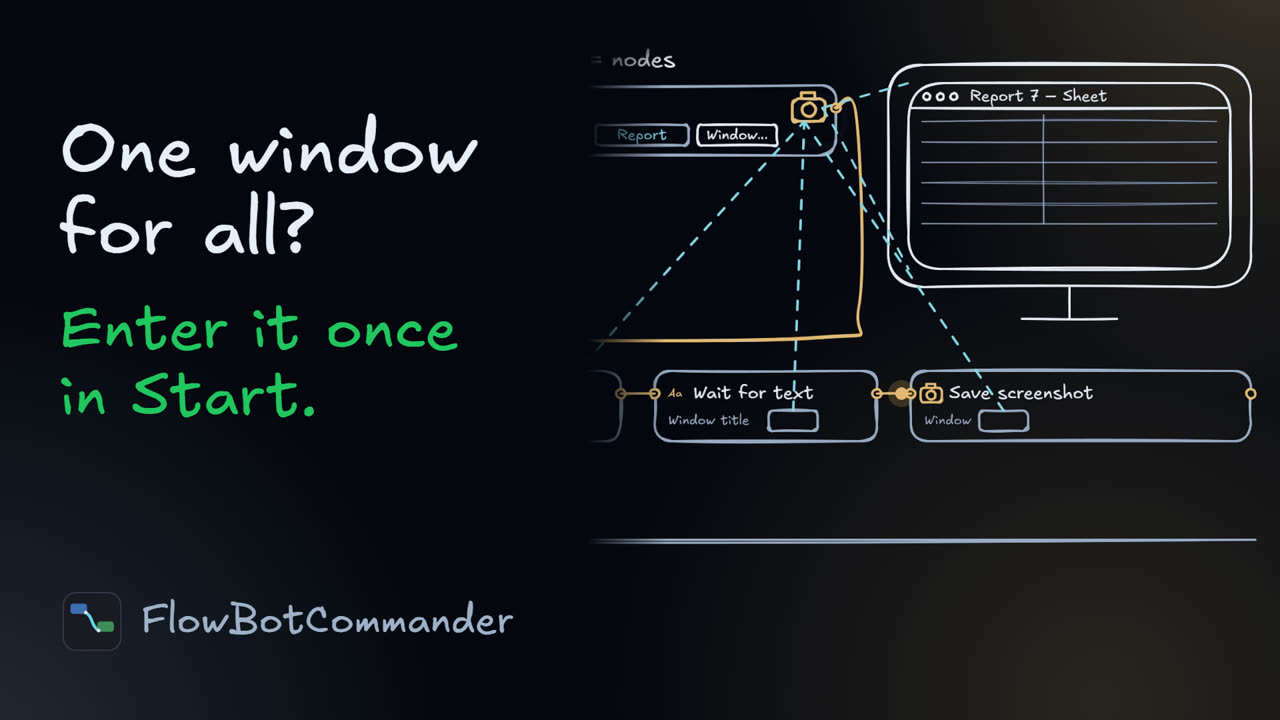
One target window for the whole flow: enter it once in Start
In the article: Window and image source
Your PC does it by itself 6
 1:55
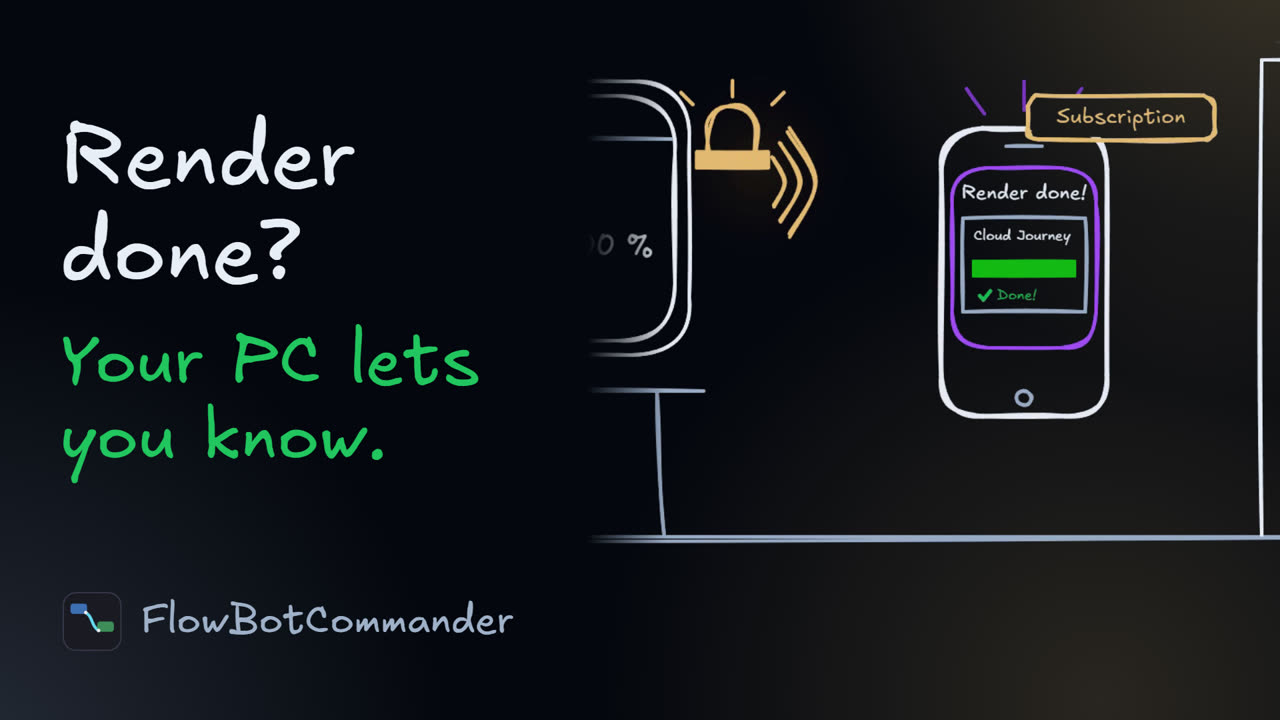
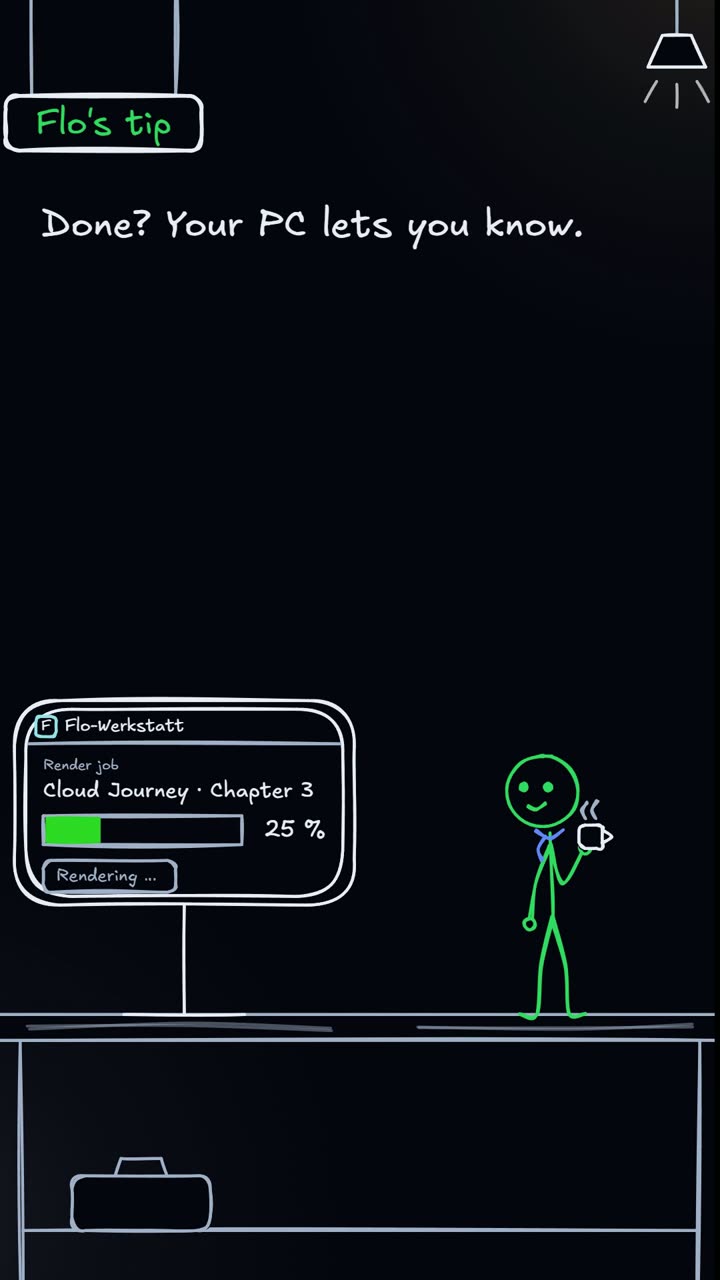
Render done? Your PC lets you know
In the article: Notifications and service credentials
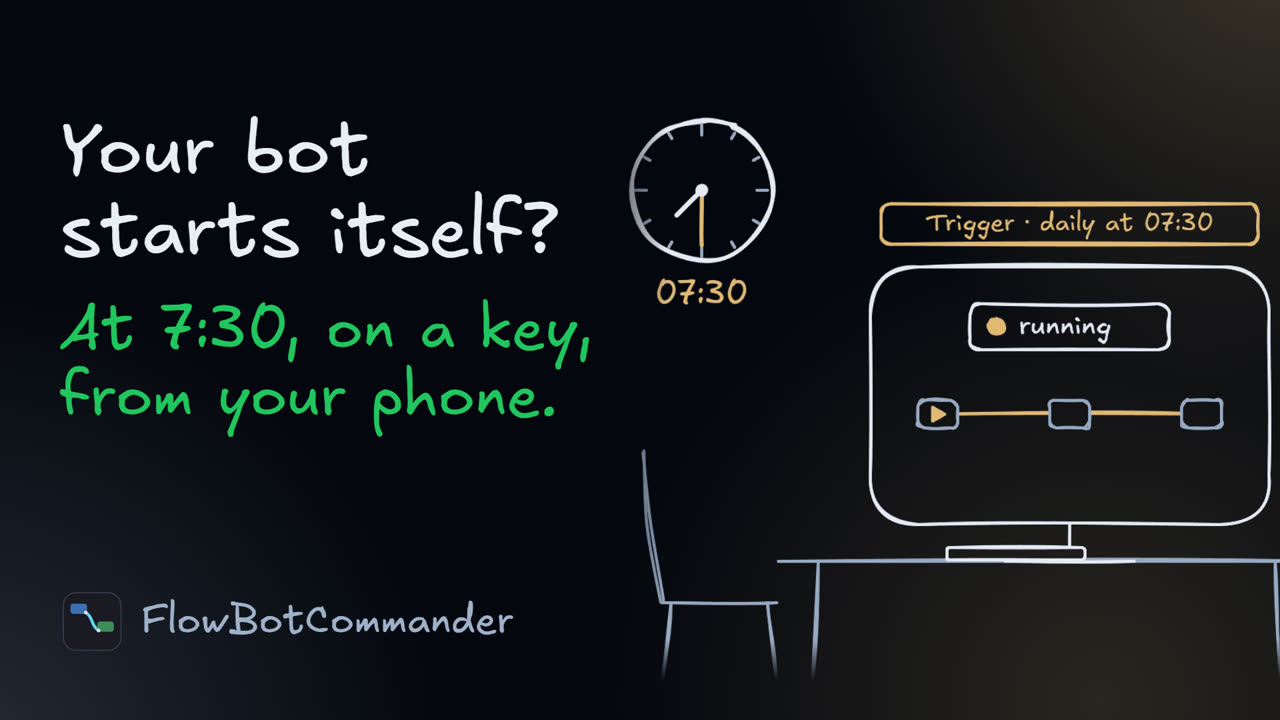 3:23
Your bot starts by itself (time, key, phone)
In the article: Triggers — start bots by themselves
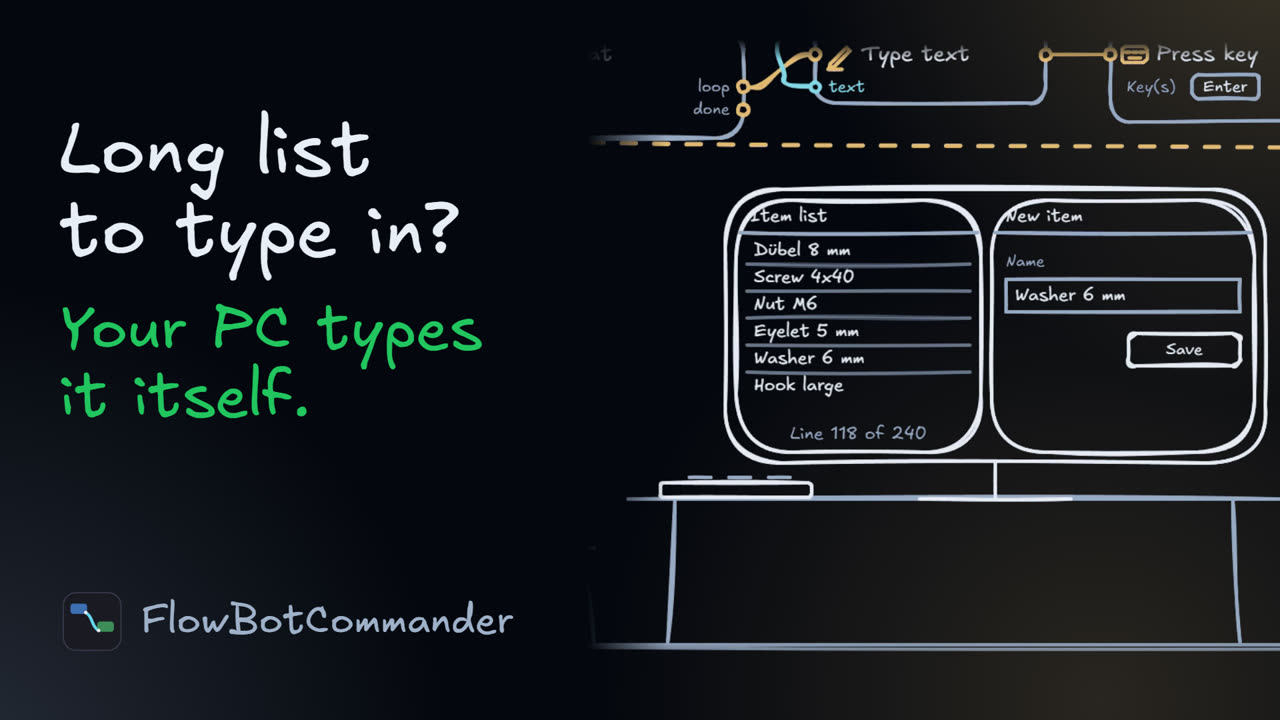 1:54
Your PC types long lists into the program by itself
In the article: File modules
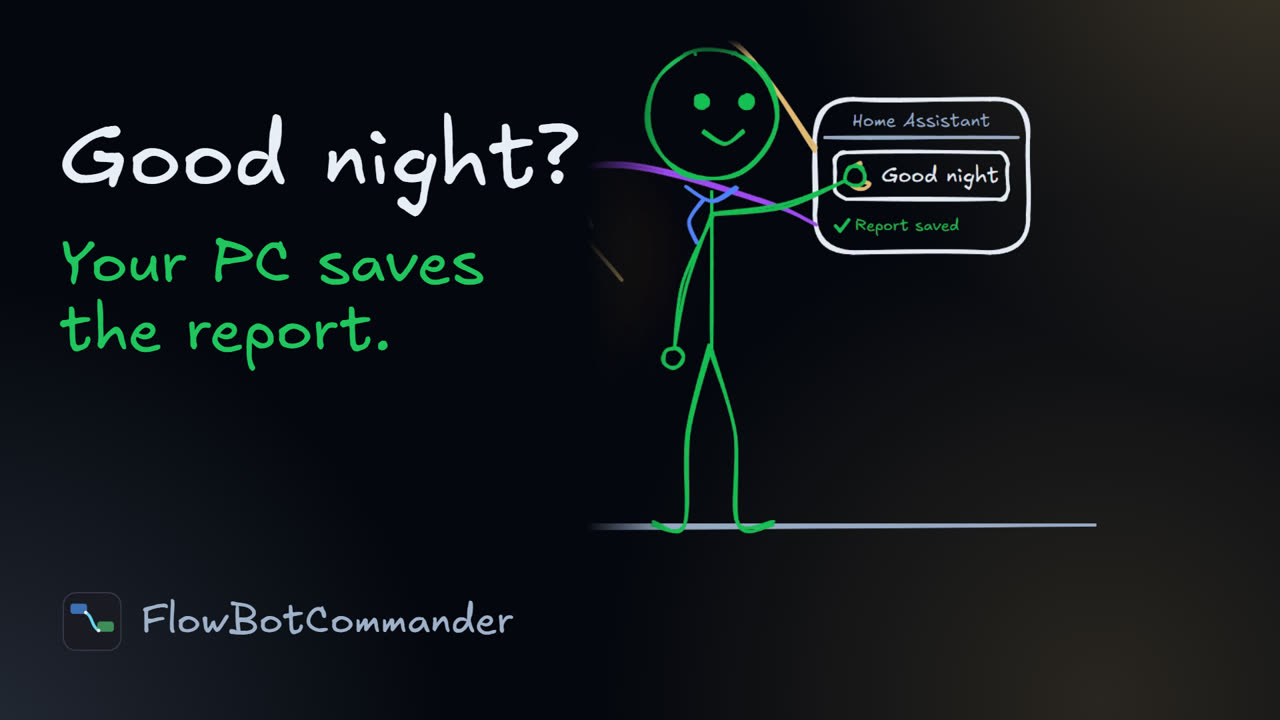 1:46
Good night, report saved: Home Assistant starts your PC bot
In the article: Triggers — start bots by themselves
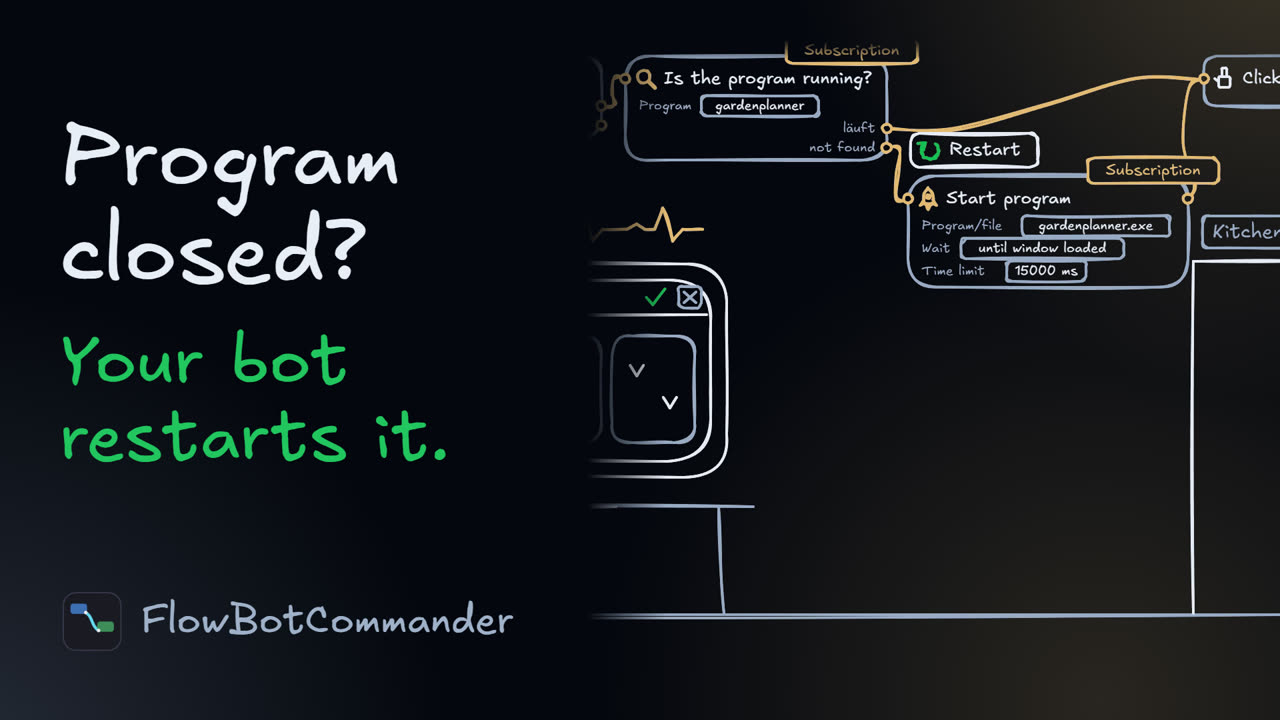 1:27
Your bot simply restarts your program
In the article: Program modules
 1:45
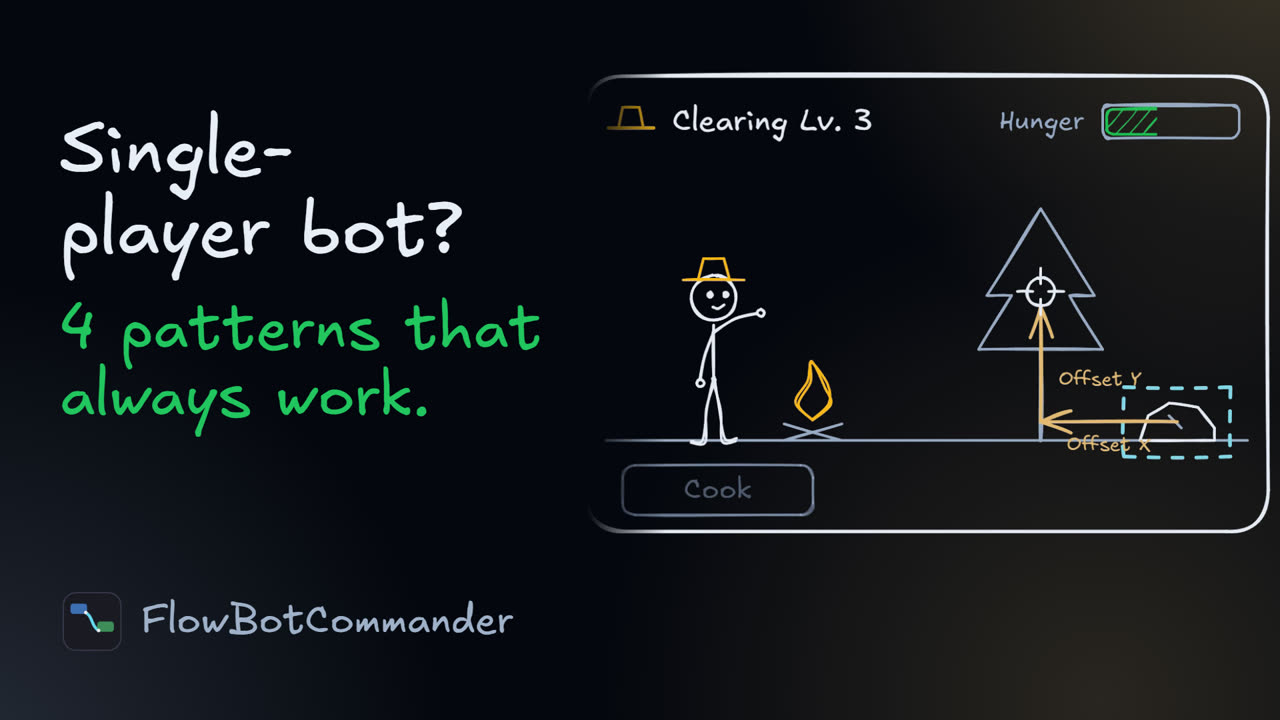
A bot for your single-player game: 4 patterns that fit again and again
In the article: Clicker Heroes: preparation
Hit help 2
 2:05
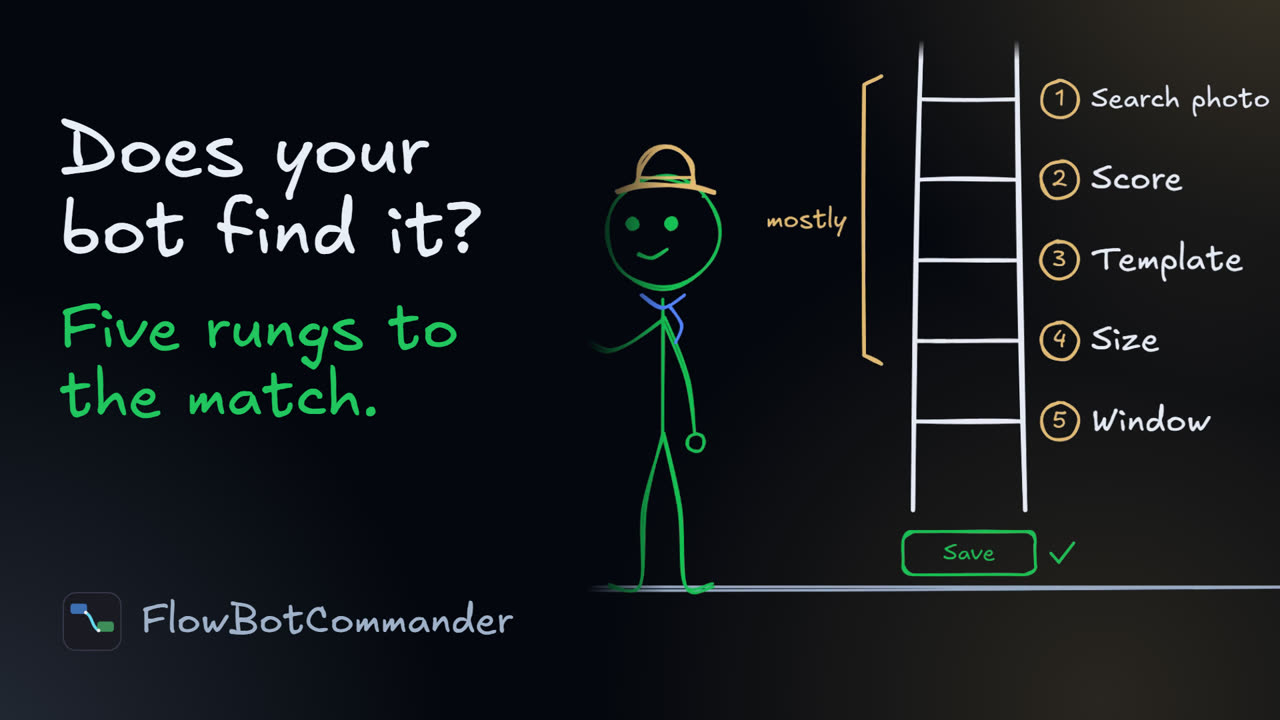
Hit check: how your bot finds the button, and the search photo usually shows you the way
In the article: Image is not found
 2:15
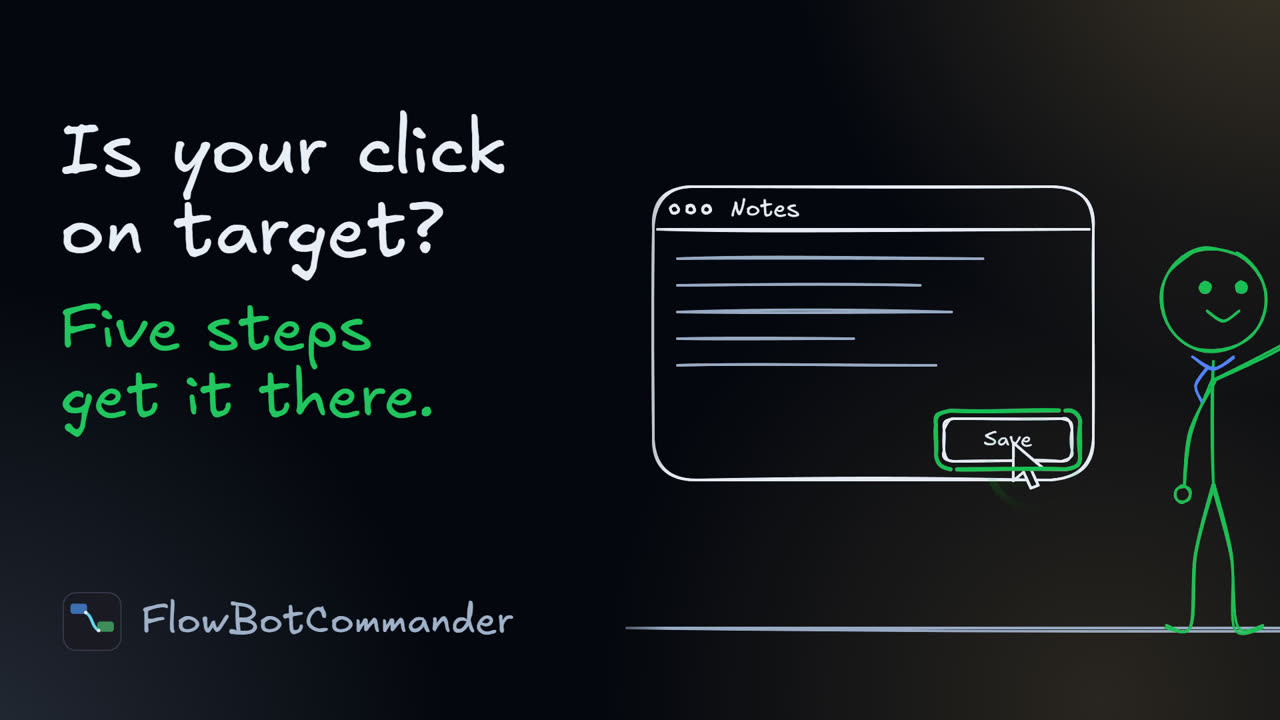
Get your click on target: the hit check in five steps
In the article: Click doesn't arrive
Flo for pros 2
 1:55
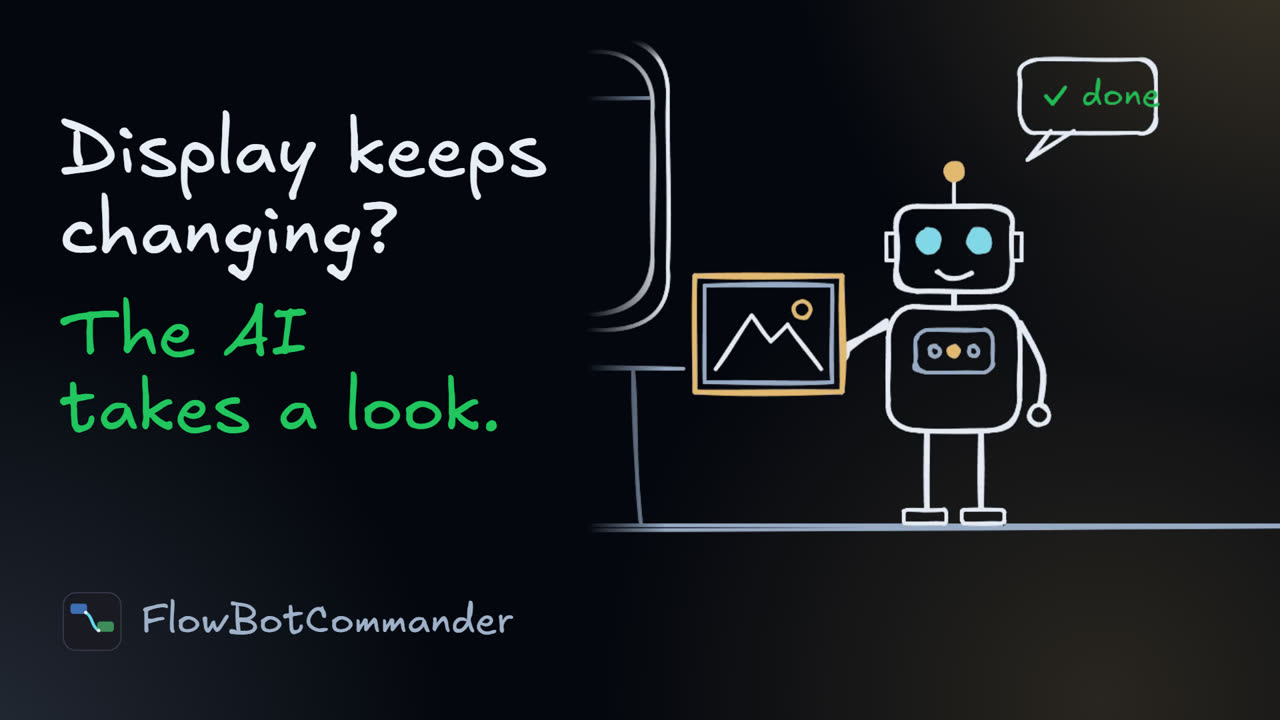
Changing displays in view: the AI looks for you
In the article: AI modules
 4:05
Start and stop your bot by script: control API with PowerShell
In the article: Control API: drive bots from outside (scripts and AI)
Flo tips (short) 15
 0:30
This key stops your bot instantly
In the article: Safety and control
 0:31
Render done? Your PC calls you
In the article: Notifications and service credentials
 0:43
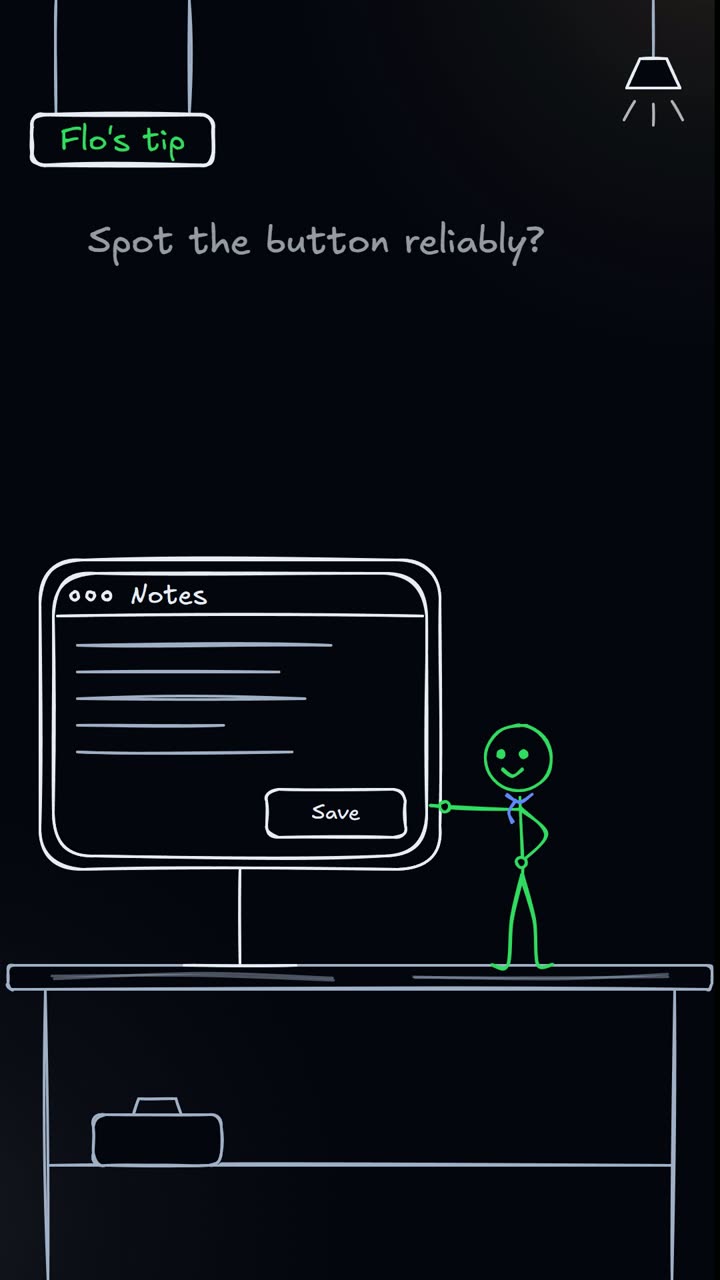
Hit tip: the search photo shows how close your bot already was
In the article: Image is not found
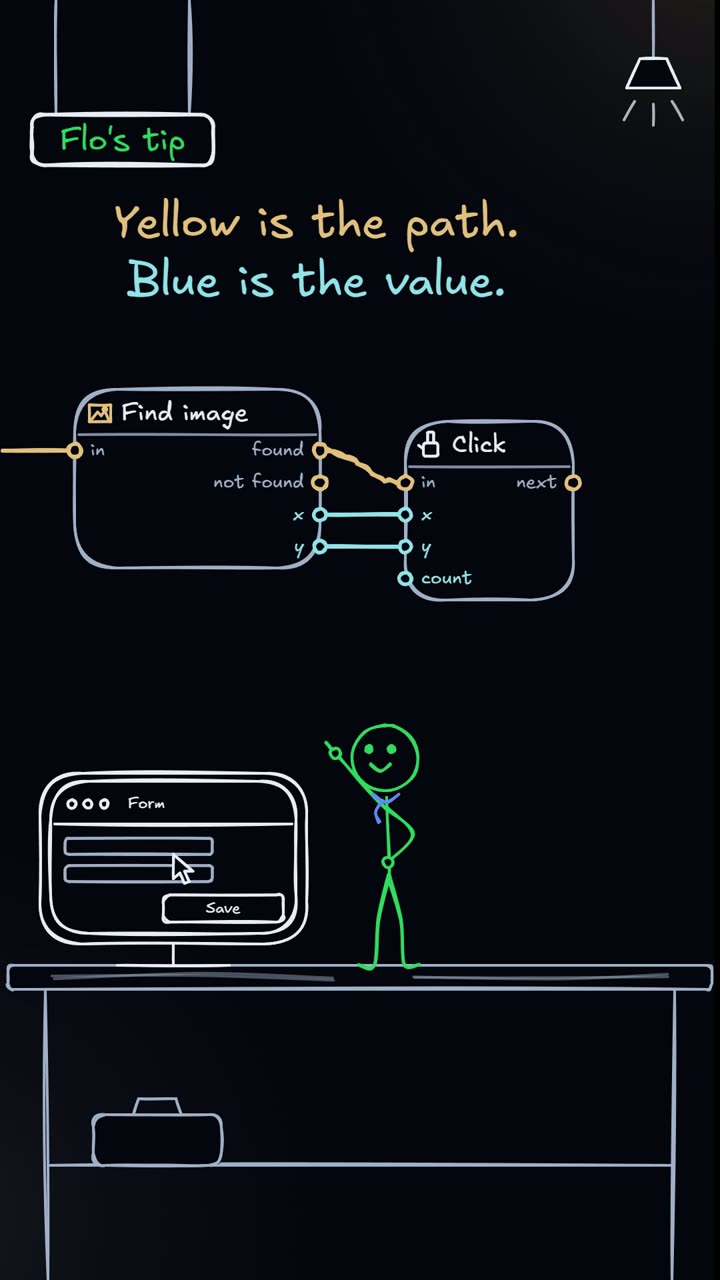 0:39
Yellow is the path, blue is the value: how to read your bot
In the article: All modules at a glance
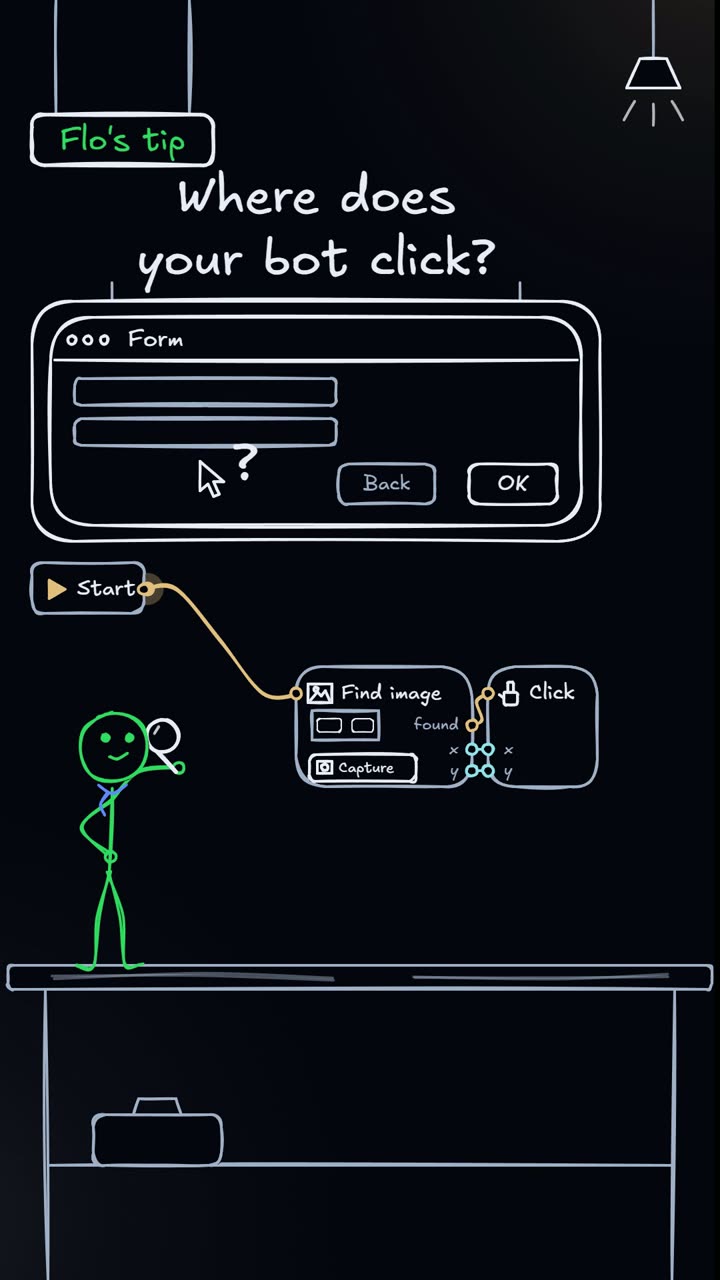 0:36
See where your bot clicks first: the dry run
In the article: Safety and control
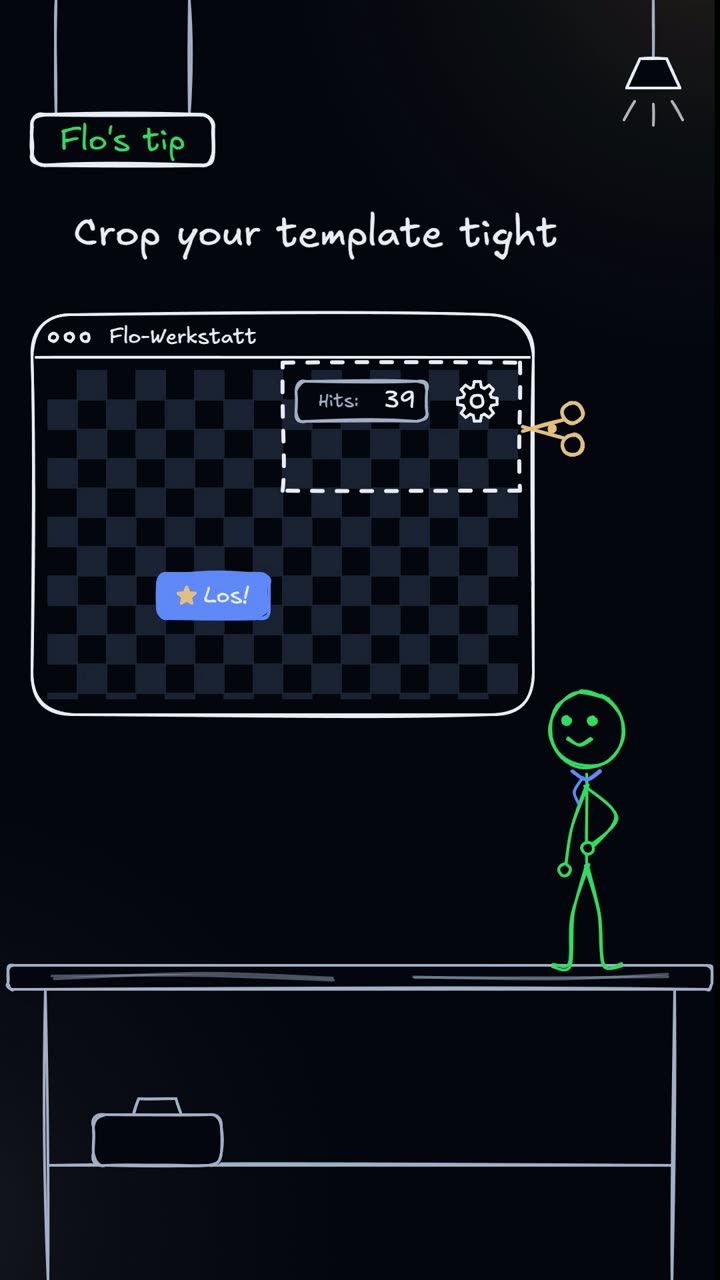 0:44
Your bot finds your image more reliably: crop the template tight
In the article: Recognising images
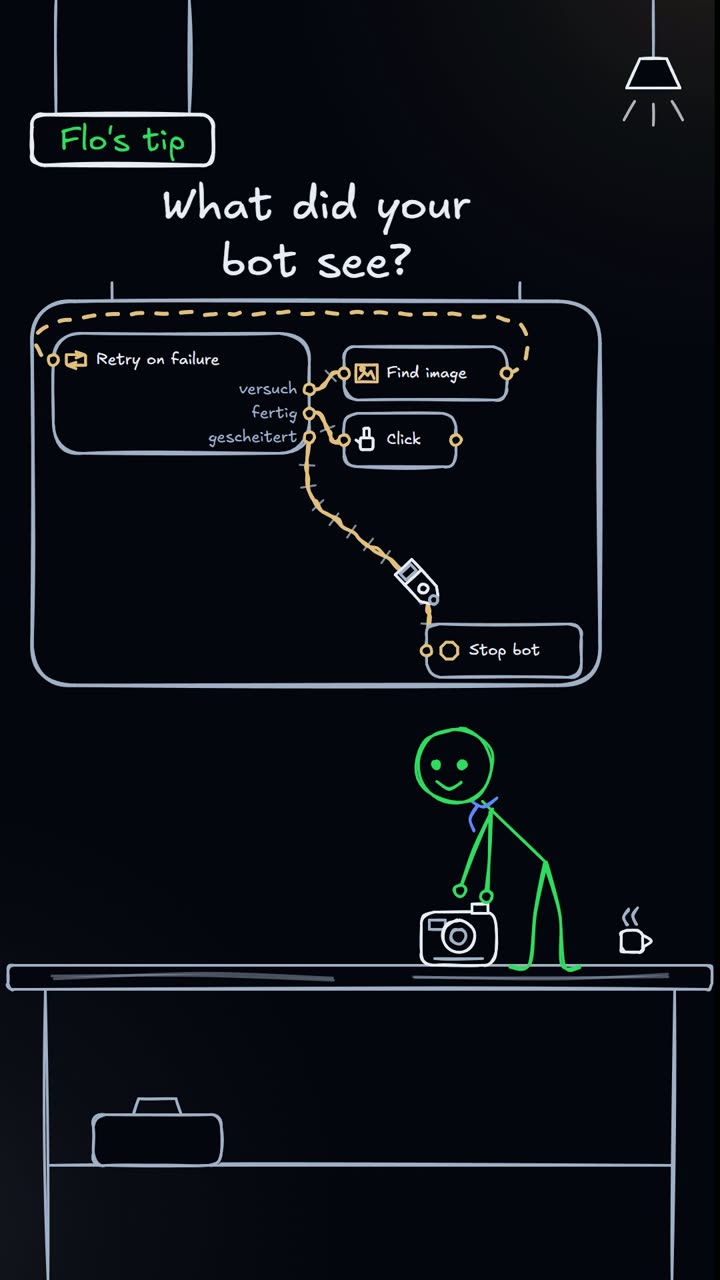 0:39
Take a proof photo: see what your bot saw
In the article: File modules
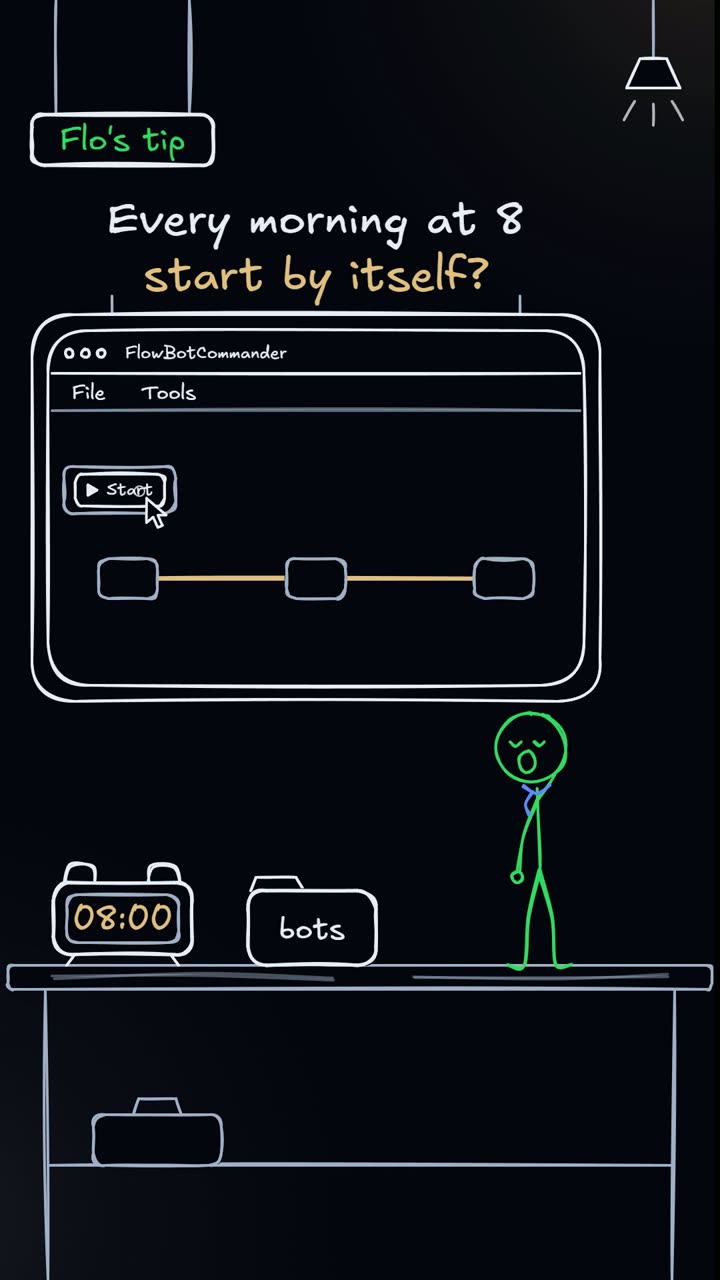 0:44
Want your bot to start by itself every morning at 8?
In the article: Triggers — start bots by themselves
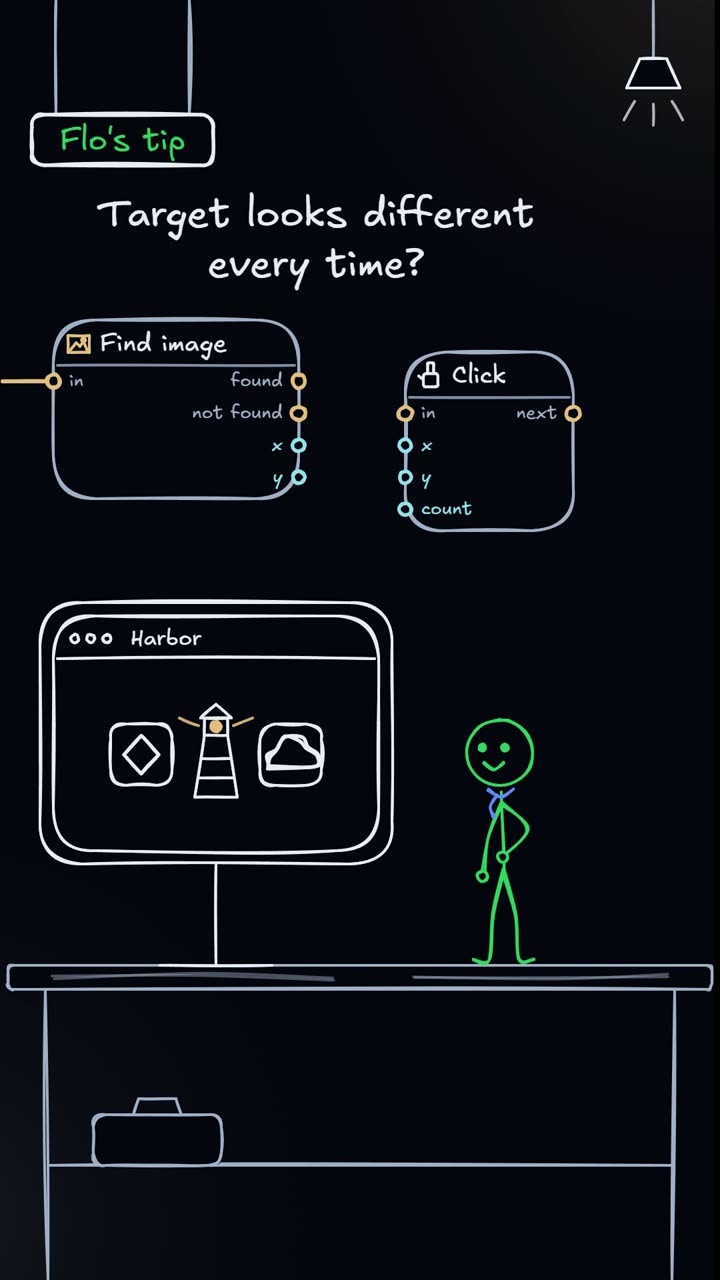 0:38
Hit a changing target safely: look for what stays still
In the article: Recognising images
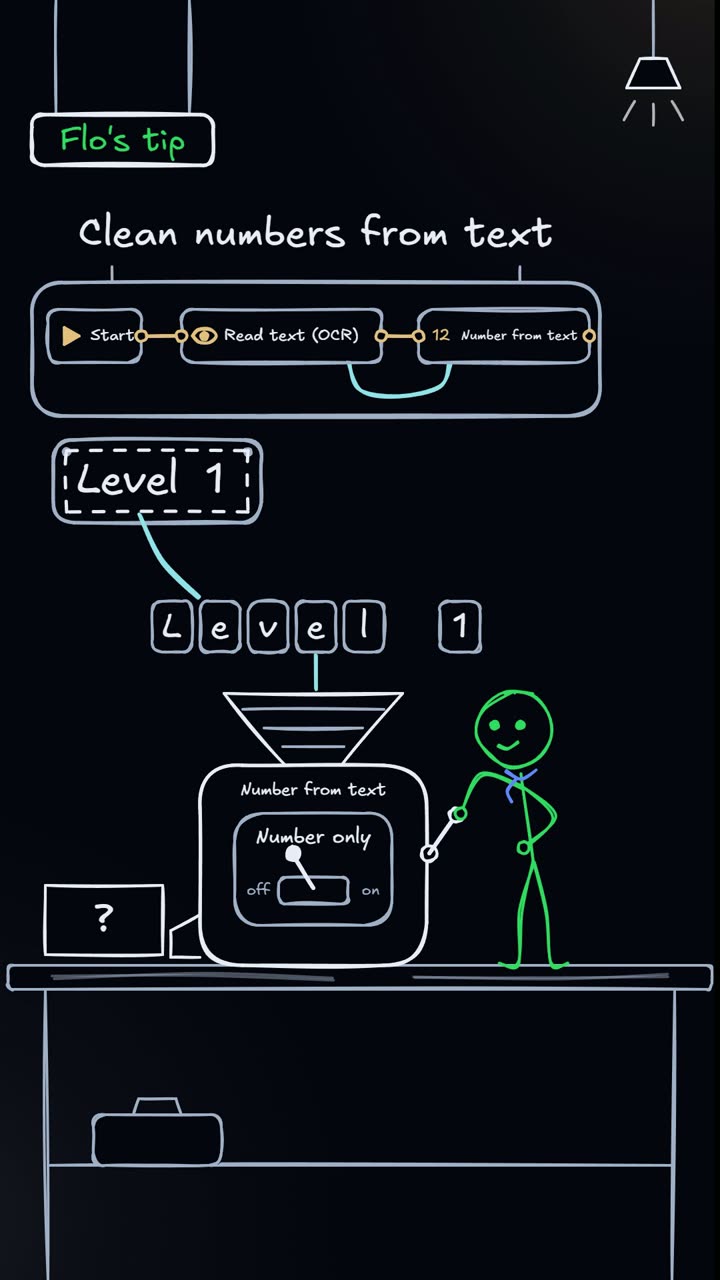 0:41
Clean numbers with text recognition: when to use “Number only”
In the article: OCR reads wrong
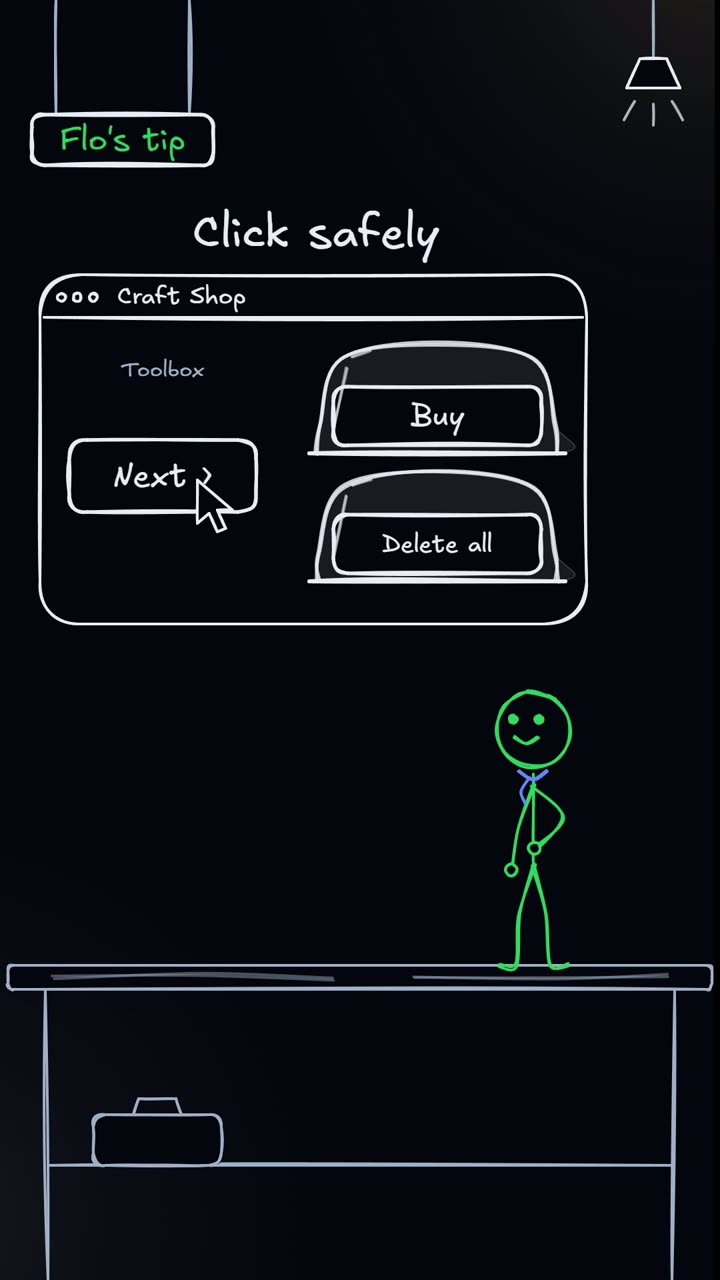 0:41
Click safely: “Buy” and “Delete” stay in your hands
In the article: Click doesn't arrive
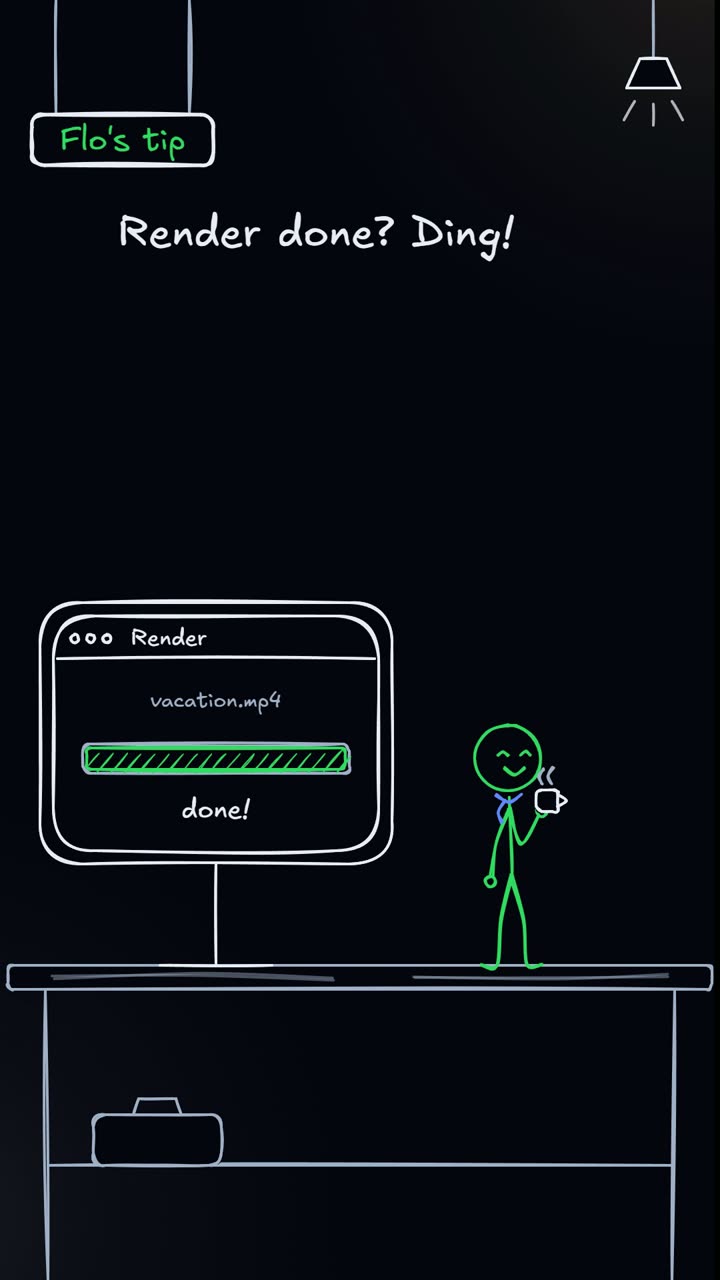 0:44
Ding, done! Let your bot listen for the done sound
In the article: Audio modules
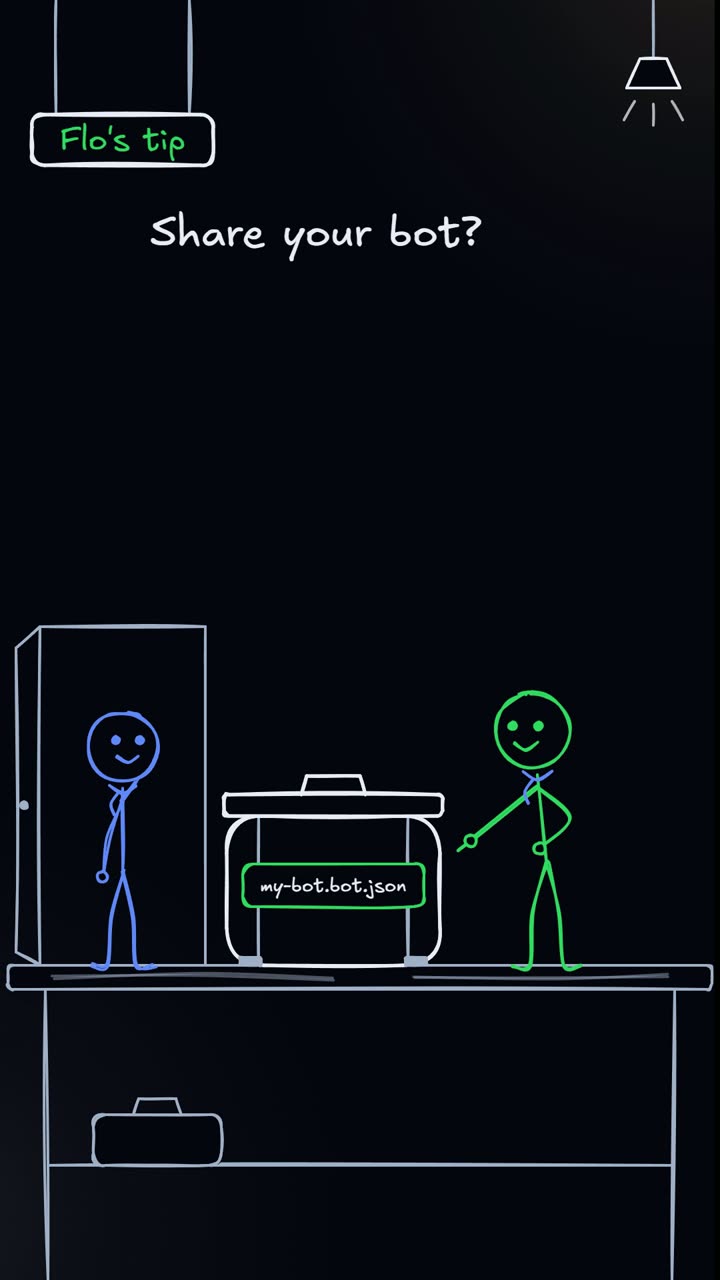 0:44
Share your bot with friends? One file is all it takes, images included
In the article: Profiles and templates
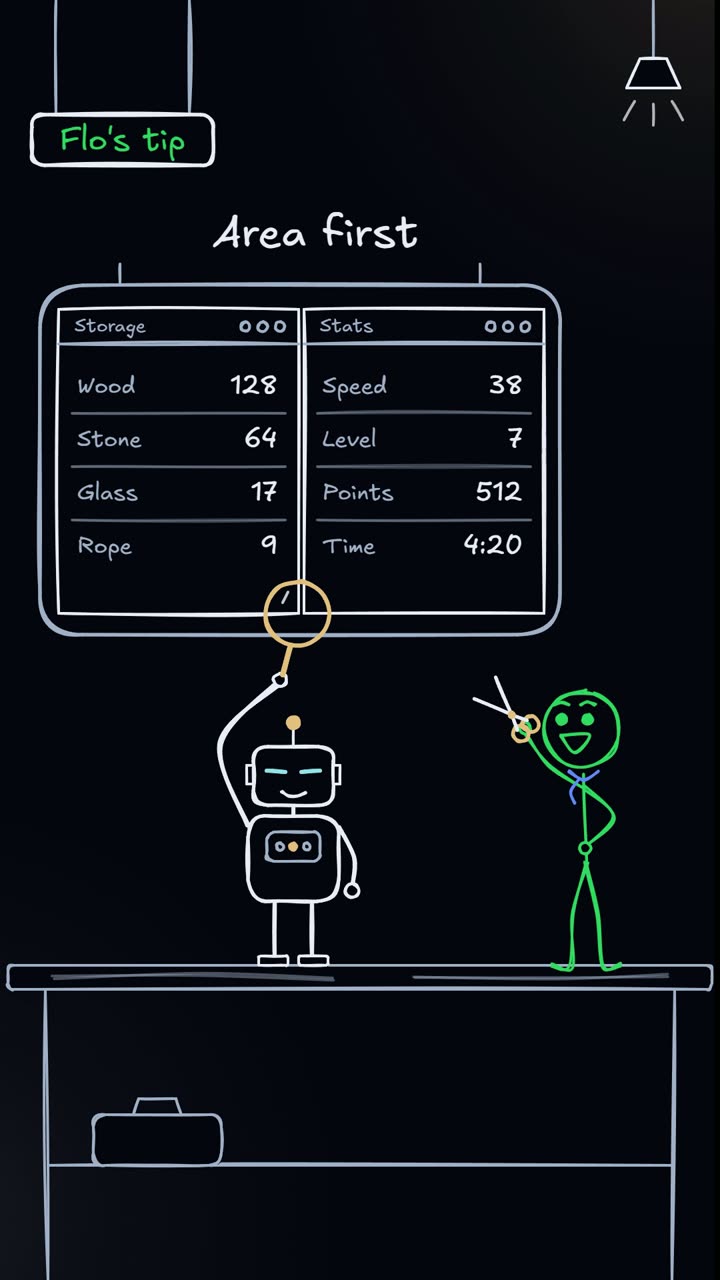 0:41
Your AI reads more accurately: draw the region tight
In the article: The AI sees the game
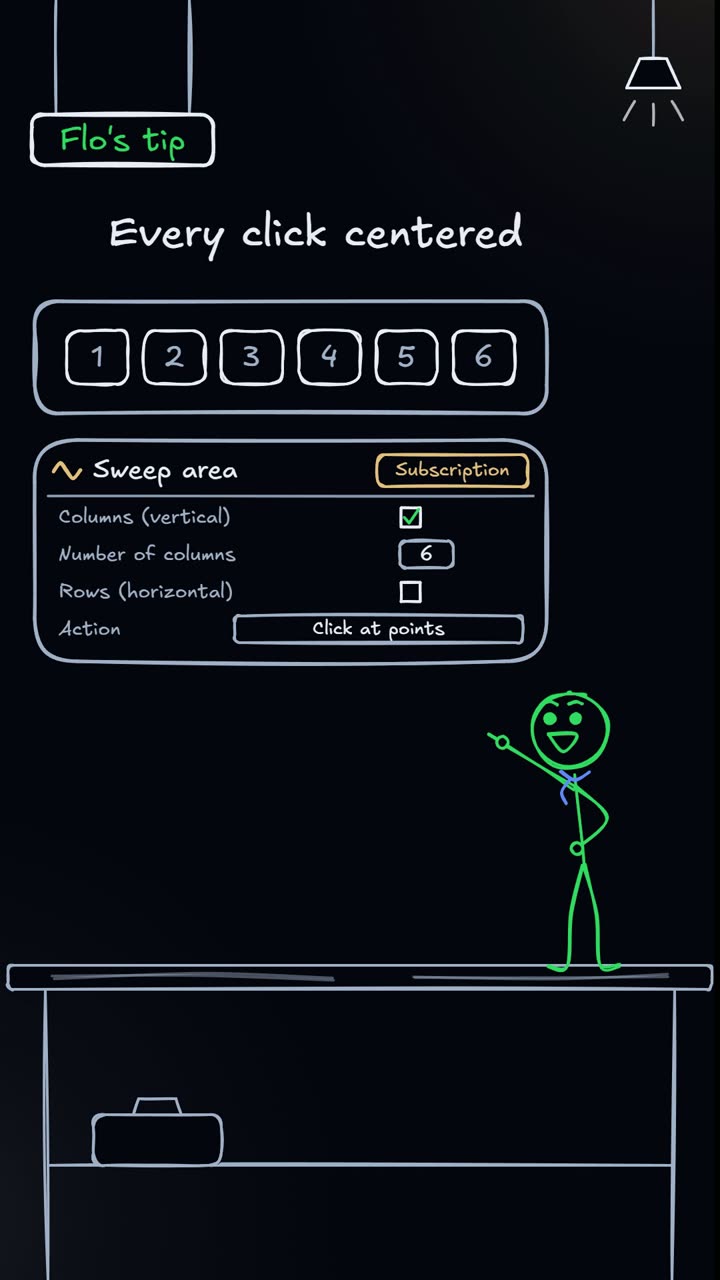 0:41
Every grid click dead center: drag from cell center to cell center
In the article: Sweeping even grids: button bars, inventories, game boards
Flo answers 4
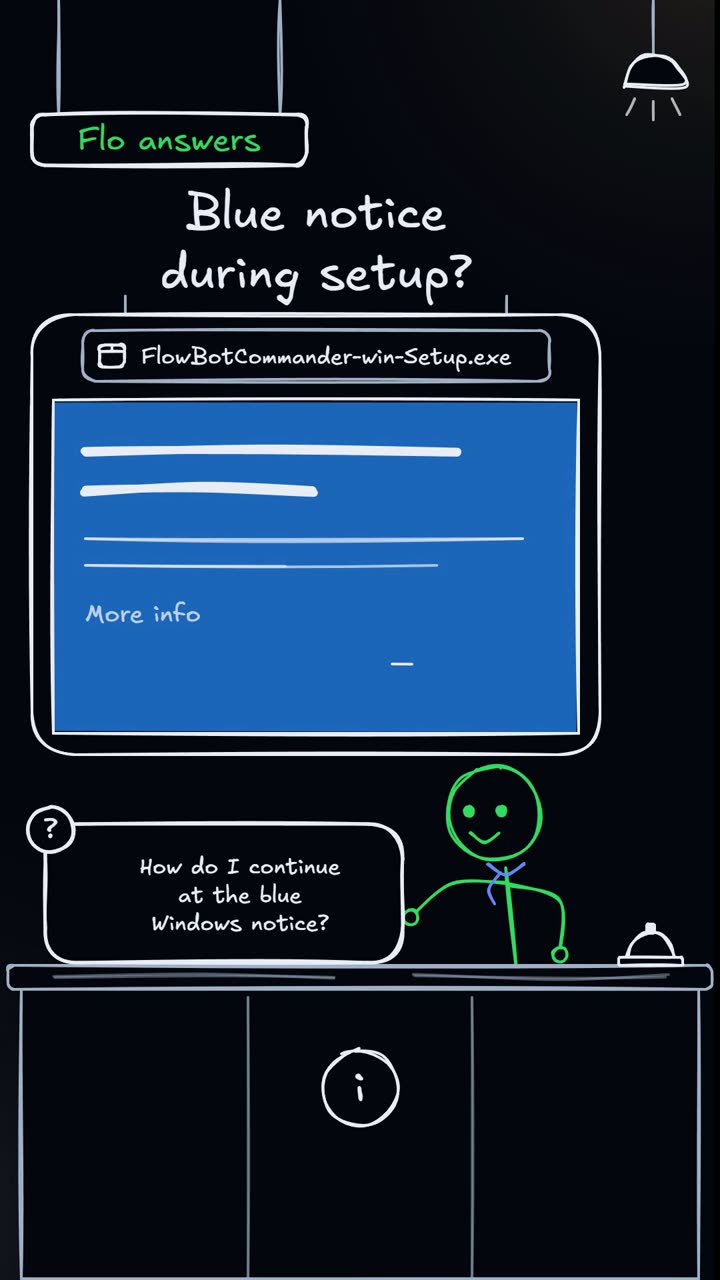 0:33
Two clicks to continue: your setup runs through the blue Windows notice
In the article: Installation
 0:42
FREE or subscription? What you get for free
In the article: Licence and plans
 0:37
Build bots without coding? Yes, with nodes and fields
In the article: Frequently asked questions
 0:42
Two monitors, two programs? Your bot handles both
In the article: Frequently asked questions