File modules
Read and write files, save screenshots.
File modules connect the bot to your PC: write logs to a file, read values from a file, save screenshots. For the target program itself there are the program modules.
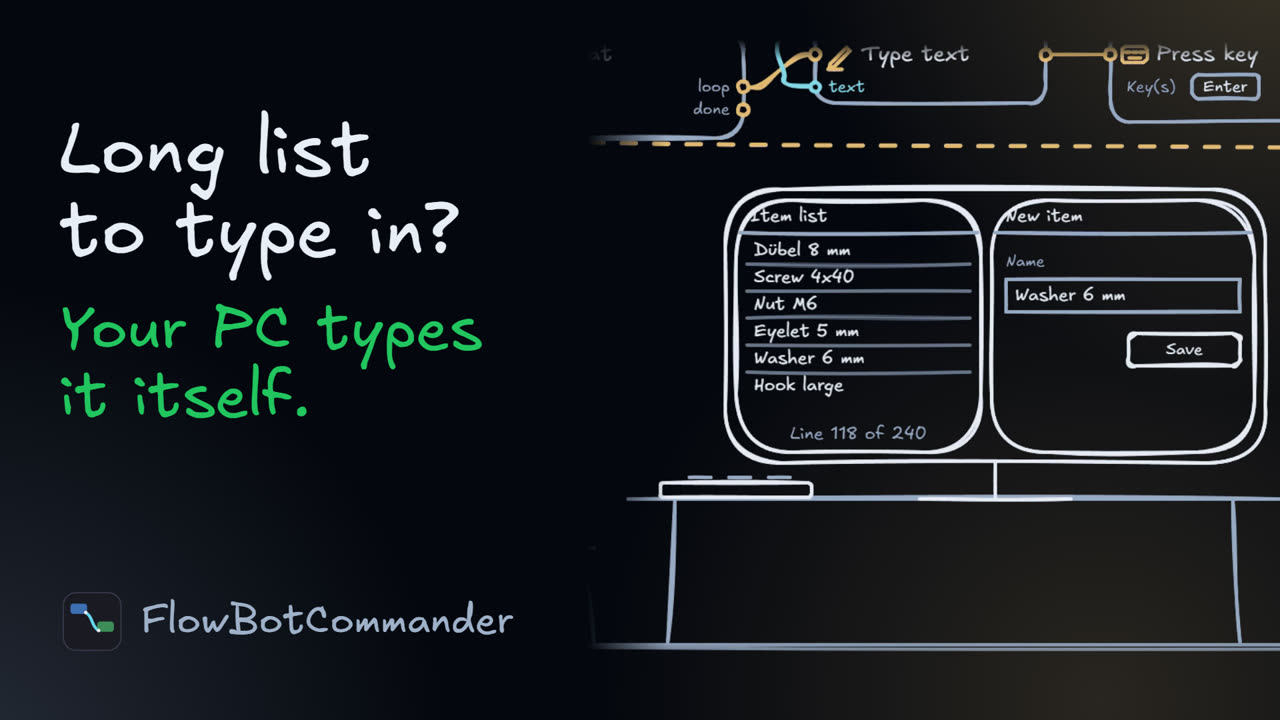 Play video1:54
Which one when?
| You want to … | Module |
|---|---|
| write a log or JSON lines | Write file |
| read settings from a file | Read file |
| save a proof photo | Save screenshot |
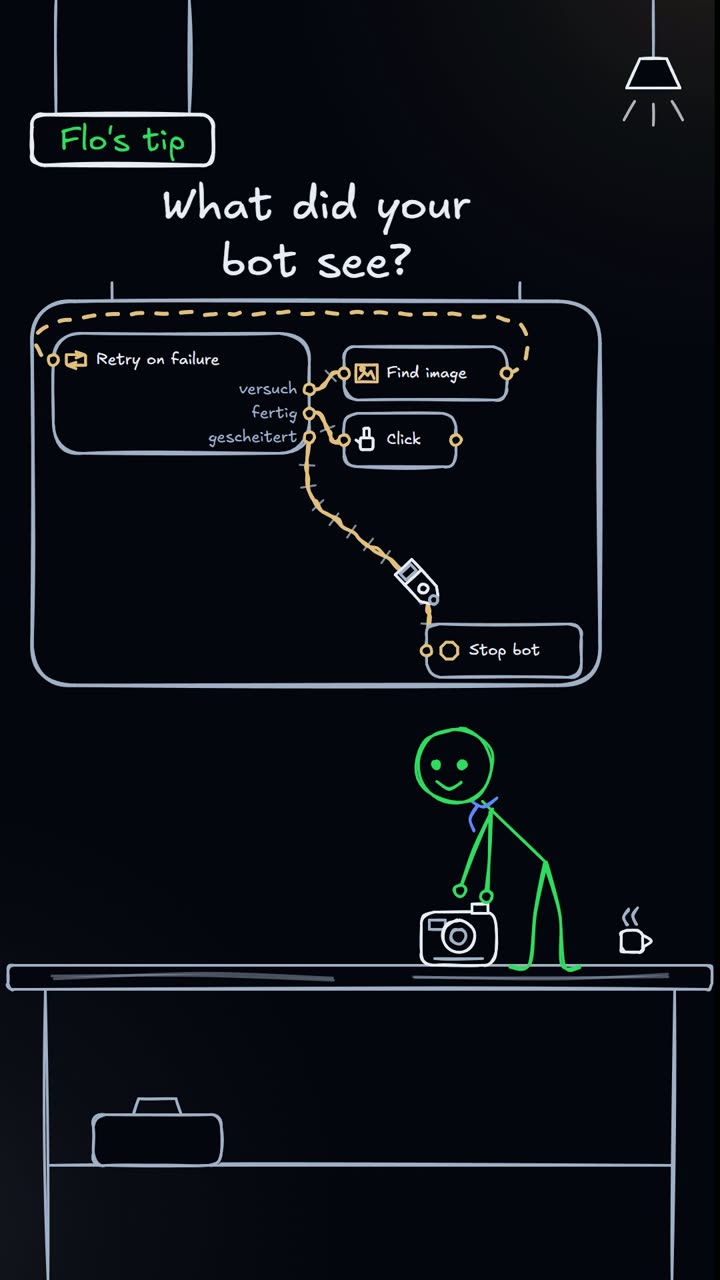 Play video0:39
All modules of this category
📷 Save screenshot Free
Saves a picture of the window or the screen as PNG — ideal in the error branch: afterwards you can see what the bot saw. Date and time are added to the file name automatically.
Inputs: in (flow) · Outputs: next (flow), fehler (flow), pfad
| Field | Type | Default | Meaning |
|---|---|---|---|
| Source | Choice: the window, the whole screen | the window | Window or whole screen. the window — Only the target window. the whole screen — Everything, including other windows. |
| Window | Window | — | Which window to capture. Only visible if Source = „the window“. |
| Folder | Text | — | Where the picture goes. Empty means a folder in your user profile. Example: C:\Bots\Bilder |
| File name | Text | bild |
Date and time are appended, so nothing is overwritten. {Variables} are replaced. Example: error |
📄 Read file Free
Reads the content of a text file → 'text' and 'existiert'.
Inputs: in (flow) · Outputs: next (flow), text, existiert
| Field | Type | Default | Meaning |
|---|---|---|---|
| File | File | — | Path of the text file to read. 'File…' to pick one. Example: C:\Temp\notiz.txt |
🗑️ Delete file Free
Deletes a single file (never directories).
Inputs: in (flow) · Outputs: next (flow)
| Field | Type | Default | Meaning |
|---|---|---|---|
| File | File | — | File to delete. Directories are NOT deleted for safety reasons. Example: C:\Temp\alt.txt |
💾 Write file Free
Writes text to a file — overwrite or append. The 'text' data input takes precedence.
Inputs: in (flow), text · Outputs: next (flow)
| Field | Type | Default | Meaning |
|---|---|---|---|
| File | File | — | Target file. Non-existent directories are created. Example: C:\Temp\log.txt |
| Mode | Choice: overwrite, append | overwrite | How the file is written. overwrite — Replace the file content completely append — Add text at the end of the file |
| Text | Text (multi-line) | — | Text to write. Ignored if a 'text' data input is connected. |