Clicker Heroes: buy a hero
Only click when it is worth it — the blue BUY button as template, the grey one as counter-check, and the same trick for LEVEL.
After this guide your bot buys and upgrades heroes as soon as the gold is enough — without ever clicking a greyed-out button. Prerequisite: Preparation.
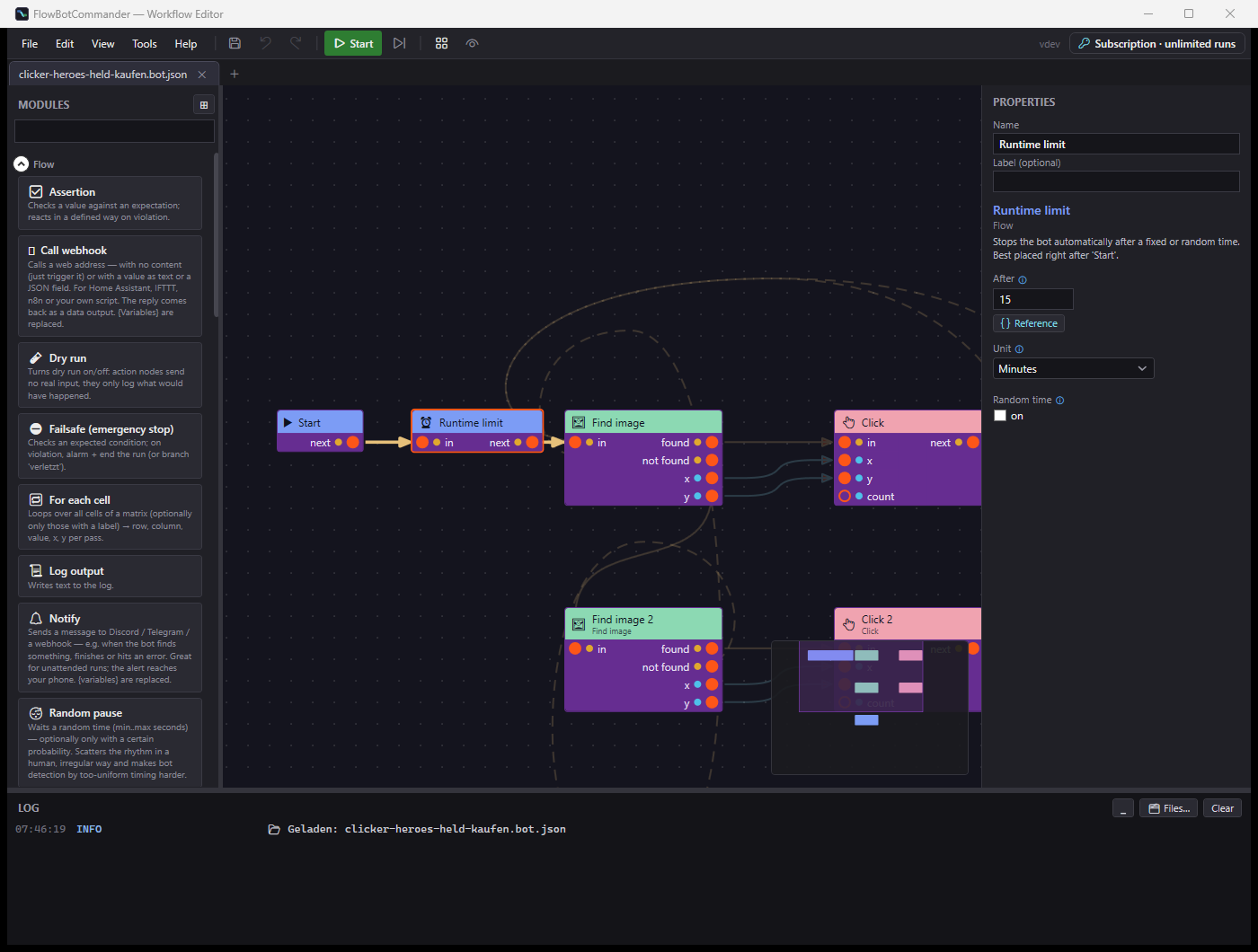
The idea
The buy button is blue when you can afford the hero and grey when not. A template of the blue button is therefore only found when a purchase is possible — "Find image" is thus the check and the click target at the same time.

After the first purchase the button of the same hero is called LEVEL (upgrade) — also blue when affordable.
So two templates: buy-active and level-active.
Step 1 — Look for BUY and click
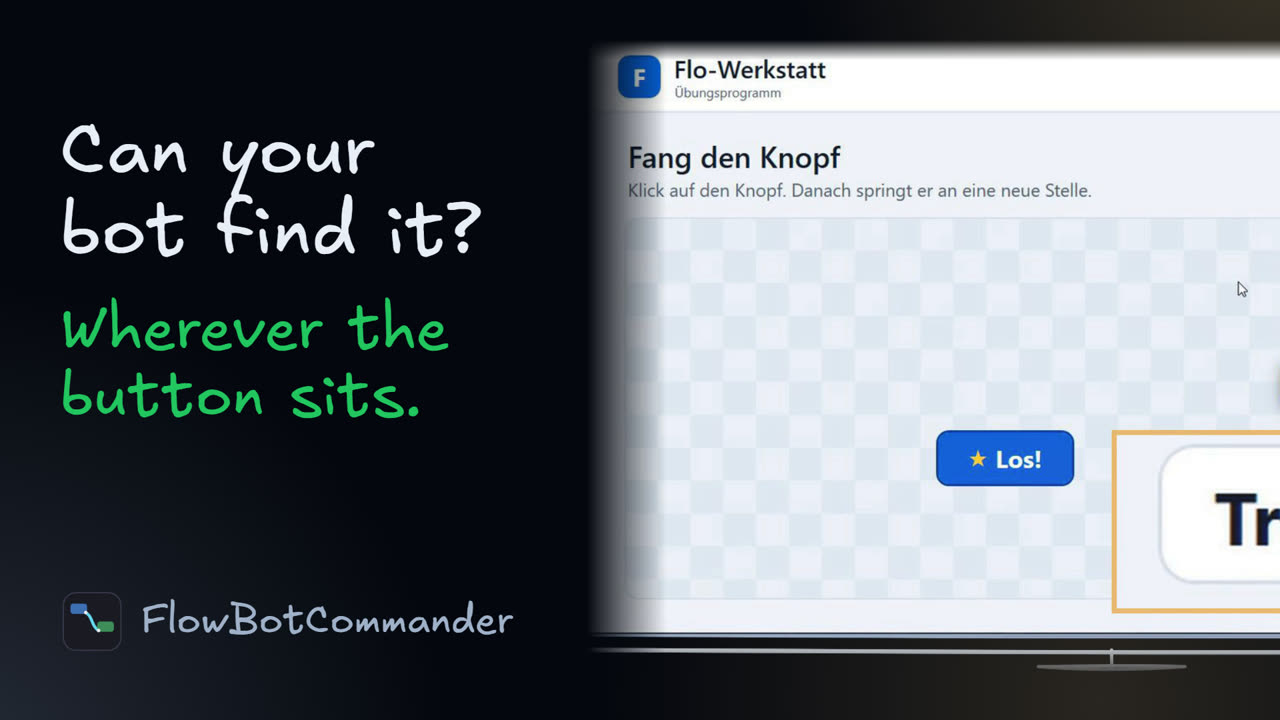 Play video2:57
- Find image after the runtime limit: Template image → Capture, a tight rectangle around a blue BUY button (including coin and price is fine — price 5 is always the same for Cid). If no button is blue right now: click the monster a few times until you have 5 gold.
- Similarity
0.85, Scale-tolerant on. - Click at found: Move there first on, profile Human, Wait afterwards
500ms. Blue lines x → x, y → y. Then back to "Find image" — maybe another purchase is possible.
Step 2 — LEVEL as second chance
At not found a second Find image node with the template of the blue LEVEL button, again with a click at "found" and a return to the first search.
Step 3 — Nothing affordable: wait
At "not found" of the second search: Wait 2 seconds, then back to the beginning. The bot thus polls every two seconds whether the gold is enough for anything.
Step 4 — Start
Click the monster yourself on the side (or let the auto-clicker run in a
second tab): as soon as the button turns blue you see 🔎 found in the log and the click.
What you have learned
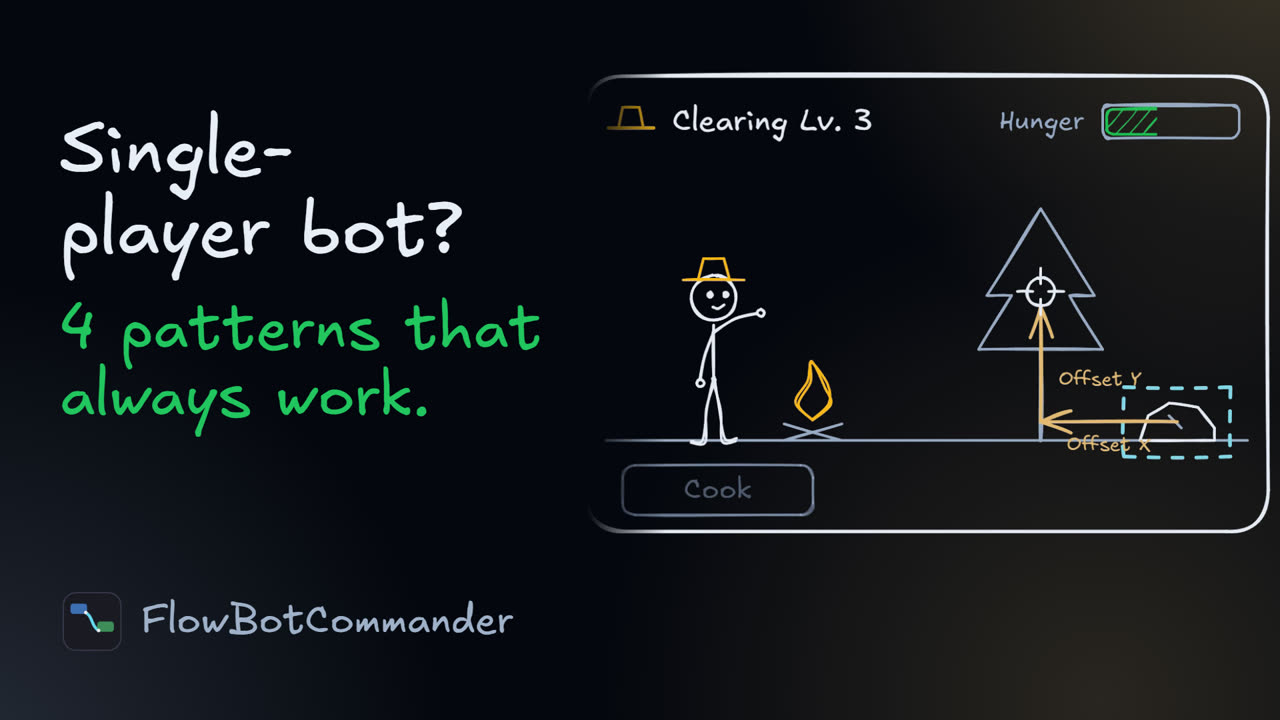 Play video1:45
A state of the interface (affordable) can often be recognised by the look of a button — no number to read, no comparison needed. The same pattern fits "Ready" buttons, active abilities, collect icons.
If it doesn't work
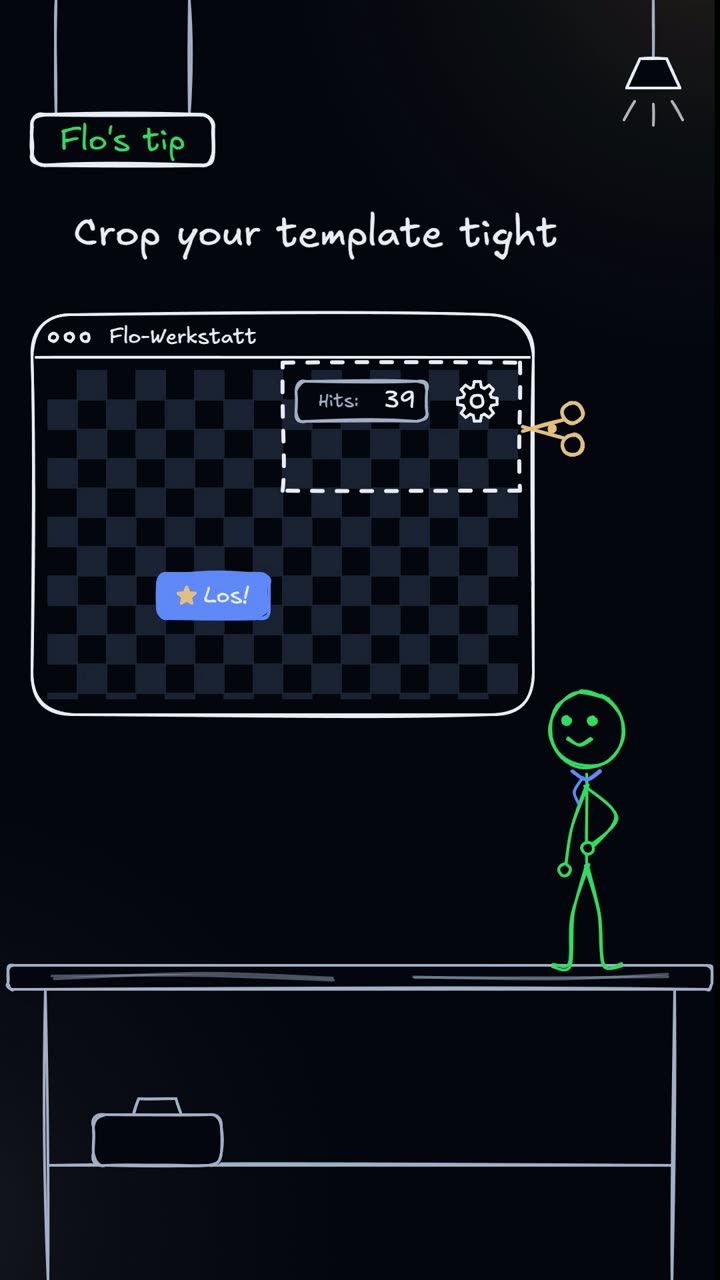 Play video0:44
- The grey button is found anyway: raise the similarity (0.9) — or turn on Only active (bright) matches in "Find image": then a clearly darker spot does not count as a match.
- The blue button is not found: capture the template again, similarity 0.8. Check with Preview… that the template really shows the blue button.
- The bot keeps buying the same hero: that is Clicker Heroes — every purchase is one level. If you want to save, put a longer Wait between purchase and return.