Click doesn't arrive
The bot clicks, but nothing or the wrong thing happens in the game — check the target, bring the window to front, reference and anchors, click type, timing.
The log shows 🖱 left click, but nothing happens in the game — or something other than planned. In order:
 Play video2:15
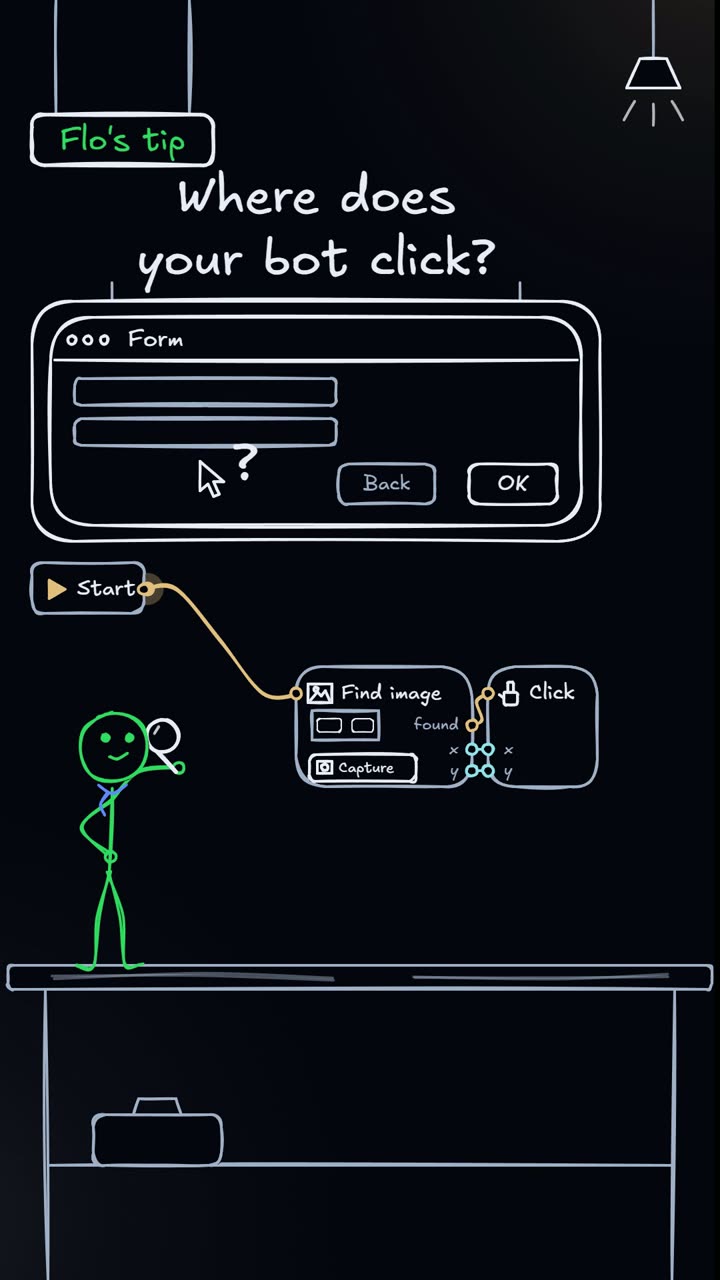
1. Where does the bot really click?
 Play video0:36
Turn on Dry run ("Dry run" node before the click) and let the bot run: without clicking, the log now names the screen coordinates of every click that has a target point ("Move there first" on, or x/y connected by a line), and likewise for "Move mouse" and "Drag". If the node clicks at the current mouse position, the point appears in the line of the "Move mouse" node before it. Alternatively the Aim… button next to X/Y of the click node (visible with "Move there first") shows the target point on screen. If the point is wrong:
- Does x/y come from "Find image"? Then the template is not where you think — correct with Offset X/Y or choose the template anew.
- Fixed coordinates? The window was moved. Set Reference to Window-relative or work with an anchor.
2. Is the game in front?
A click lands in the window that is visible at that spot. If the editor or another window lies over the game, it gets the click. Remedy: turn on Bring target window to front first in the click node — or once Bring window to front at the beginning of the flow.
Stubborn cases (a window keeps moving over the game, "always on top" programs): additionally set Windows in front of the target to Minimize, then bring back. The node then remembers every window overlapping the game, minimizes them for the click and brings them back afterwards — also when aborted with the panic key. Minimize leaves them down. FlowBotCommander's own windows are never touched.
3. The click is too fast
Some games only register clicks where the mouse rested briefly beforehand, or ignore clicks a few milliseconds apart. Set Wait afterwards to 50–100 ms, movement profile Human instead of Direct, if necessary Click type → Hold down with a short hold duration.
4. Wrong click type or button
Double-click needed (open icon, pick up item)? Click type → Double click. Right mouse button? Mouse button → Right. Drag instead of click? The subscription includes the Drag (A→B) node for that.
5. The game blocks synthetic input
- Exclusive full screen: switch the game to windowed or borderless mode.
- The game only accepts input from real hardware: then it is deliberately not meant for automation. Automate programs and single-player games that allow it instead (Safety and control, Fair Play).
6. Safe mode kicks in
Does the log say "skipped" instead of "click"? Safe mode discards clicks at (0,0) or outside the target window — a sign that "Find image" delivered nothing. Look for the cause there (Image is not found).
Still nothing?
Log, bot file and a screenshot to service@flowbotcommander.com.
Block areas that must never be clicked
 Play video0:41
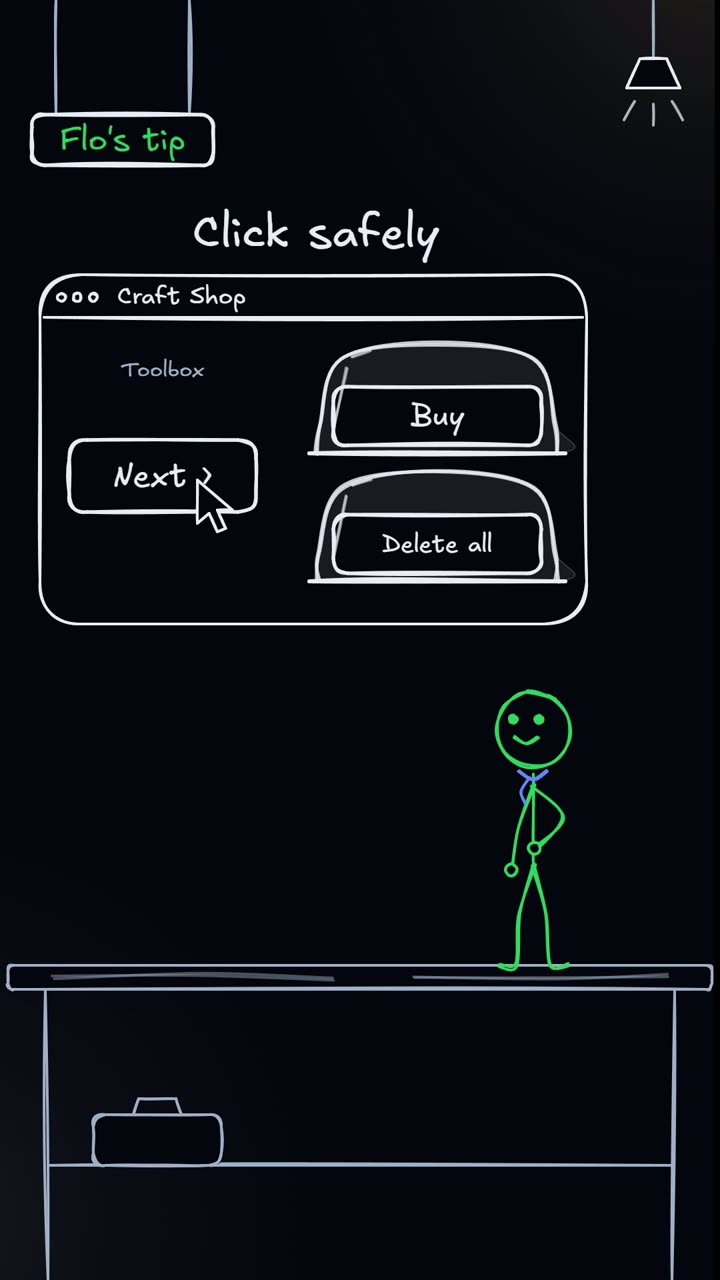
Some buttons cost money or delete things — the in-game shop, "delete account", "sell everything". So that a
slipped click never lands there, enter rectangles in the Safe mode node under No-click zones, one per
line as x,y,width,height in screen pixels. The quickest way is the Region… button next to the field: drag a
rectangle around the button, and the app adds the matching line at the bottom. Everything already in the field
stays as it is. You can just as well type the lines by hand, comments go after #:
1180,800,220,60    # shop button
0,0,300,40         # account menu, top left
The no-click zones apply to these nodes:
- Move mouse: the target.
- Click: before every single click, the spot where the pointer is right now, whether the node moves there first or clicks at the current mouse position. With "Move there first" (or connected x/y) the bot also checks the target point before the mouse sets off. If the pointer wanders into a no-click zone during a click series, the series ends right there.
- Drag (A→B): start and end point.
- Sweep area: with "Click at points" the bot clicks every free grid point and leaves out the blocked ones. With "Drag (hold button)" it checks the whole path before pressing the button and drags when all waypoints and the stretches between them pass the no-click zones with a little distance.
- Mouse cursor with "Resize window": grab point, end point and the path in between.
This also applies when the "Safe mode" switch above them is off, starting from the moment the node has run in the
flow. So place the node right after Start. An action that would land in a no-click zone is dropped and noted in
the log (🛡 Sperrbereich: … verworfen). Scroll only turns the mouse wheel and does not click. It scrolls
exactly where you set it, also over a no-click zone.
Check the flow before it runs
Tools → Check profile looks for the mistakes nobody else reports:
- unknown parameters (typos in a hand-edited file — they are silently ignored when loading),
- ports leading nowhere (a connection points at an output that does not exist),
- missing template files,
- unreachable nodes and outputs without a target,
- wait loops with no way out — a loop that only waits and searches. If it finds nothing once, nothing will ever change, and the bot circles there until you stop it. Typical case: "find anchor → wait 5 s → find anchor" while the game is still sitting in the main menu. The fix: put an acting node into the loop, i.e. go back to the click that actually creates the state you are looking for.
- run-time limit inside a loop — "run-time limit" starts a watchdog in the background and continues right away, so placing it once after the start node is enough. Inside a loop, however, every pass starts another watchdog that keeps running in the background. The time then counts from the first pass instead of from the start. With "Random time", the watchdog with the shortest time wins, so the end moves towards the lower limit "After". That is why the node belongs once, right after the start node.
The result goes to the log: errors with ❌, hints with ⚠. The same is available through the control API with
GET /api/bot/check.