Window modules
Find windows, bring them to front, move, close — and switch the image source.
Window modules control which program the bot works with. Normally you enter the target window once in the Start node, you need these modules when a second window comes into play or a window first has to appear.
Which one when?
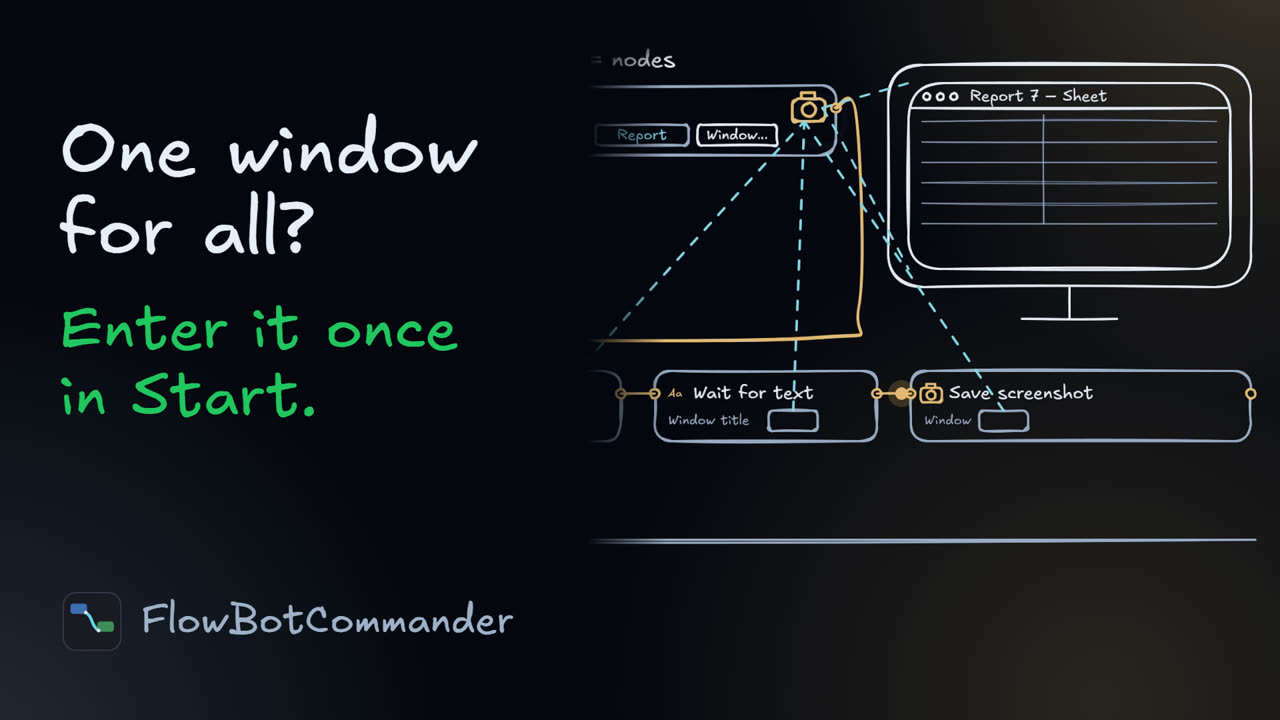 Play video1:27
| You want to … | Module |
|---|---|
| wait until a program has started | Wait for window |
| bring the game to the front before clicking | Bring window to front |
| put a window at a fixed position and size | Move window / Resize window |
| temporarily watch another window | Switch image source |
| position and size of a window as values | Window info |
| just KNOW whether a window is open (without waiting) | Window there? |
| match a window whose title changes ("Game (1)", "Game (2)" …) | match type Regular expression — see RegEx made simple |
All modules of this category
🪟 Wait for window Subscription
Waits until a window is there (or gone) — e.g. after starting a launcher, until the client is really open. Until now that had to be rebuilt with an image.
Inputs: in (flow) · Outputs: ok (flow), timed out (flow), titel
| Field | Type | Default | Meaning |
|---|---|---|---|
| Window title | Window | — | Part of the title to wait for. |
| Title match | Choice: enthält, beginnt mit, endet mit, ist exakt, Regulärer Ausdruck | enthält | How the title is compared. enthält — Titel enthält den Text (empfohlen) beginnt mit — Titel fängt mit dem Text an endet mit — Titel hört mit dem Text auf ist exakt — Titel ist genau der Text Regulärer Ausdruck — Profi: z. B. ^Doc.*Editor$ (beginnt mit Doc UND endet mit Editor) |
| Wait for | Choice: it appears, it disappears | it appears | Whether the window should appear or disappear. it appears — For start sequences. it disappears — E.g. until a loading window closes. |
| Time limit | Number (≥ 0, s) | 60 |
0 means: wait without a limit (the panic key still stops it). |
| Check every | Integer (≥ 50, ms) | 500 |
How often to look for the window. |
📸 Switch image source Free
Optional: from here on, all perception nodes take their image from this window instead of the start node's target window. Not needed for normal flows — every perception node captures a fresh image of the target window by itself.
Inputs: in (flow) · Outputs: next (flow)
| Field | Type | Default | Meaning |
|---|---|---|---|
| Window title | Window | — | Title (or part) of the window to capture — leave empty to capture no window. Tip: give a distinctive part of the title so a launcher or another window isn't matched by mistake. Example: Notepad |
| Match type | Choice: contains, starts with, ends with, is exactly, Regular expression | contains | How the window title is compared with the pattern. contains — Title contains the text (recommended) starts with — Title starts with the text ends with — Title ends with the text is exactly — Title is exactly the text Regular expression — Pro: e.g. ^Doc.*Editor$ (starts with Doc AND ends with Editor) |
| Bring to front first | Yes/No | off | On = bring the window to the front before capturing (and restore it from a minimized state). Useful when the game doesn't render up to date in the background. Note: brings the target window to the foreground. |
| Reset to start node | Yes/No | off | Undo a previous switch: from here on, perception nodes use the target window of the start node again (the window field is ignored). |
↔️ Move window Free
Moves the window (title matches 'window') to screen position x,y.
Inputs: in (flow), x, y · Outputs: moved (flow), not found (flow)
| Field | Type | Default | Meaning |
|---|---|---|---|
| Fenster-Titel | Window | — | Titel(-ausschnitt) des Zielfensters — leer lassen wählt kein Fenster. Tipp: einen möglichst eindeutigen Teil des Titels angeben, damit nicht versehentlich ein Launcher oder ein anderes Fenster getroffen wird. Example: Notepad |
| Trefferart | Choice: enthält, beginnt mit, endet mit, ist exakt, Regulärer Ausdruck | enthält | Wie der Fenster-Titel mit dem Muster verglichen wird. enthält — Titel enthält den Text (empfohlen) beginnt mit — Titel fängt mit dem Text an endet mit — Titel hört mit dem Text auf ist exakt — Titel ist genau der Text Regulärer Ausdruck — Profi: z. B. ^Doc.*Editor$ (beginnt mit Doc UND endet mit Editor) |
| Target X | Integer (px) | 0 |
X position (pixels from the left) of the top-left window corner. The 'x' data input takes precedence. Example: 100 |
| Target Y | Integer (px) | 0 |
Y position (pixels from the top) of the top-left window corner. The 'y' data input takes precedence. Example: 100 |
🪟 Bring window to front Free
Brings the window (title matches 'window') to the front — optionally restoring it from minimized.
Inputs: in (flow) · Outputs: found (flow), not found (flow)
| Field | Type | Default | Meaning |
|---|---|---|---|
| Fenster-Titel | Window | — | Titel(-ausschnitt) des Zielfensters — leer lassen wählt kein Fenster. Tipp: einen möglichst eindeutigen Teil des Titels angeben, damit nicht versehentlich ein Launcher oder ein anderes Fenster getroffen wird. Example: Notepad |
| Trefferart | Choice: enthält, beginnt mit, endet mit, ist exakt, Regulärer Ausdruck | enthält | Wie der Fenster-Titel mit dem Muster verglichen wird. enthält — Titel enthält den Text (empfohlen) beginnt mit — Titel fängt mit dem Text an endet mit — Titel hört mit dem Text auf ist exakt — Titel ist genau der Text Regulärer Ausdruck — Profi: z. B. ^Doc.*Editor$ (beginnt mit Doc UND endet mit Editor) |
| Restore | Yes/No | on | On = a minimized window is restored first before it is brought to the front. |
❌ Close window Free
Closes the window (title matches 'window') — like clicking the X.
Inputs: in (flow) · Outputs: closed (flow), not found (flow)
| Field | Type | Default | Meaning |
|---|---|---|---|
| Fenster-Titel | Window | — | Titel(-ausschnitt) des Zielfensters — leer lassen wählt kein Fenster. Tipp: einen möglichst eindeutigen Teil des Titels angeben, damit nicht versehentlich ein Launcher oder ein anderes Fenster getroffen wird. Example: Notepad |
| Trefferart | Choice: enthält, beginnt mit, endet mit, ist exakt, Regulärer Ausdruck | enthält | Wie der Fenster-Titel mit dem Muster verglichen wird. enthält — Titel enthält den Text (empfohlen) beginnt mit — Titel fängt mit dem Text an endet mit — Titel hört mit dem Text auf ist exakt — Titel ist genau der Text Regulärer Ausdruck — Profi: z. B. ^Doc.*Editor$ (beginnt mit Doc UND endet mit Editor) |
🗕 Move window aside (remember) Subscription
Minimises the window that is currently in front (or one with a given title) and remembers it. That way the bot can click while you read or watch a video next to it. „Bring back remembered windows“ fetches it later.
Inputs: in (flow) · Outputs: next (flow), keins (flow), titel
| Field | Type | Default | Meaning |
|---|---|---|---|
| Which window | Choice: Window in front, Window with this title | Window in front | Normally the window in front — that is exactly what is in the bot's way. Choose the title only if a specific window should always be moved aside. Window in front — Whatever is currently in front — browser, video, chat. You do not have to know it in advance. Window with this title — Always the same window, no matter what is in front. |
| Window title | Window | — | Part of the title of the window to be moved aside. Deliberately NOT the target window from the start module: this is usually about a window in FRONT of it — a browser, a video, a chat. Example: FirefoxOnly visible if Which window = „Window with this title“. |
| Title match | Choice: enthält, beginnt mit, endet mit, ist exakt, Regulärer Ausdruck | enthält | How the window title is compared with the text. enthält — Titel enthält den Text (empfohlen) beginnt mit — Titel fängt mit dem Text an endet mit — Titel hört mit dem Text auf ist exakt — Titel ist genau der Text Regulärer Ausdruck — Profi: z. B. ^Doc.*Editor$ (beginnt mit Doc UND endet mit Editor) Only visible if Which window = „Window with this title“. |
| Skip this app's own window | Yes/No | on | Prevents this app from minimising itself when it happens to be in front — otherwise it would later pop up in front of the game when the windows are brought back. Only visible if Which window = „Window in front“. |
| Never move the target window aside | Yes/No | on | Protects the window from the start module. Minimised it no longer provides a picture, and every following module that searches or clicks in it runs into nothing — which is easy to miss, because „the window in front“ is sometimes exactly the game window. |
⤢ Resize window Free
Resizes the window (title matches 'window') to width w and height h.
Inputs: in (flow), w, h · Outputs: resized (flow), not found (flow)
| Field | Type | Default | Meaning |
|---|---|---|---|
| Fenster-Titel | Window | — | Titel(-ausschnitt) des Zielfensters — leer lassen wählt kein Fenster. Tipp: einen möglichst eindeutigen Teil des Titels angeben, damit nicht versehentlich ein Launcher oder ein anderes Fenster getroffen wird. Example: Notepad |
| Trefferart | Choice: enthält, beginnt mit, endet mit, ist exakt, Regulärer Ausdruck | enthält | Wie der Fenster-Titel mit dem Muster verglichen wird. enthält — Titel enthält den Text (empfohlen) beginnt mit — Titel fängt mit dem Text an endet mit — Titel hört mit dem Text auf ist exakt — Titel ist genau der Text Regulärer Ausdruck — Profi: z. B. ^Doc.*Editor$ (beginnt mit Doc UND endet mit Editor) |
| Width | Integer (px) | 1024 |
New window width in pixels. The 'w' data input takes precedence. Example: 1024 |
| Height | Integer (px) | 768 |
New window height in pixels. The 'h' data input takes precedence. Example: 768 |
❓ Window there? Free
Checks whether a window with a matching title is open. Outputs true/false + data gefunden, titel (full title of the first match) and anzahl. Changes nothing about the window.
Inputs: in (flow) · Outputs: true (flow), false (flow), found, titel, count
| Field | Type | Default | Meaning |
|---|---|---|---|
| Fenster-Titel | Window | — | Titel(-ausschnitt) des Zielfensters — leer lassen wählt kein Fenster. Tipp: einen möglichst eindeutigen Teil des Titels angeben, damit nicht versehentlich ein Launcher oder ein anderes Fenster getroffen wird. Example: Notepad |
| Trefferart | Choice: enthält, beginnt mit, endet mit, ist exakt, Regulärer Ausdruck | enthält | Wie der Fenster-Titel mit dem Muster verglichen wird. enthält — Titel enthält den Text (empfohlen) beginnt mit — Titel fängt mit dem Text an endet mit — Titel hört mit dem Text auf ist exakt — Titel ist genau der Text Regulärer Ausdruck — Profi: z. B. ^Doc.*Editor$ (beginnt mit Doc UND endet mit Editor) |
📐 Window info Free
Reads the position and size of the window (title matches 'window'). Data outputs x, y, breite, hoehe (screen pixels) + gefunden. Outputs found/notfound.
Inputs: in (flow) · Outputs: found (flow), not found (flow), x, y, breite, hoehe, found
| Field | Type | Default | Meaning |
|---|---|---|---|
| Fenster-Titel | Window | — | Titel(-ausschnitt) des Zielfensters — leer lassen wählt kein Fenster. Tipp: einen möglichst eindeutigen Teil des Titels angeben, damit nicht versehentlich ein Launcher oder ein anderes Fenster getroffen wird. Example: Notepad |
| Trefferart | Choice: enthält, beginnt mit, endet mit, ist exakt, Regulärer Ausdruck | enthält | Wie der Fenster-Titel mit dem Muster verglichen wird. enthält — Titel enthält den Text (empfohlen) beginnt mit — Titel fängt mit dem Text an endet mit — Titel hört mit dem Text auf ist exakt — Titel ist genau der Text Regulärer Ausdruck — Profi: z. B. ^Doc.*Editor$ (beginnt mit Doc UND endet mit Editor) |
🗗 Bring back remembered windows Subscription
Brings the windows back to the front that „Move window aside“ minimised earlier — at exactly the point in the sequence where you want them back.
Inputs: in (flow) · Outputs: next (flow), keins (flow), count
| Field | Type | Default | Meaning |
|---|---|---|---|
| How many | Choice: All of them, Only the last one | All of them | Whether all remembered windows come back or only the one moved aside last. All of them — Everything that was moved aside comes back — nothing stays forgotten in the taskbar. Only the last one — Only the window moved aside most recently — useful if several were parked one after another. |