Clicker Heroes: auto-clicker
A bot that finds the monster and clicks it as long as the game is visible — with Find image, offset, Repeat and a clean "not found" branch.
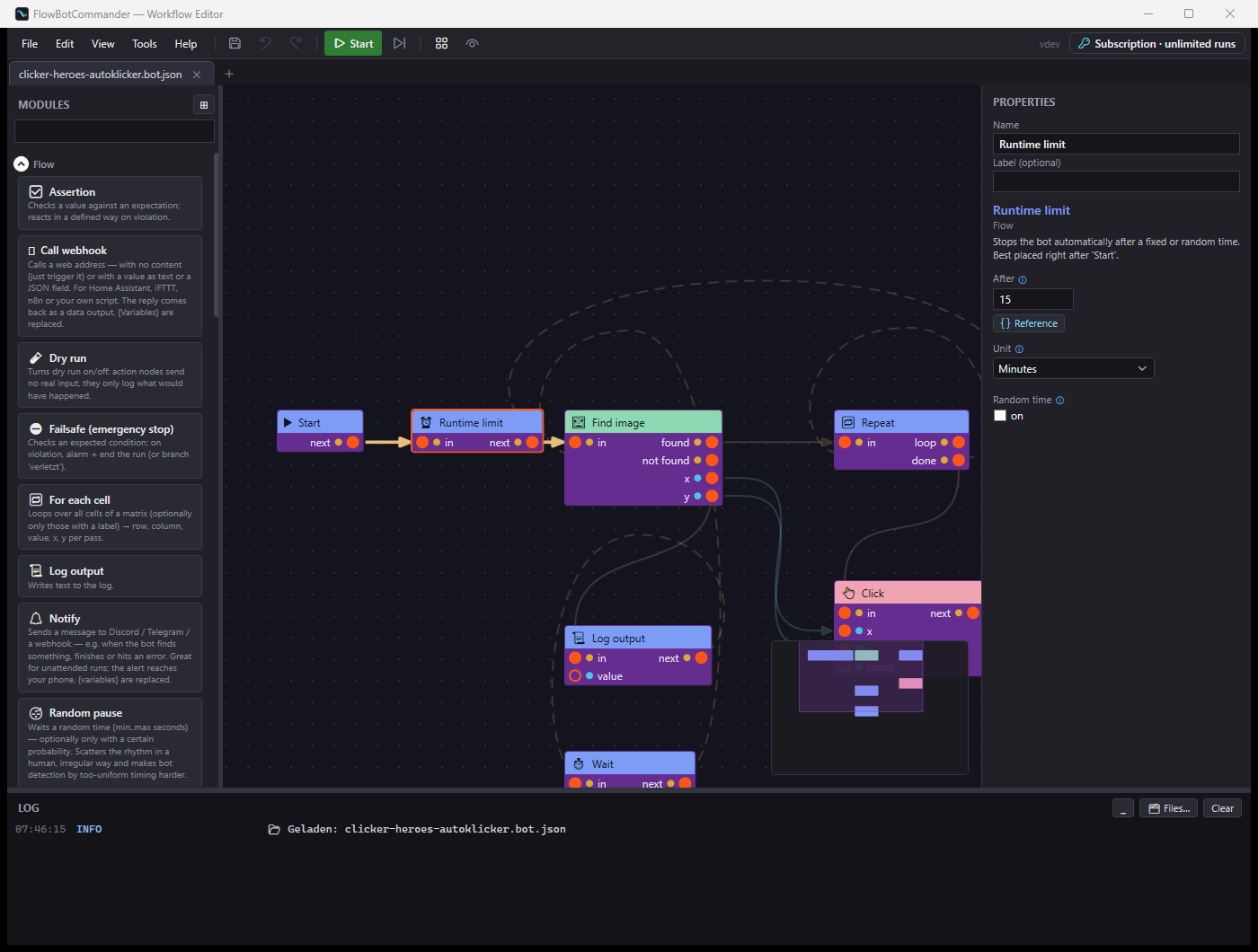
After this guide your bot clicks the monster in Clicker Heroes — in the right place, even if you move the browser window. Prerequisite: Preparation.
The idea
 Play video0:38
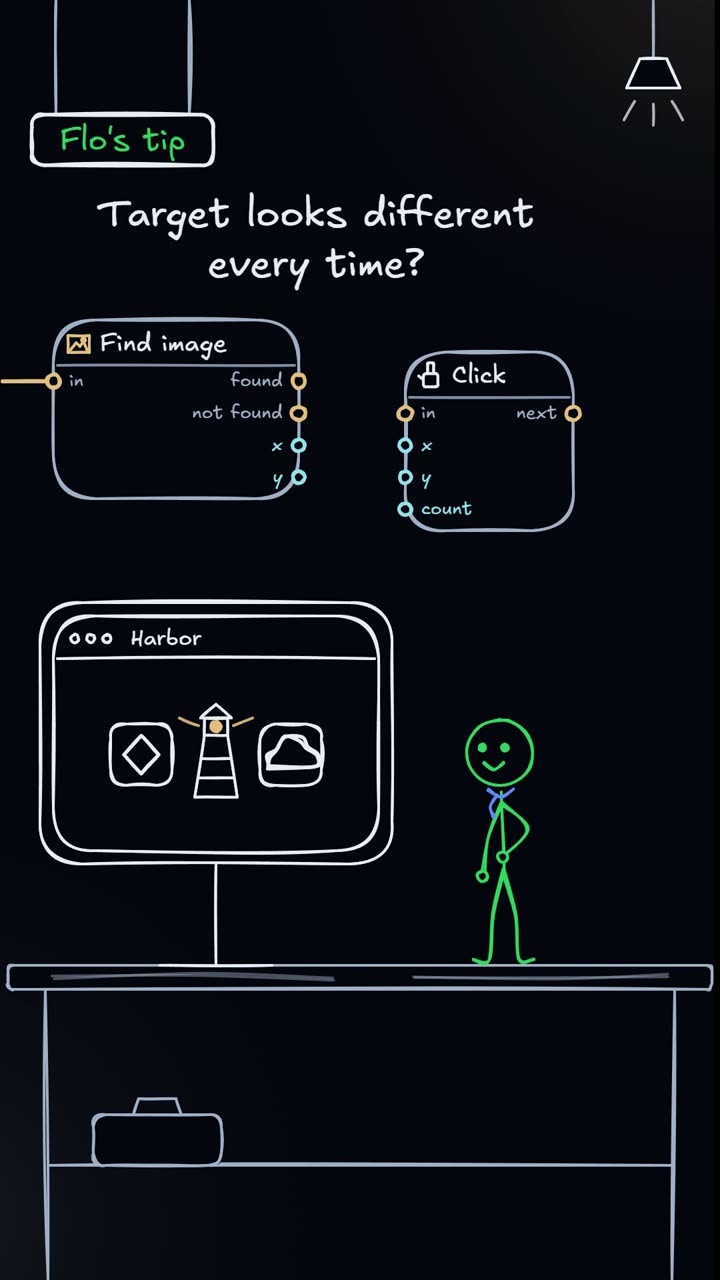
The monster changes its look every ten kills — it is no good as a template. But the HP bar below it has a silver ornament at both ends that never changes. We look for the left ornament and click 400 pixels above it and 115 further right: right into the monster.

Step 1 — Find image
 Play video0:44
- From Perception put the Find image node after the runtime limit.
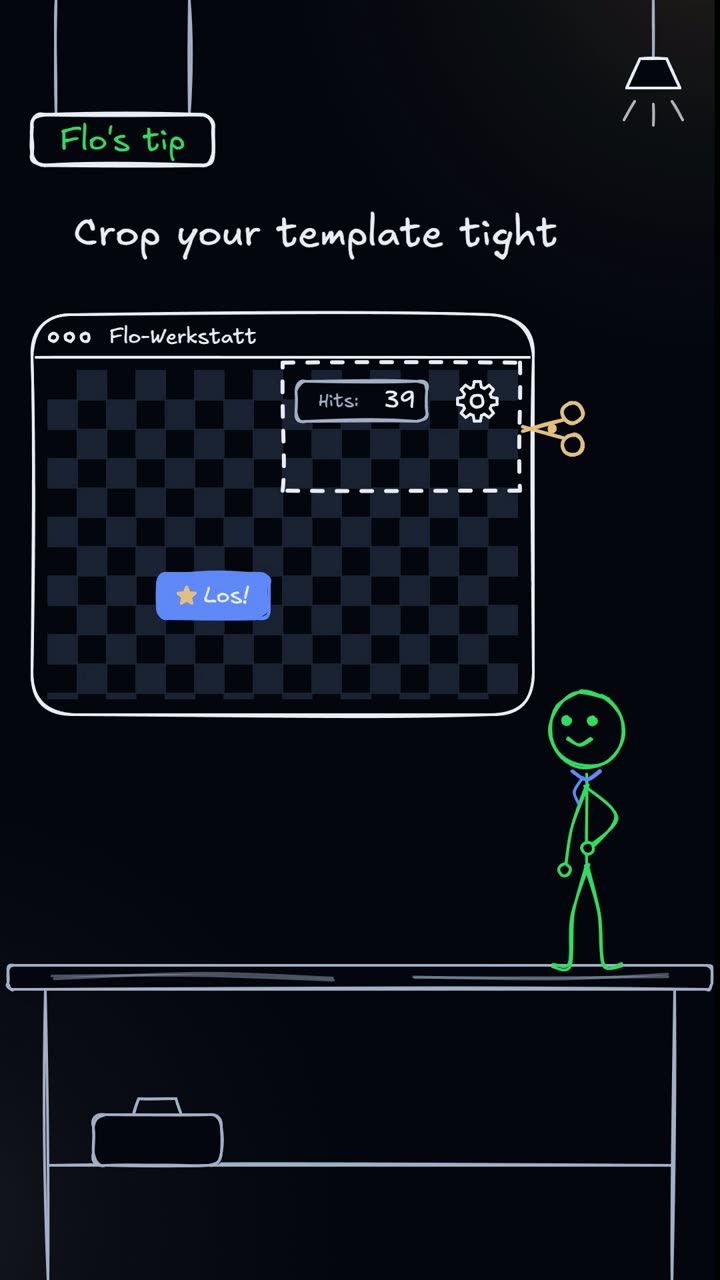
- Template image → Capture, in the game drag a tight rectangle around the left ornament (without the green bar — it changes colour when the monster takes damage).
- Similarity
0.85, Scale-tolerant on. - Offset X
115, Offset Y-400. Now the outputs x/y point not at the ornament but at the monster.
The values fit a browser window of usual size. If the monster is elsewhere on your screen, check with the Target… button on the click node (next step) where the bot will click and adjust the offset.
Step 2 — Click
- From Action attach the Click node to the found output.
- Move there first on, Movement profile Direct, Wait afterwards
40milliseconds. - Two blue lines: x → x and y → y from "Find image" to "Click".
Step 3 — Loop
 Play video1:31
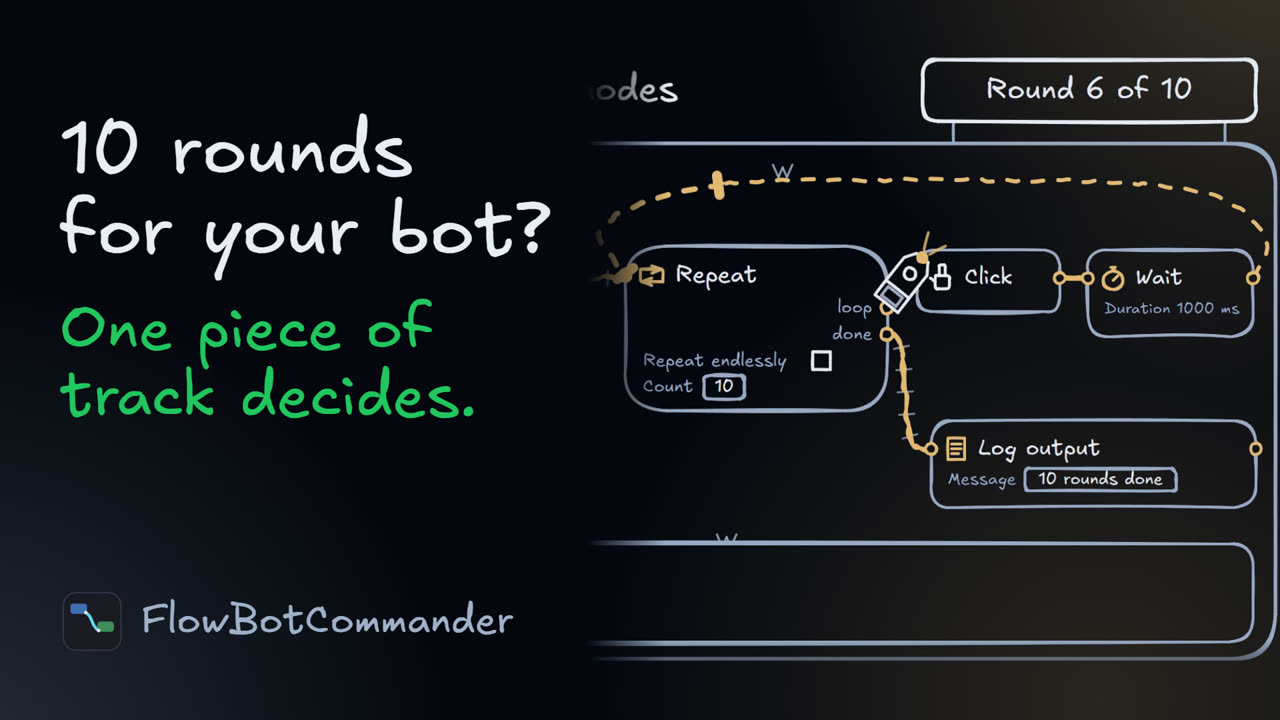
One click is not enough. Put the Repeat node with Count 50 between "found" and "Click": "found →
Repeat", "loop → Click", "Click → back to Repeat". And "done → back to Find image" — after 50 clicks the monster
is searched again in case the window has moved.
Since version 1.3.13 you can skip the loop: in the Click node set Number of clicks to 50 and
Speed to Fast (≈ 20/s) — the node then clicks 50 times at the same spot. The Repeat loop is still useful
when something else should happen between clicks (e.g. searching again). The stop key works in the middle of a series.
Step 4 — When nothing is found
Attach a Log output to not found (Monster not found — is the game visible?), then Wait 2 seconds and
back to "Find image". This way the bot complains instead of clicking blindly.
Step 5 — Start
Ctrl+S, then Start. The bot brings the game to the front, the log shows
🔎 found → target (…), score 1.00 and then the click passes. After 15 minutes it ends by itself.
Pause stops it immediately.
If it doesn't work
 Play video0:43
- "not found (score 0.7x)": the template does not match the pixel size of your window. Capture the template again (step 1) — the embedded one comes from a window of a different size. Similarity 0.8.
- Clicks land in the grass, not in the monster: adjust offset Y: larger value = lower
(e.g.
-350instead of-400), smaller value = higher. Check with Target…. - The clicks land in another window: in the click node Bring target window to front first must be on (it is in the example).