Clicker Heroes: preparation
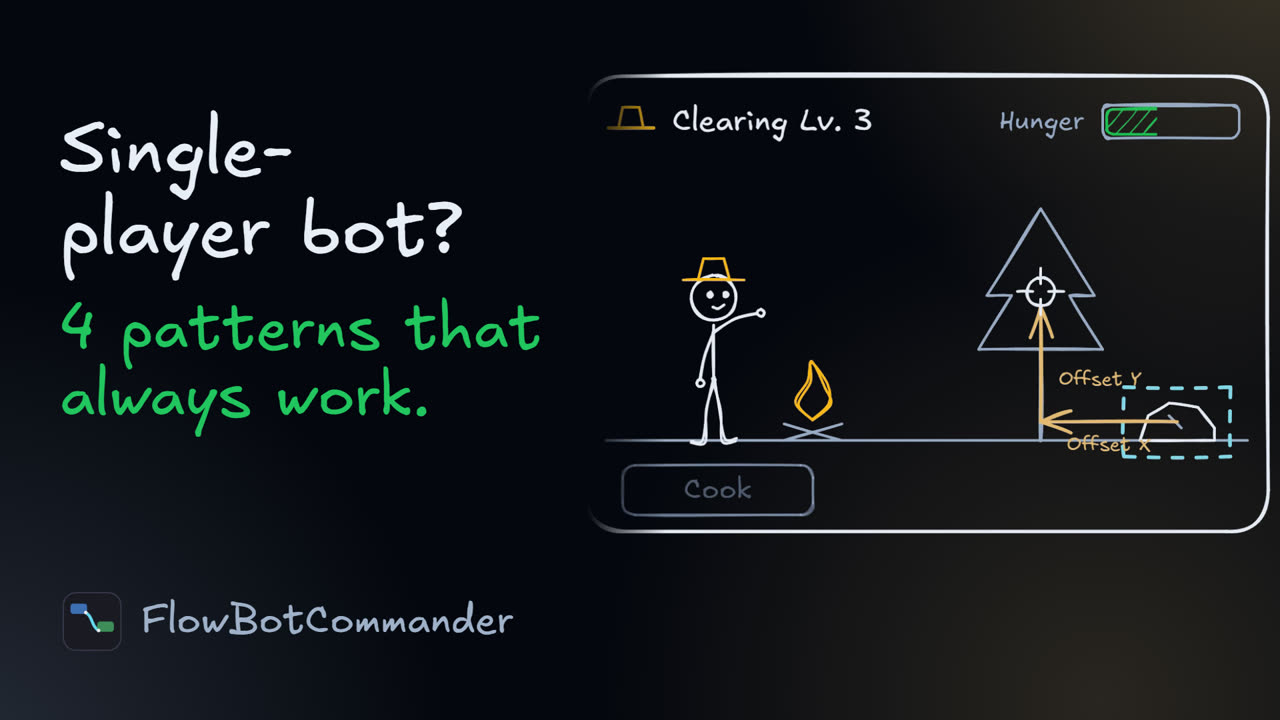
The practice game for all guides — start Clicker Heroes in the browser, enter the window as target and get to know the interface.
The following four guides build on each other and all use the same game: Clicker Heroes, a free clicker game in the browser. It is ideal for practising — large click area, clear buttons, a number to read — and harmless if a bot clicks in the wrong place for once.
Clicker Heroes is a single-player game without competition. For other games check the terms of use first — see Safety.
 Play video1:45
Step 1 — Open the game
In the browser open clickerheroes.com/play, click into the game area, choose your language and then Play. After loading you see this:

| Element | Where | What for in the guides |
|---|---|---|
| Gold coin and gold amount | top left | anchor (fixed coin), number to read |
| Hero list with BUY / LEVEL | left | button blue = affordable, grey = too expensive → "Find image" |
| Zone "Grove Lv. 1" | top right | Read text (OCR) |
| Monster with HP bar | right | click target |
The browser window can be any size — just not minimised. While practising, best leave it next to the editor. The bot brings it to the front itself when clicking.
Step 2 — Enter the target window
 Play video1:27
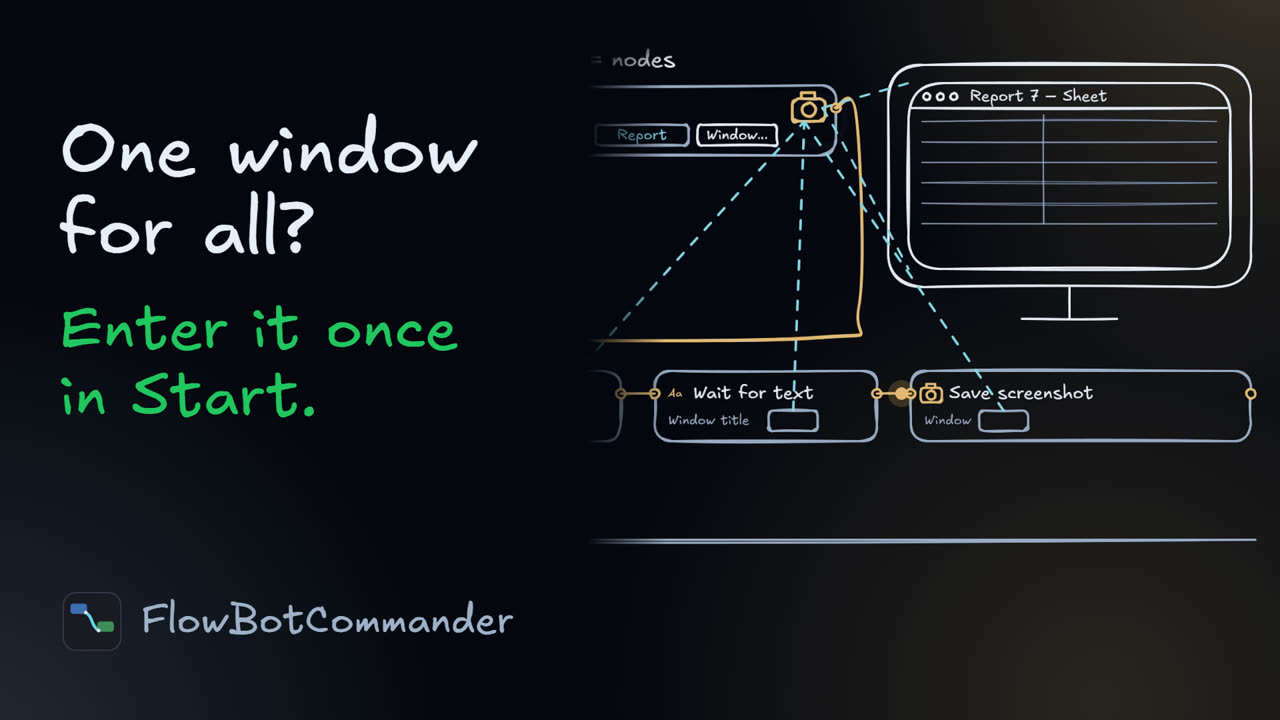
New bot (Ctrl+N), click the Start node, press Window… and choose the browser tab
with "Clicker Heroes". Afterwards the field contains part of the title, e.g. Clicker Heroes — that is enough,
because the match type is contains.
Step 3 — Safety net
 Play video1:34
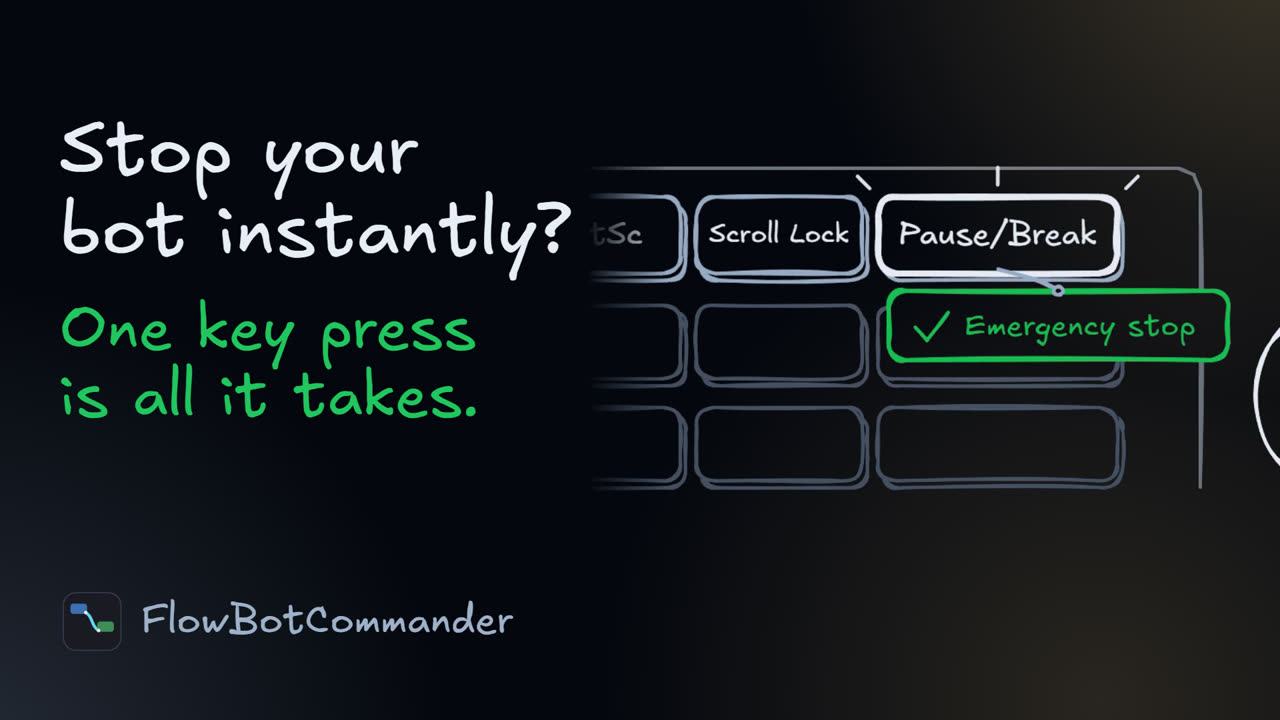
From Flow put a Runtime limit after Start, After 15, unit minutes. And: Pause is the emergency stop. Now you are ready.
The four guides
- Auto-clicker — find the monster and click it, in a loop
- Buy a hero — only click when the button is blue
- Read the level — read a number via OCR, let the clicks grow with it
- All together — a bot that plays on its own for half an hour
Every guide has a finished example bot to download. The template images are embedded in it and scale-tolerant — they should be found on your PC right away. If not, every guide shows how to capture them yourself in a minute.
The screenshots show the German game interface ("Wäldchen Lv. 1" = "Grove Lv. 1", "KAUF" = "BUY"). The buttons look the same in every language — only the text differs, which is why the templates are captured without the text wherever possible.