Clicker Heroes: read the level
Read the zone display via OCR, make it robust with an anchor and let the click count grow with 10*{level}.
After this guide your bot reads "Grove Lv. 1" from the screen, turns it into the number 1 and clicks 10 × level
times each round — the further you get, the harder it works. Prerequisite:
Preparation and the auto-clicker.
Step 1 — Anchor: the gold coin
 Play video1:32
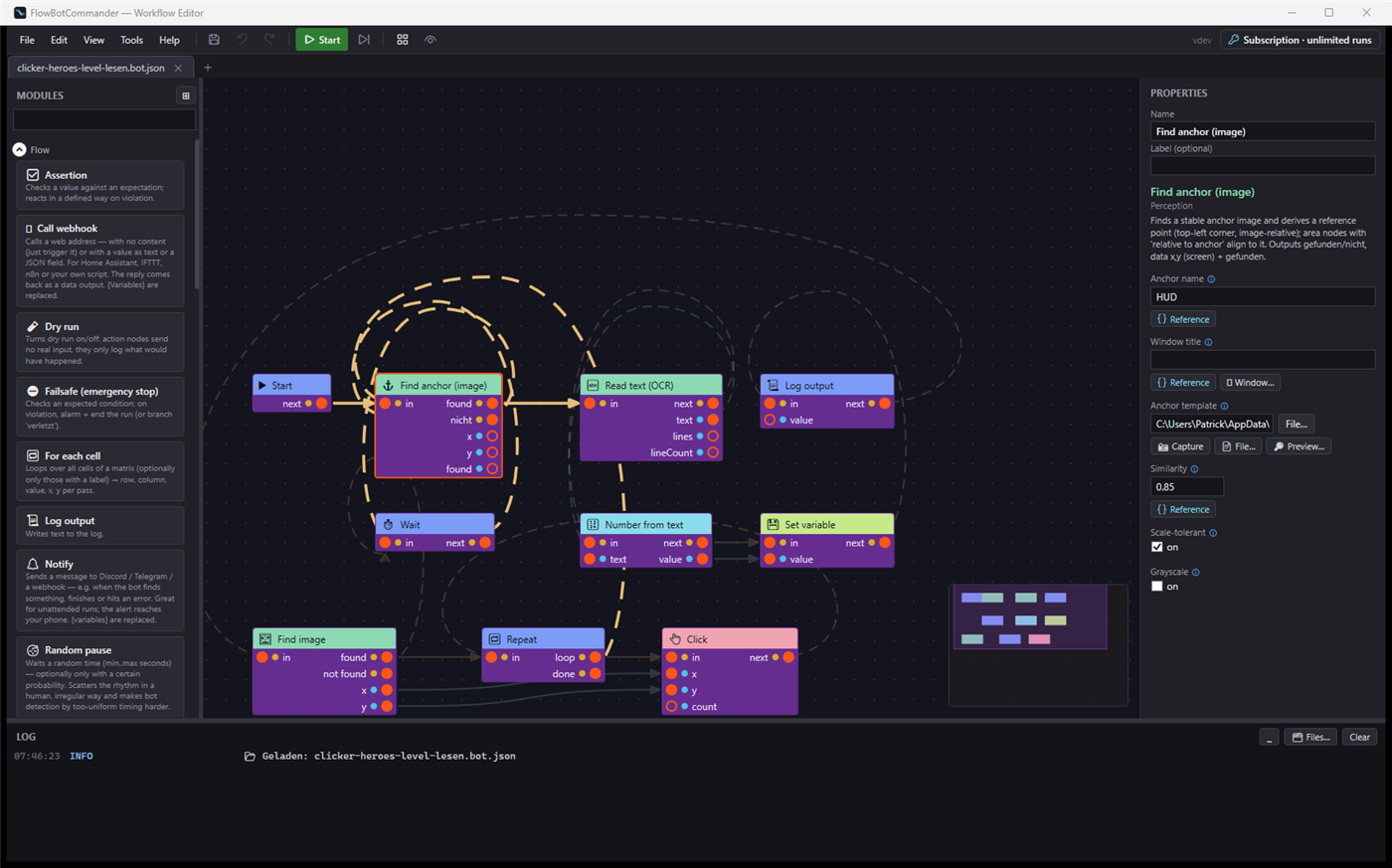
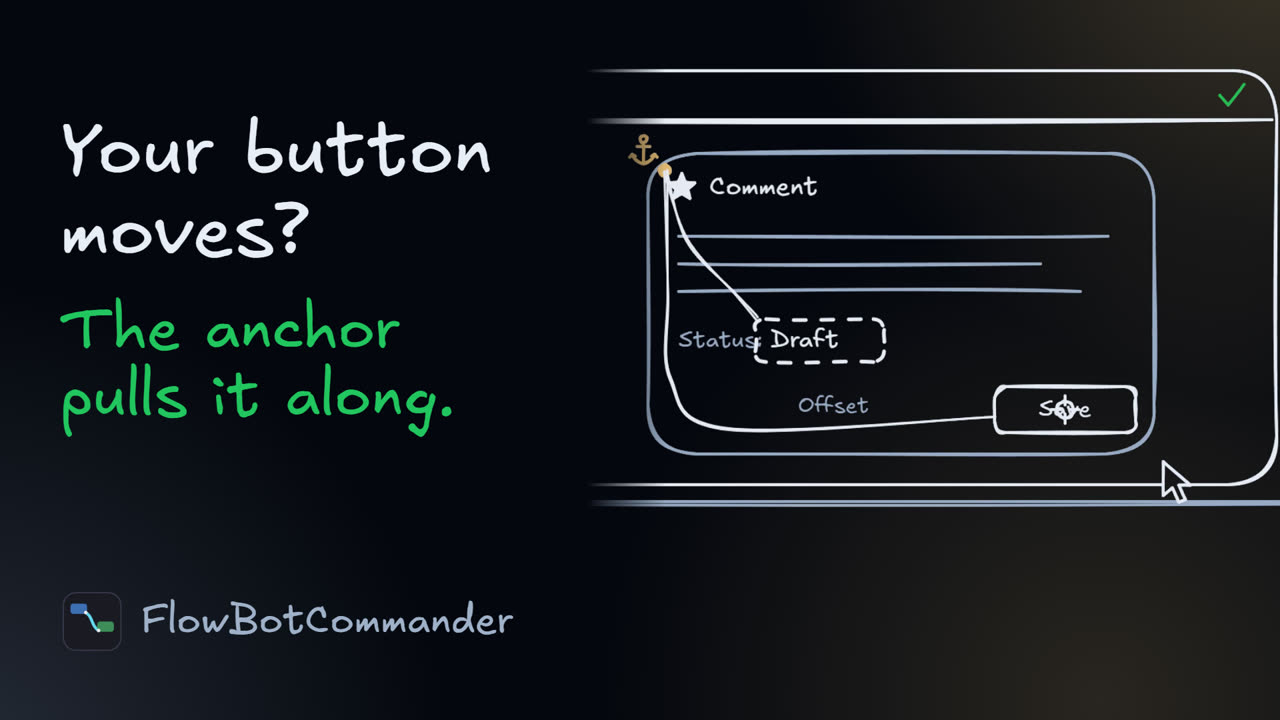
The OCR region should still be right when the browser window is somewhere else. So first, from Perception, the Find anchor (image) node after Start:
- Anchor name
HUD - Anchor template → Capture: tightly around the gold coin at the top left
- Similarity
0.85, Scale-tolerant on

Step 2 — Read text
 Play video3:28
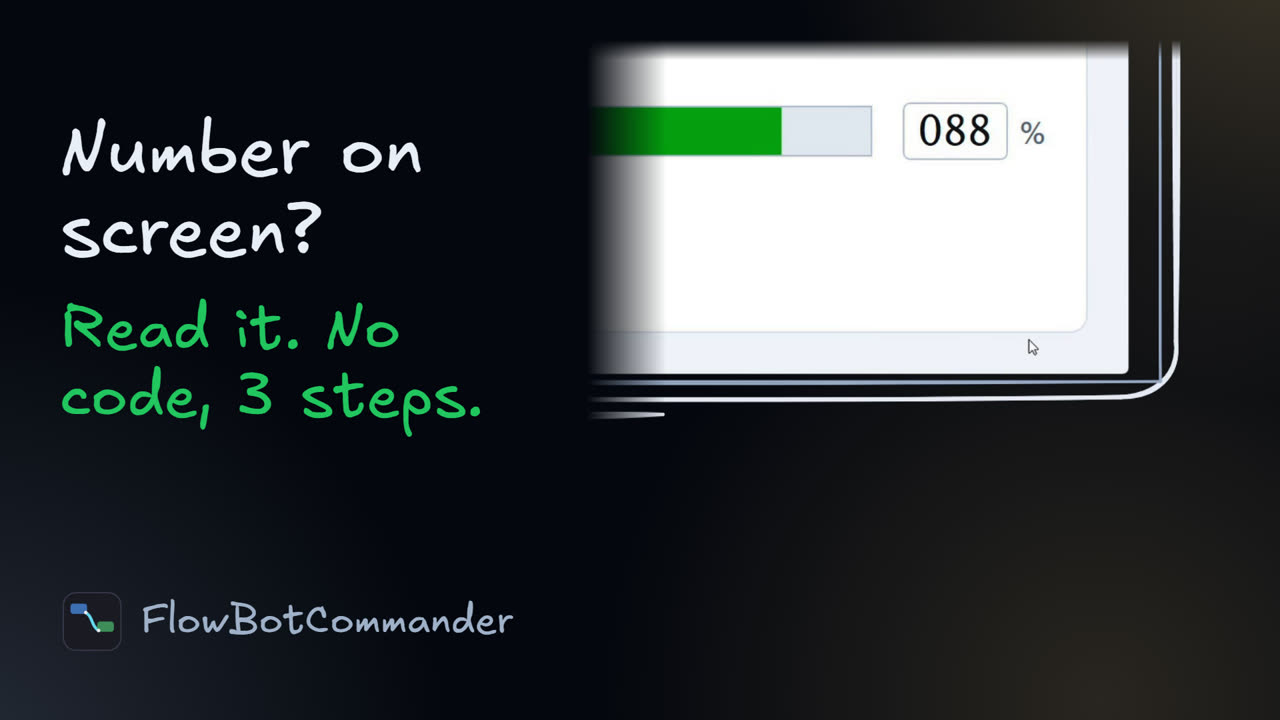
Read text (OCR) at the found output:
- Region relative to anchor on, Anchor
HUD. - Click Region… and drag a tight rectangle around "Grove Lv. 1". Because "relative to anchor" is on, the app stores the region as an offset to the coin (in the example about 955 px to the right, 66 px lower).
- Upscaling 2x, everything else default.

Step 3 — Make a number of it
 Play video0:41
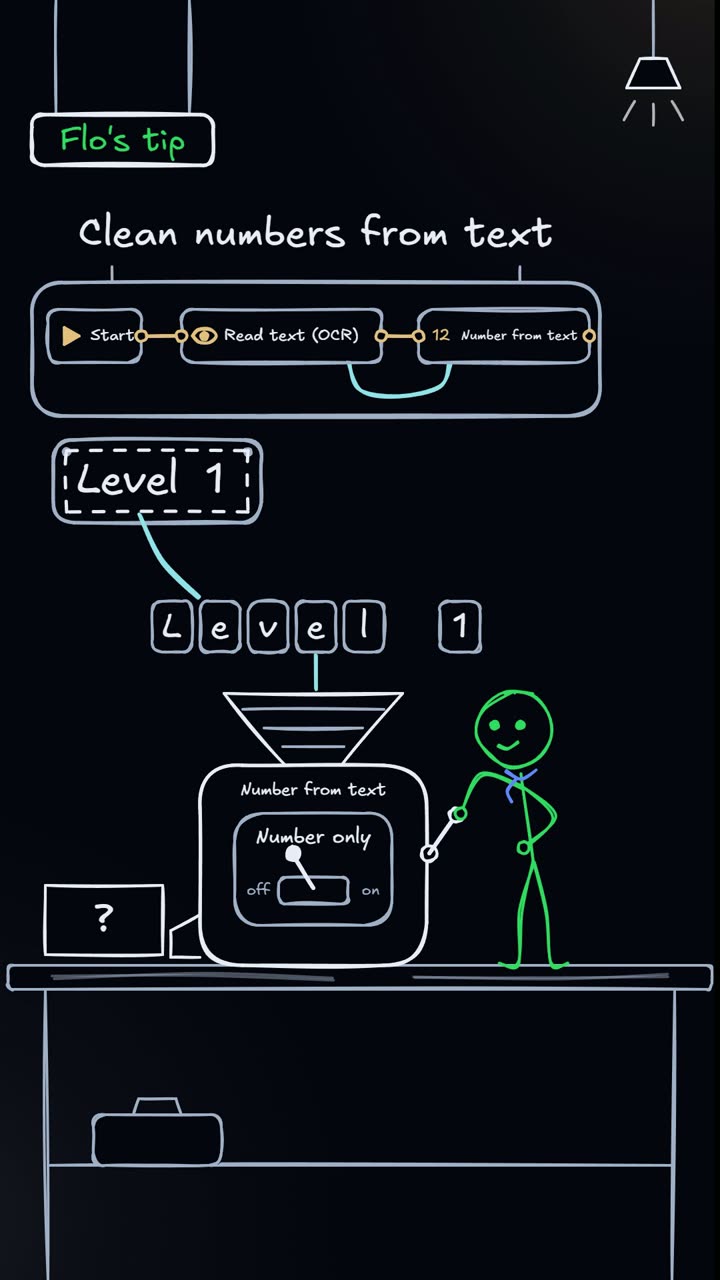
Number from text after the OCR node, blue line text → text. Number only (OCR fix) stays off: the text contains letters, and the fix would turn every "l" in "Wäldchen" (Grove) into a 1. In normal mode the node takes the first sequence of digits — the 1 after "Lv.".
Step 4 — Remember it as a variable
 Play video1:30
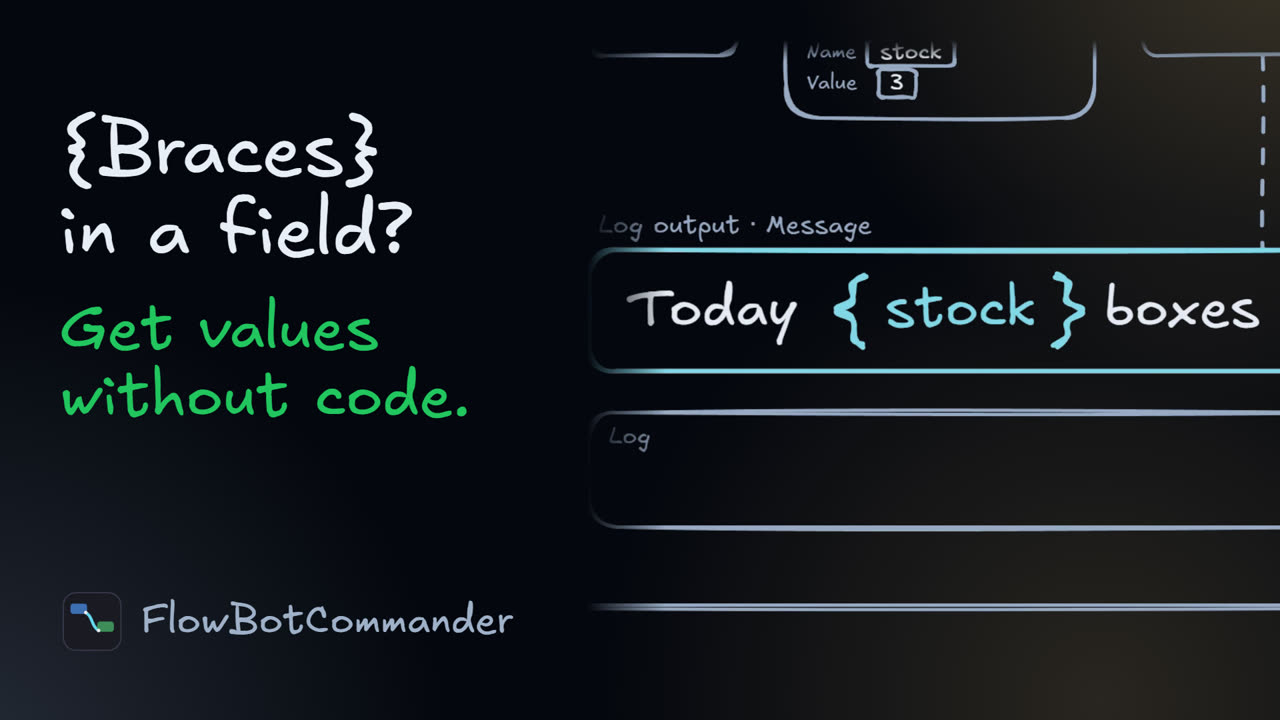
Set variable with Name level, blue line value → value. After it a Log output:
Zone level {level} → {level}×10 clicks — so you see in the log what was read.
Step 5 — Let the clicks grow
Now attach the auto-clicker part (Find image → Repeat → Click), but in Repeat enter the formula instead of a number:
10*{level}
After the loop ("done") back to Find anchor — every round the level is read afresh.
Step 6 — Start
In the log you see in turn: ⚓ anchor found, 👁 OCR (1 lines): "Wäldchen L"; 1",
Zone level 1 → 1×10 clicks, then ten clicks. If the zone rises, the click count rises with it.
What you have learned
- An anchor makes regions independent of the window position.
- OCR rarely delivers perfect text — Number from text still extracts the number if you choose the right mode.
- Number fields calculate:
10*{level}is a perfectly normal entry.
If it doesn't work
- OCR reads empty: region tighter and centred around the text. Try upscaling 3x. Check with
{Read text (OCR).text}in a log output. In detail: OCR reads wrong. - Level 11 instead of 1: "Number only" is on — turn it off (step 3).
- Anchor not found: capture the template again. The coin must be fully visible (window not cut off).