Profiles and templates
Where your bots and their template images live, how you pass bots on, assemble them from sub-bots and run several at once.
After this article you know what belongs to a bot, how to back it up and share it, and how to split large flows into handy parts.
One bot = one profile = one file
Everything you build in the editor ends up in a file name.bot.json — the profile. It contains the nodes, their
settings, the connections and the positions on the canvas. Save with Ctrl+S, under a new
name with Ctrl+Shift+S.
Template images
When you capture a template image with Capture, the app saves it as a PNG next to the profile file:
my-bot.bot.json gets the folder my-bot.vorlagen. When saving, the images are also embedded into the profile
file — so the bot stays complete even if you only pass on the .bot.json. On another PC the app unpacks the
images automatically when loading.
Tools → Templates… opens the template manager: it shows the templates of the profile in the current tab with preview, names the folder and lets you rename or delete images.
Passing bots on
 Play video0:44
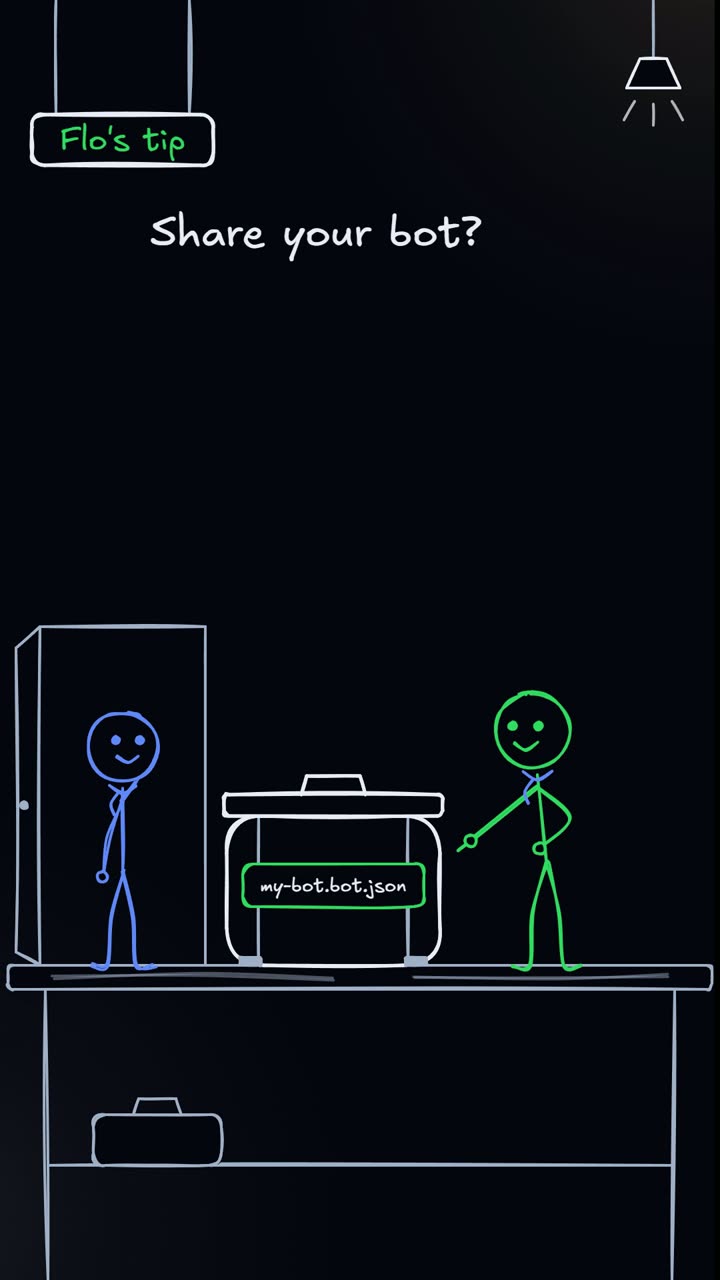
The .bot.json is enough. What the recipient has to adjust: the target window in the Start node (if their game
is named differently) and possibly the similarity if their screen resolution differs a lot —
Scale-tolerant in the perception nodes catches most differences. The example bots in this documentation are
built exactly like that.
Sub-bots: Run profile
The Run profile node loads another profile and runs it completely. Afterwards the flow continues here. This is
how you build building blocks — "log in", "go to shop", "clean up" — and use them in several bots. With Share
variables the sub-bot sees your variables. With Pass values you give it its own start values
(target=Notepad). Emergency stop, Stop and pause also work in the sub-bot. A pause always applies to the whole
bot, even when a failsafe or an assertion in the sub-bot triggers it, and Scroll Lock resumes it. When
your bot runs in dry run, the dry run applies in the sub-bot too. If the sub-bot itself contains a Dry run node, its
setting applies to that sub-bot from there on.
Several bots at once
Run profiles side by side starts several profiles next to each other (e.g. for two windows), Wait for started profiles waits until they are finished. Pause and dry run apply to these profiles too, just as with Run profile. Every tab in the editor can also be started independently.
Session and tabs
On exit the app remembers the open tabs and restores them at the next start. Unsaved changes are asked about. A
profile opened by double-clicking the .bot.json lands in a new tab.
Bundled starter profiles
Under File → Examples… you find ready-made starter profiles (first steps, tools, live OCR). They are a good starting point to see how nodes are wired sensibly.
If it doesn't work
- "Template not found" after copying: the profile was saved before embedding. Capture the images again or copy
the
.vorlagenfolder along, then save once. - Run profile reports an error: check the path to the
.bot.json(safest: choose via File…). The sub-bot needs its own Start node.