Variable modules
Remember and reuse values — and how you use them anywhere via {name}.
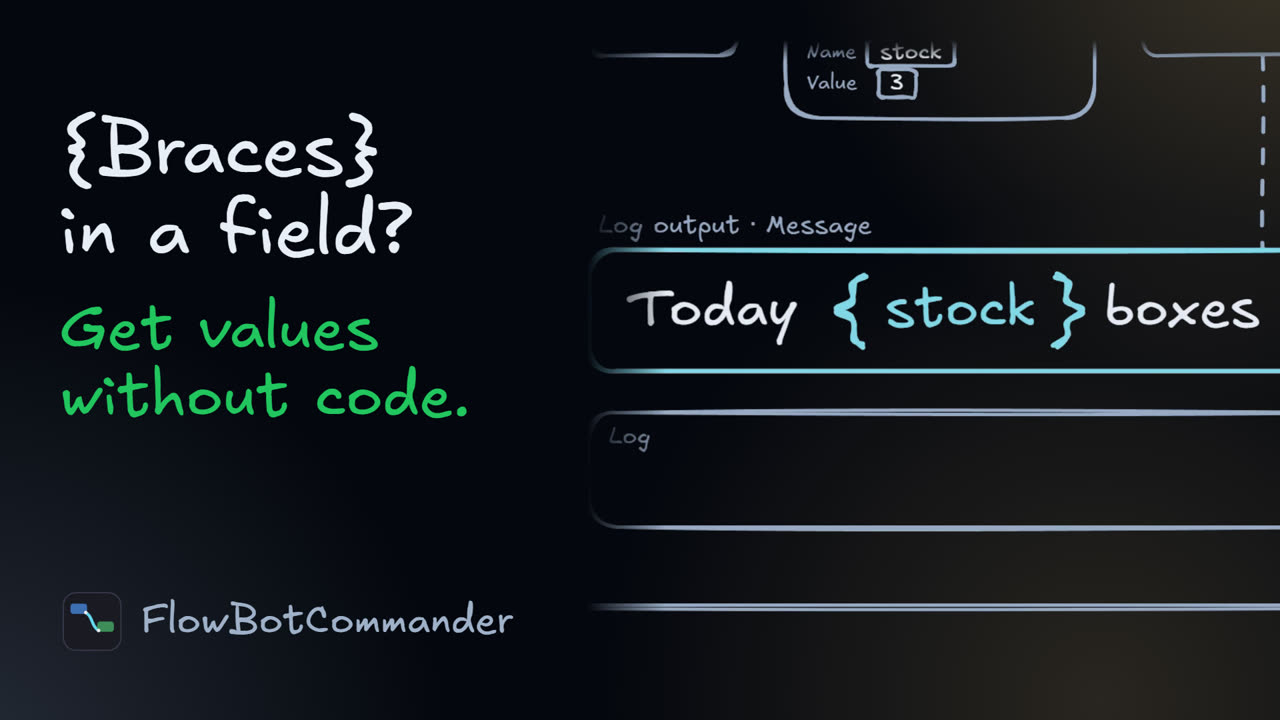
A variable is a named value that applies during the run. You set it with Set variable and use it anywhere as {name} — in texts, number fields, wait times. The variables panel (View → Variables) shows all values live. For outputs of other nodes you often don't need a variable at all: {Find image.x} works directly.
Which one when?
 Play video1:30
| You want to … | Module |
|---|---|
| remember a value for later | Set variable |
| set several values at once | Set variables (multiple) |
| pass a value on as a data output | Read variable |
All modules of this category
🏷 Read variable Free
Reads the value previously stored with 'Set variable' (shared memory / blackboard).
Inputs: in (flow) · Outputs: next (flow), value
| Field | Type | Default | Meaning |
|---|---|---|---|
| Name | Text | x |
Reads the value previously stored with 'Set variable' (internally var:Name). The name must match exactly. The value comes out at the 'value' data output. Example: count |
💾 Set variable Free
Stores the input value under 'name' (shared memory / blackboard).
Inputs: in (flow), value · Outputs: next (flow)
| Field | Type | Default | Meaning |
|---|---|---|---|
| Name | Text | x |
Stores the input value under this name (internally var:Name). Retrieve it later with 'Read variable' using the exact same name — typically: store a read value and compare it later. Example: count |
| Value (if no input is connected) | Text | — | Type the value directly — e.g. 5, Hallo or {Level.wert}. A connected 'value' input takes precedence. Numbers are stored as numbers, so Math and Compare work right away. Example: 0 |
📝 Set variables (multiple) Free
Creates several variables at once — one name=value per line. Afterwards usable everywhere as {name} in text (also in loaded profiles when 'Share variables' is active).
Inputs: in (flow) · Outputs: next (flow)
| Field | Type | Default | Meaning |
|---|---|---|---|
| Variables | Text (multi-line) | — | One variable per line in the form name=value (e.g. target=Notepad). The value may contain {other} variables. Available everywhere: {name} in text fields or via 'Read variable'. Example: target=Notepad |