Press & media kit
Everything editors, download portals and bloggers need about FlowBotCommander – cleared for copying. Questions and review licenses: info@flowbotcommander.com.
Facts
| Product | FlowBotCommander |
| Category | No-code desktop automation / visual bot builder for Windows |
| Core idea | Targets are found by image recognition and OCR, not fixed coordinates – bots keep working when windows move. |
| Current version | 1.5.4 (18.09.2026) · Changelog |
| System | Windows 10/11 (64-bit) · approx. 139 MB installer |
| Languages | UI: English, German, French, Spanish, Russian · docs & videos: EN/DE |
| Price | Free: 100 runs/day (ad-supported) · subscription €7.90/month or €59/year, cancel any time |
| License | Freemium, closed source; runs locally, license server only counts runs |
| Highlights | Tolerant image matching, OCR block, inbound/outbound webhooks (n8n, Home Assistant, Discord, Telegram), voice control via Whisper-compatible services (beta), “AI decides” module (beta), panic key |
| Fair Play | Single-player games and software whose terms allow automation only – part of the terms: /fair |
| Developer | Patrick Kairies, Höxter (Germany) – solo developer |
| Contact | info@flowbotcommander.com · YouTube |
Copy-ready descriptions
One line (≤ 80 characters)
Visual desktop automation for Windows: bots find targets by image recognition and OCR.
Short (≈ 250 characters)
Automate any Windows program without code. Snap blocks together in a visual editor: find image, click, read numbers with OCR, loop, branch, call webhooks. Targets are found by image, not coordinates, so bots survive moved windows. Free tier: 100 runs/day.
Long
FlowBotCommander lets you automate any Windows program without writing code. You build a bot by snapping blocks together in a visual editor: find an image on screen, click it, read a number with OCR, wait, branch, repeat, send a webhook. The key difference to classic macro recorders: every step finds its target by image or text recognition instead of fixed x/y coordinates. Bots therefore keep working when a window is moved or resized or a dialog appears in a slightly different place. Typical uses: single-player idle/clicker games (fair-play policy: no multiplayer, no PvP, no anti-cheat-protected games), legacy business software without an API, batch actions in tools that have no batch mode, screen-change alerts to Discord, Telegram, n8n or Home Assistant via webhook, repetitive-click relief for RSI users, smoke-testing your own desktop application. Flows can also be controlled by voice via Whisper-compatible services (beta). Free tier: 100 runs per day, ad-supported, no time limit. Subscription: €7.90/month or €59/year.
Logo & icon

Screenshots
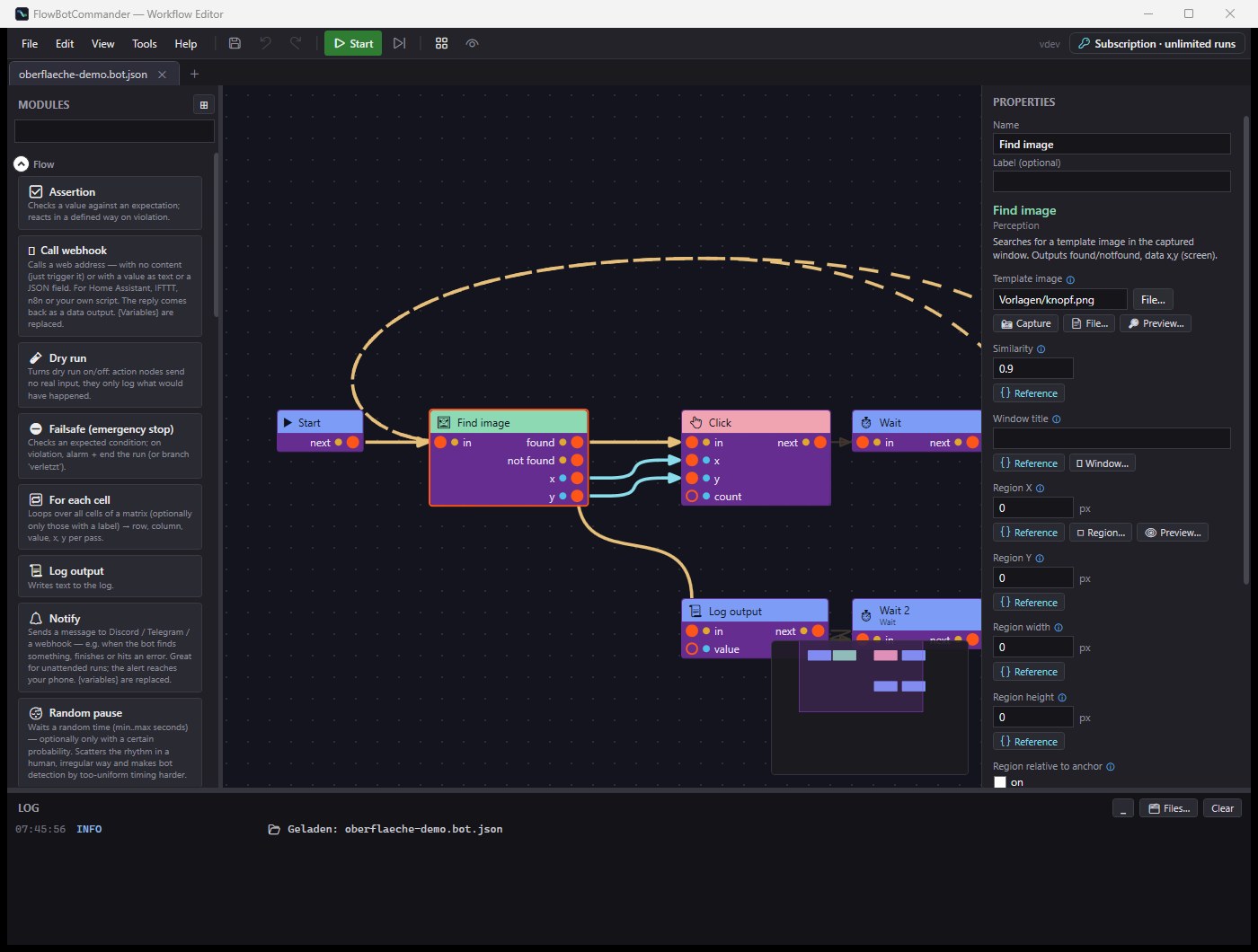
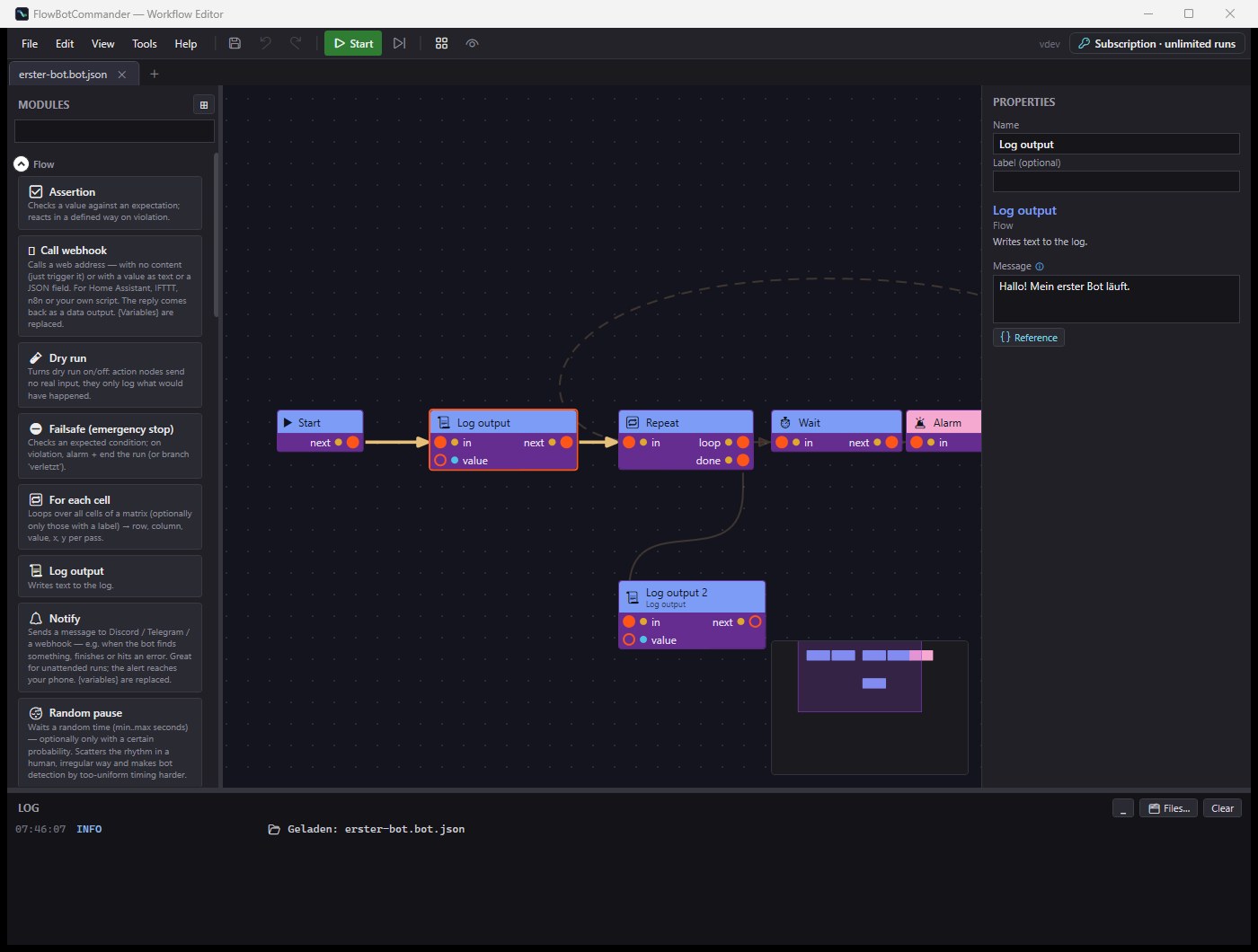
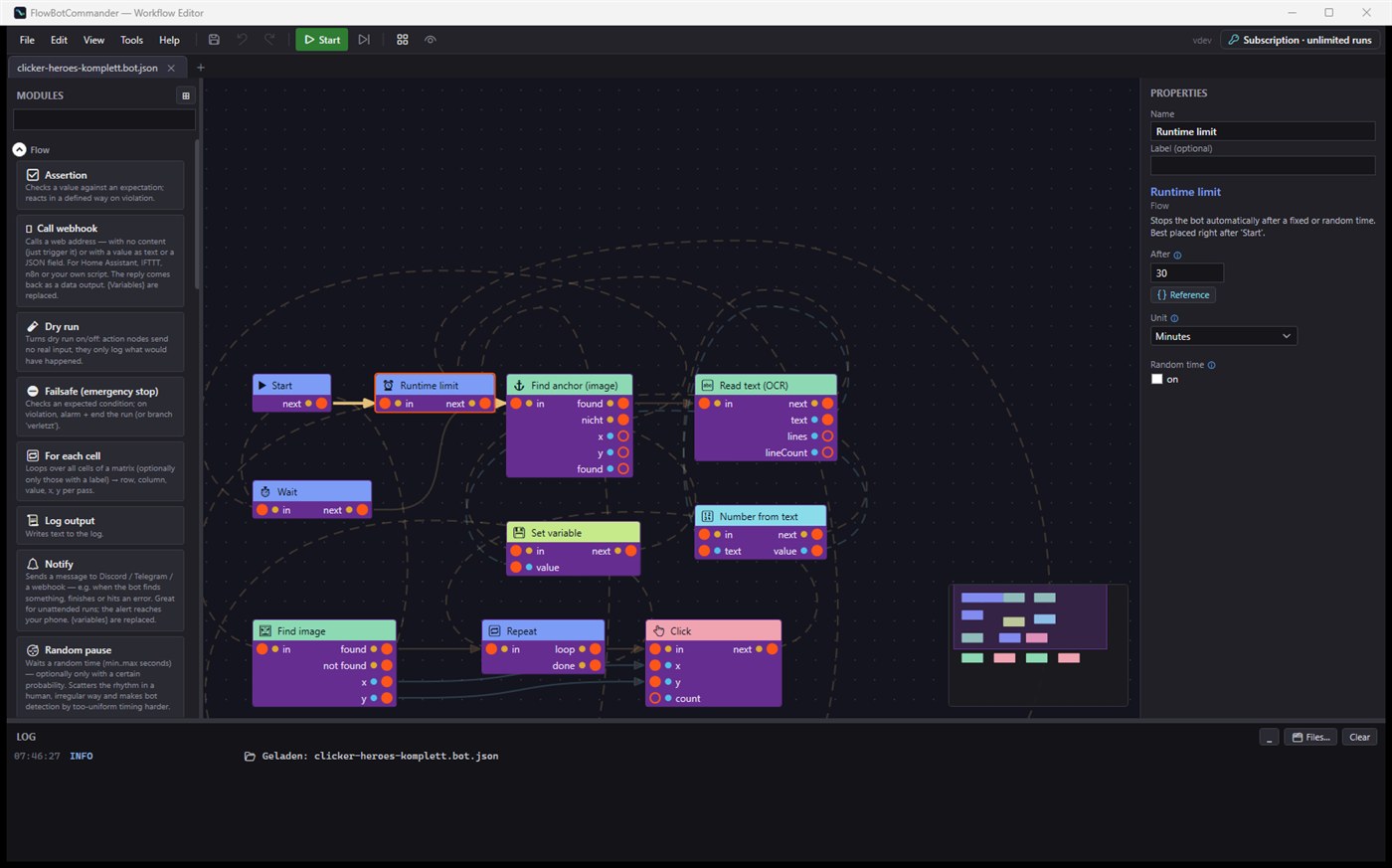
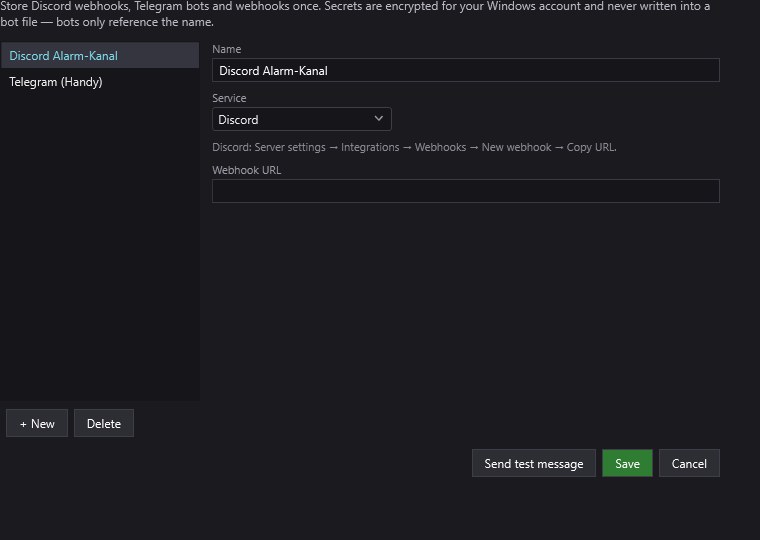
All images may be used freely for coverage and software listings.
Video
Install to first bot in 5 minutes – German with English audio track. More videos: youtube.com/@FlowBotCommander
For download portals
- PAD-file: https://flowbotcommander.com/pad/FlowBotCommander.xml
- Download page: https://flowbotcommander.com/download — for a direct installer link for your editorial team, email info@flowbotcommander.com
- Review license (subscription features) on request.